Chỉ video
1:28
Không tải được video này.
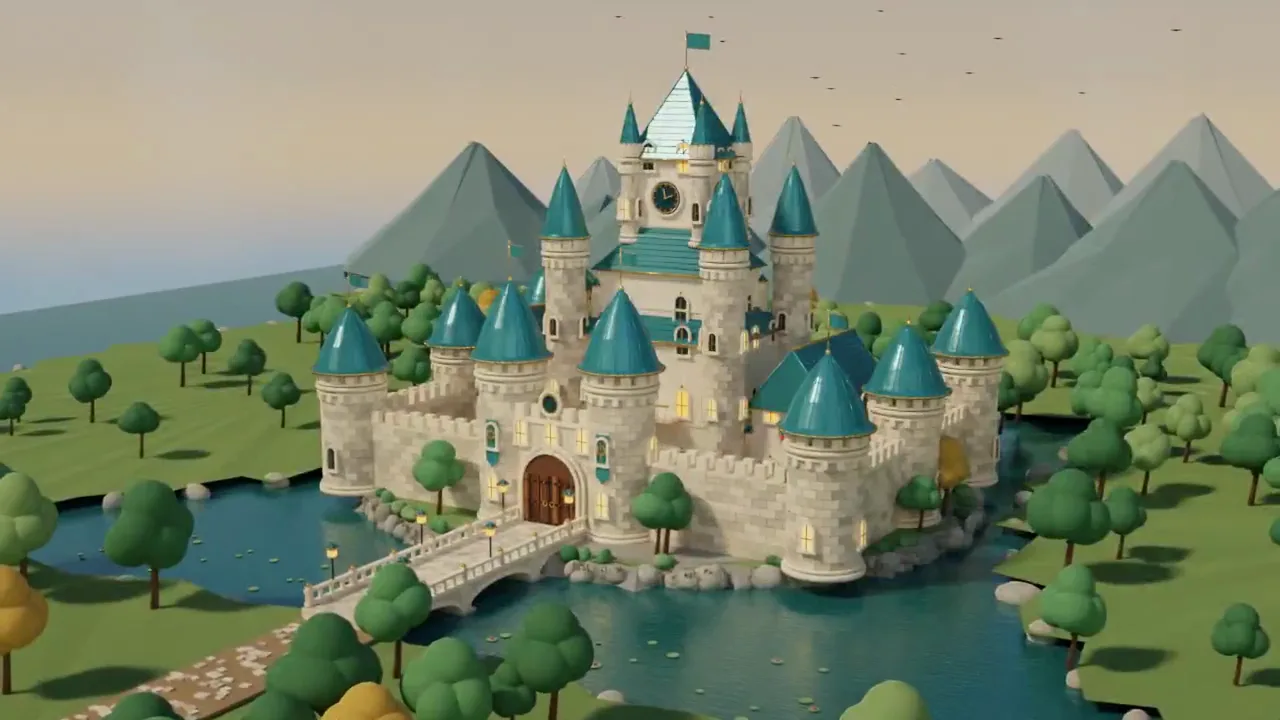
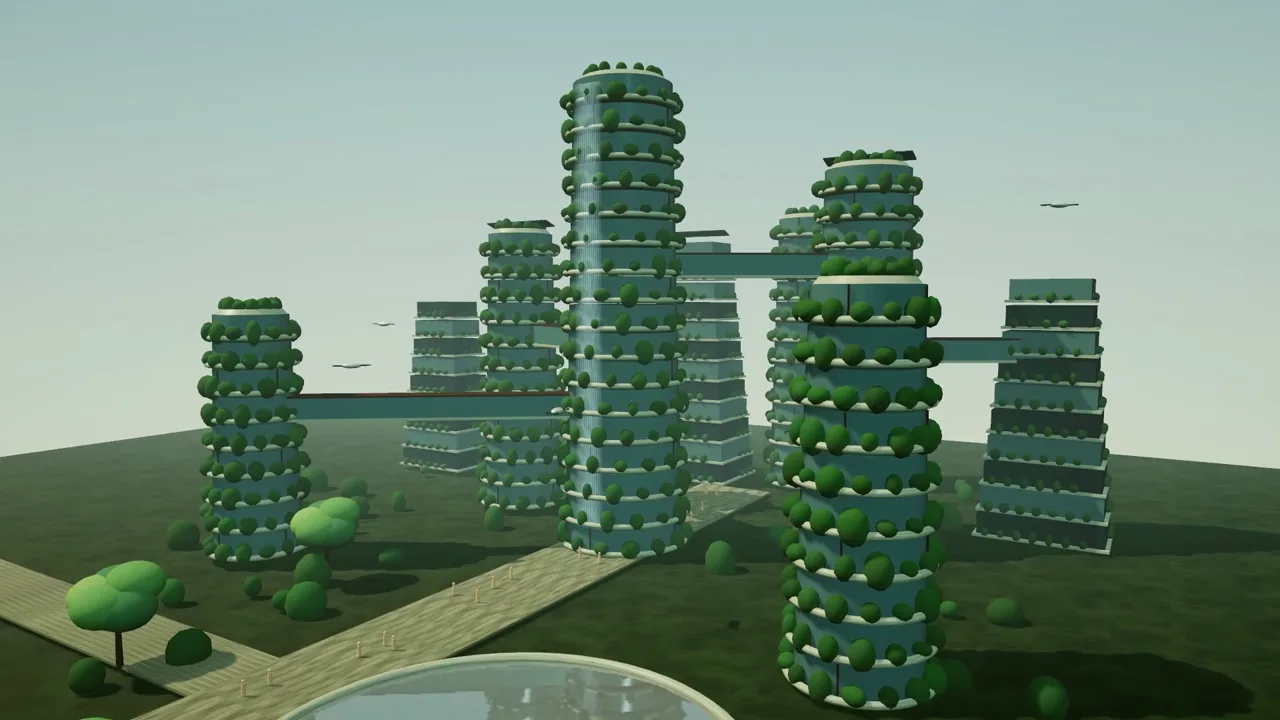
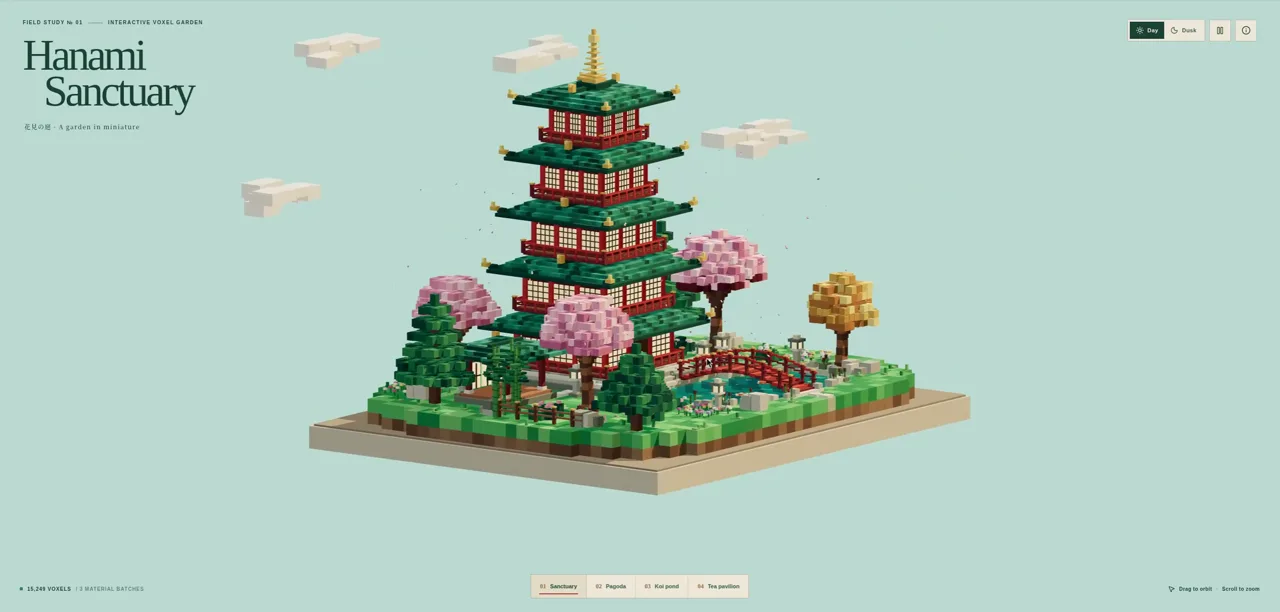
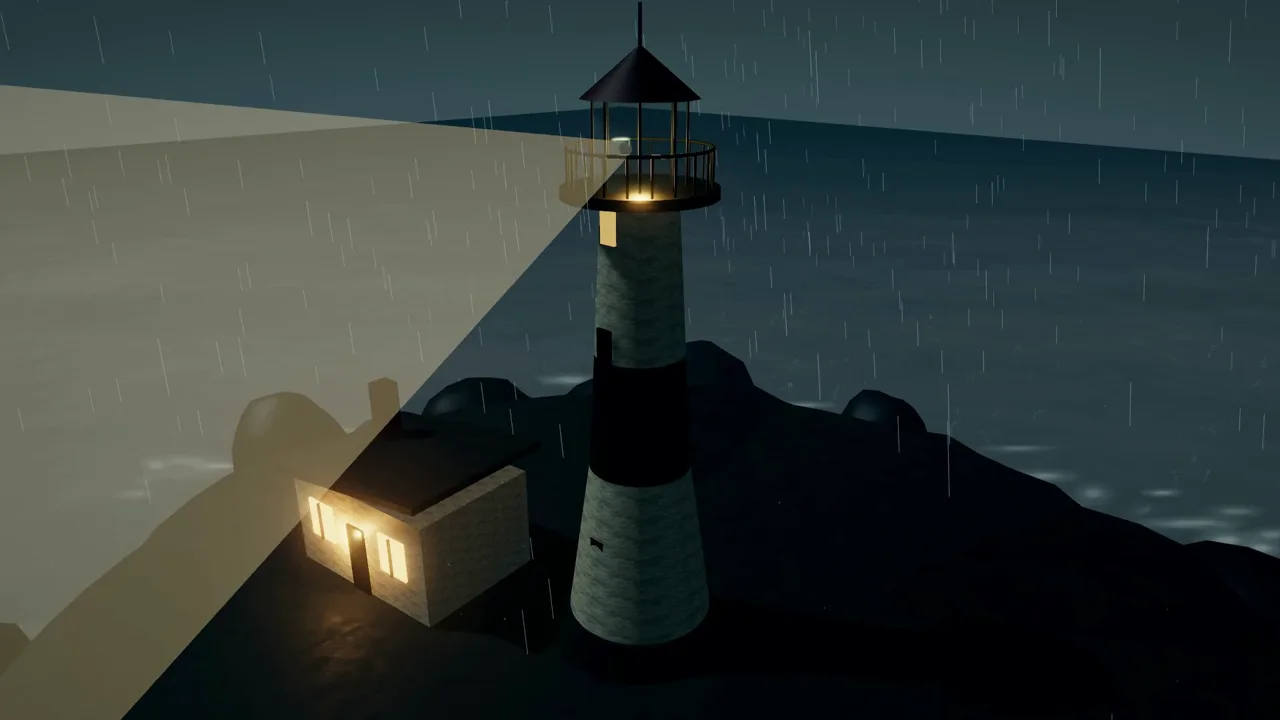
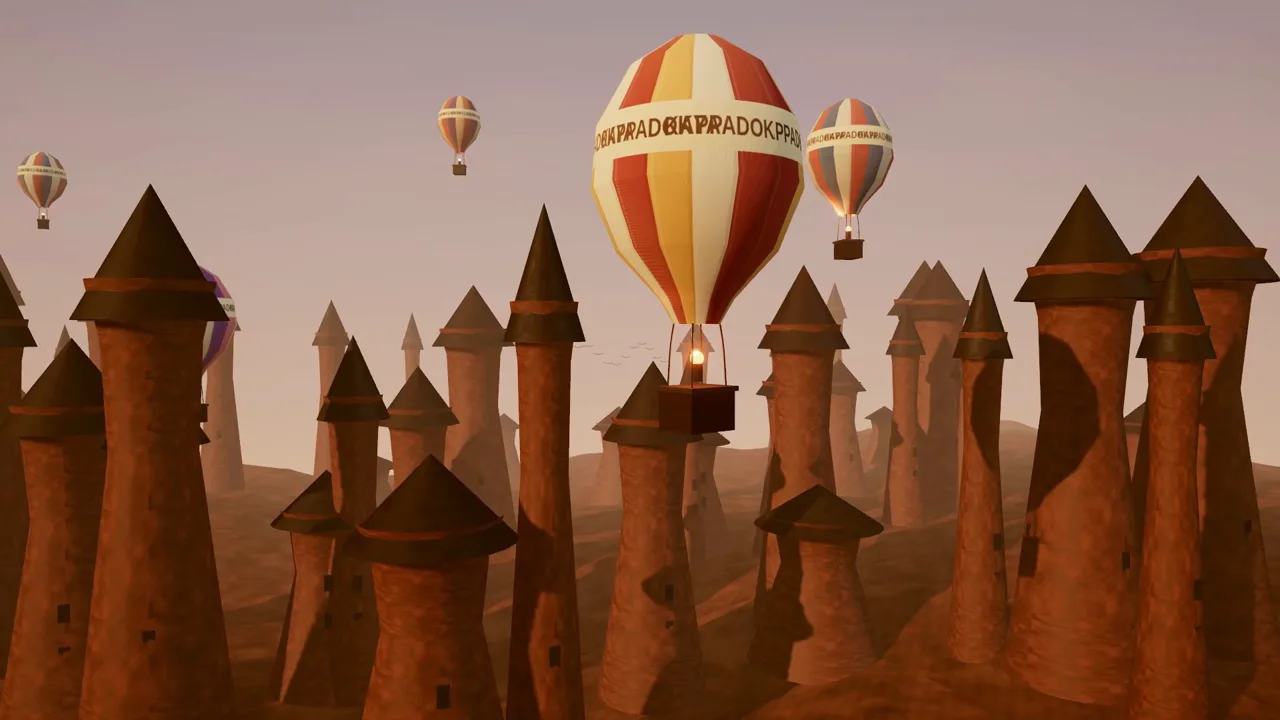
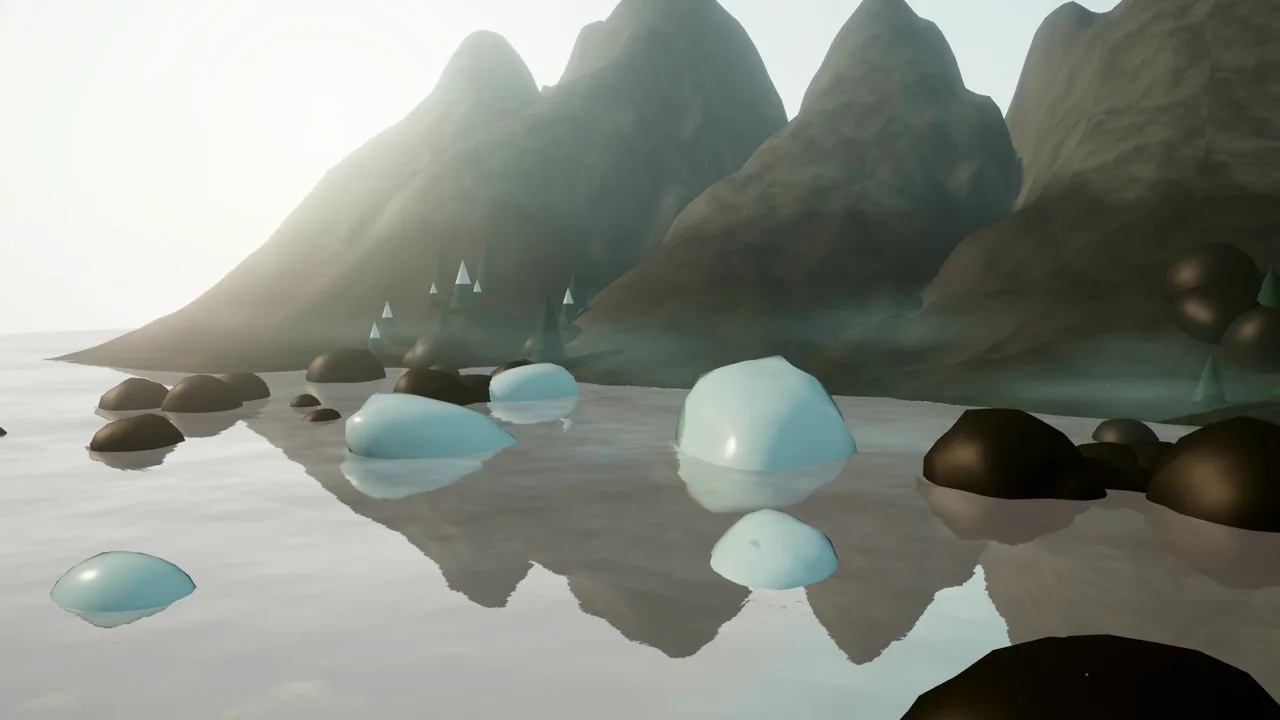
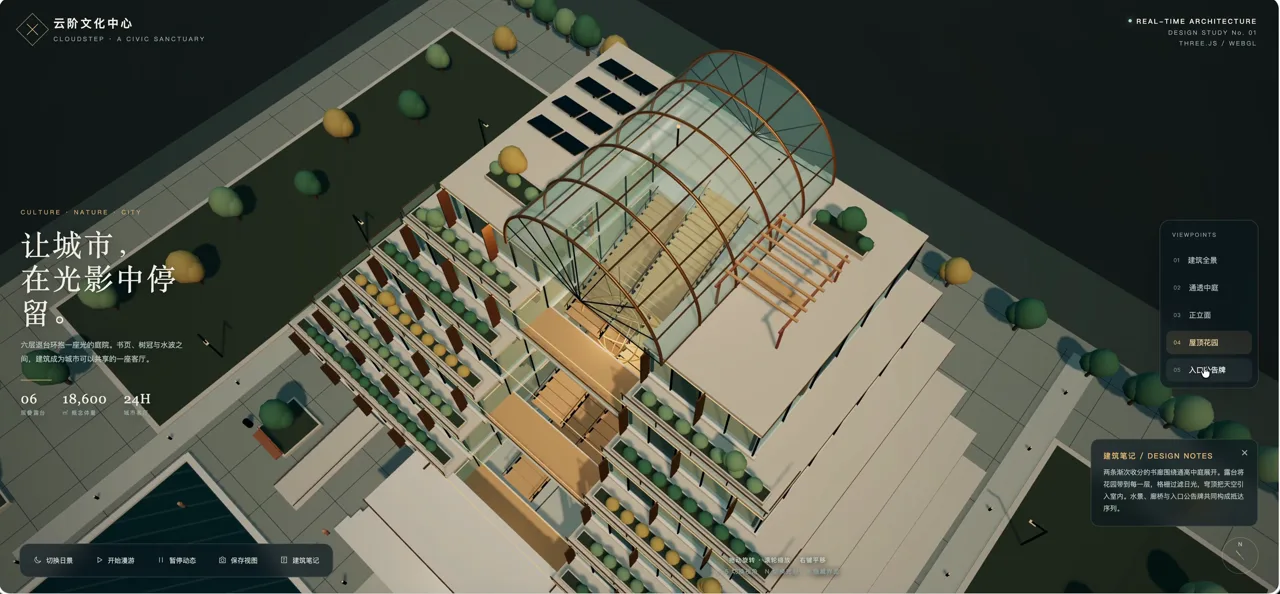
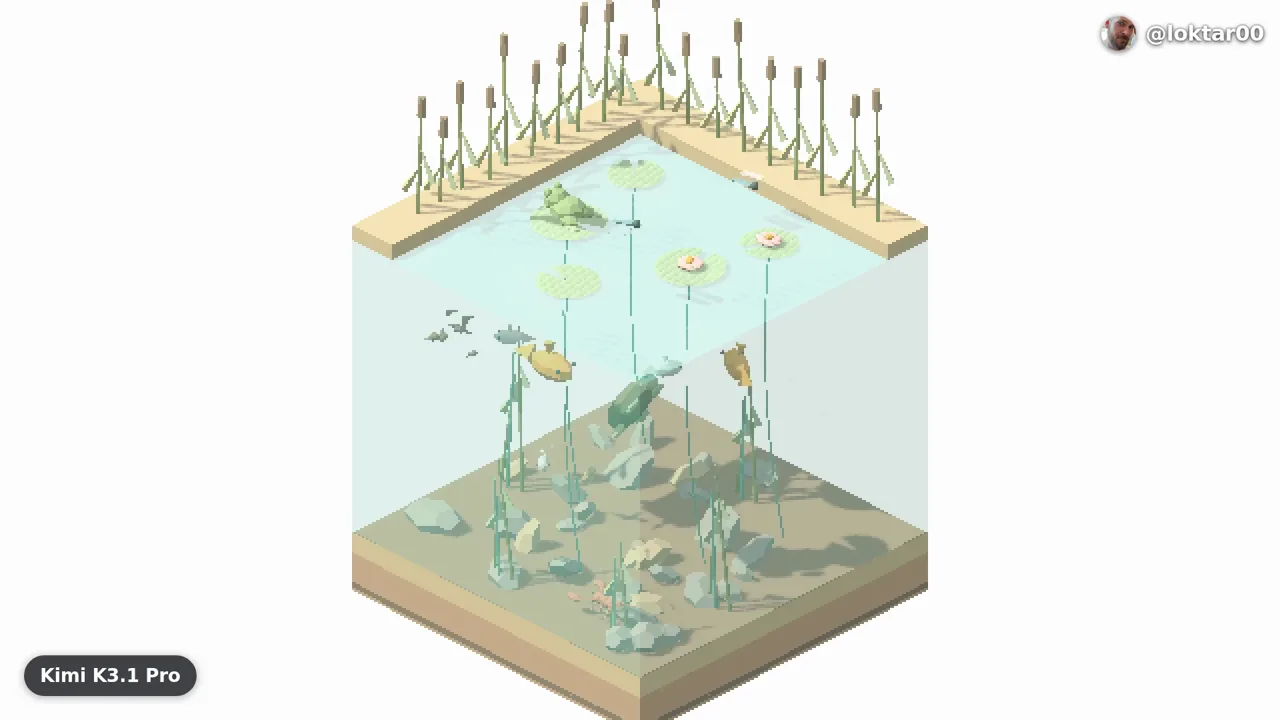
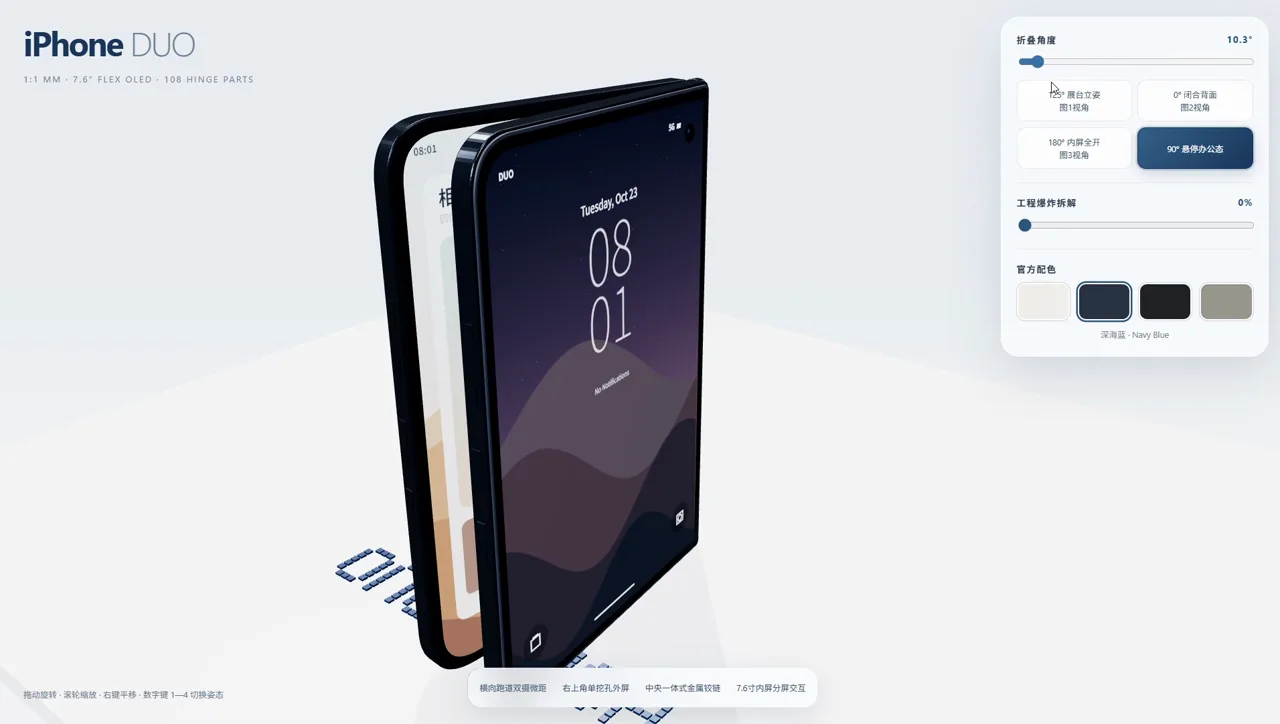
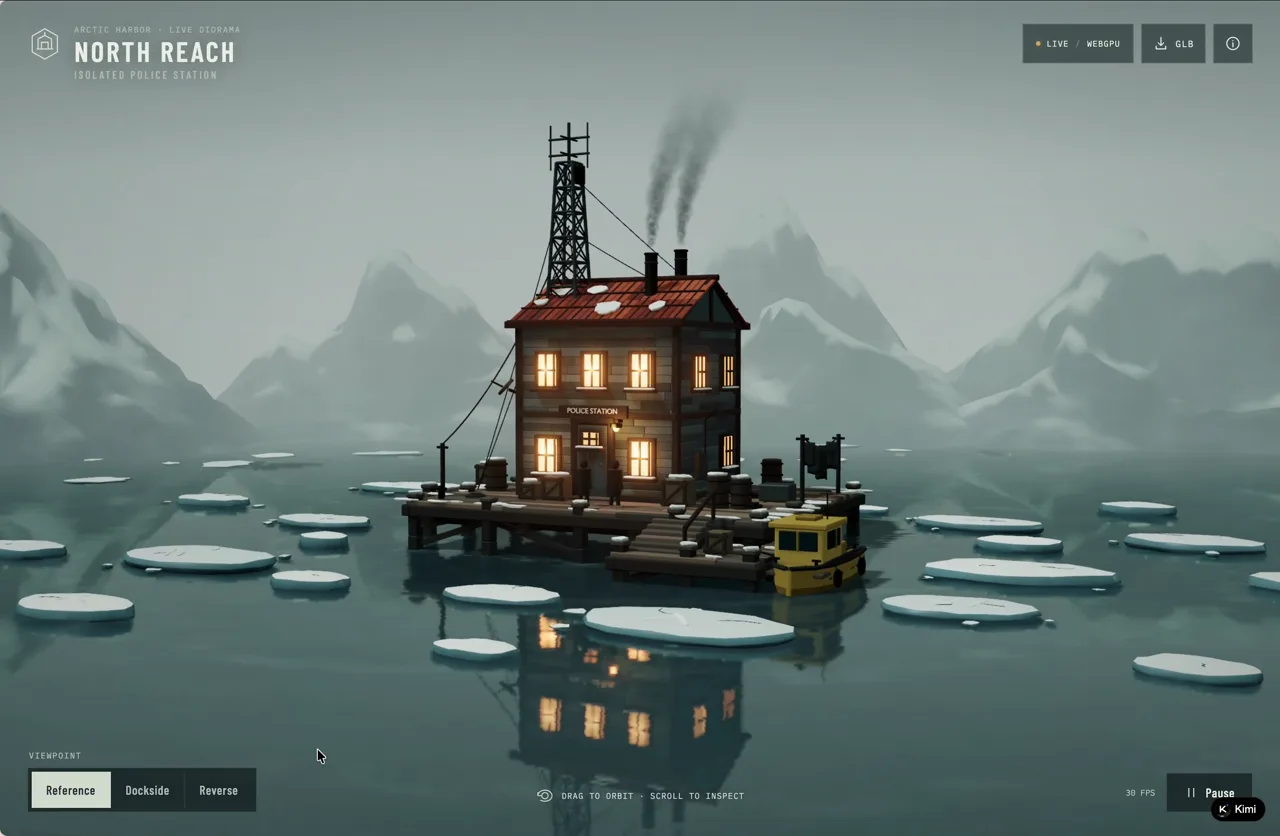
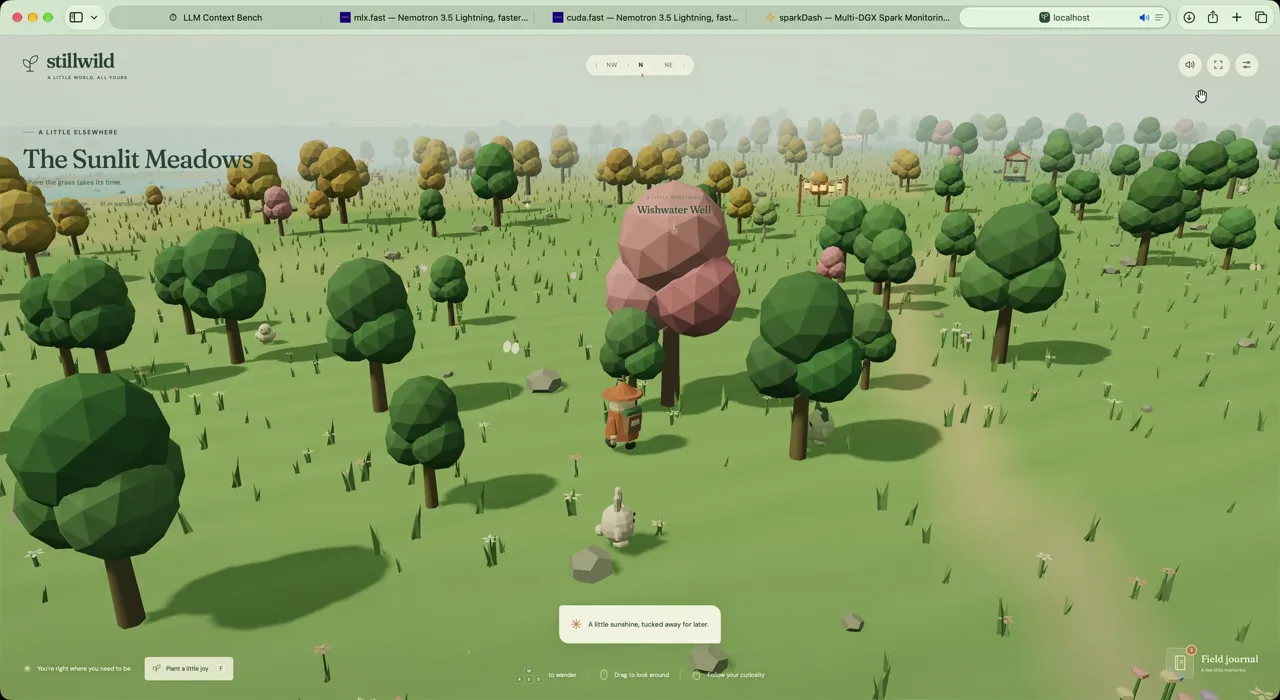
My honest take on Kimi K3.1 Pro I asked Kimi to turn an art concept into a complete 3D environment at around 10:25. At the same time, I gave Claude Opus 5.5 the exact same task. About an hour later, Kimi produced what you see below. A complete 3D scene running right in the browser, with reflective icy seas, drifting floes, rugged snow-covered fjords, and warm windows glowing against the cold. Claude finished around the same time, but a little earlier than Kimi. So, clearly, Kimi has improved in terms of execution speed. It feels faster than its previous models. Now, let's talk about cost. The task consumed 62% of my 5-hour session on the $100 Claude plan, whereas it used just 0.53% of my Kimi Vivace plan's session. I followed up with another task to make some refinements, and that barely cost anything either with Kimi. Just 0.35% of my session credits. You can do the math and see how much cheaper it is. Finally, talking about the results, I think Kimi K3.1 Pro is really solid. When it comes to UI, it reminds me of GPT-6 Astra, while its overall capabilities feel closer to Claude Opus 5.5. Although I preferred Claude's result overall in terms of 3D modeling, as it followed the original requirements in greater detail, Kimi K3.1 Pro came pretty close. In fact, Kimi presented the overall scene better than Claude. Overall, I'd highly recommend giving Kimi a try. It really feels like it sits somewhere between the frontier models. True to its benchmarks, i would say. P.S. This is not a paid post. Kimi hasn't paid me anything, nor have they ever paid me in the past Live:
Prompt không nhắc tới thư viện, khóa API hay công cụ cụ thể nào mà chúng tôi dò được. Chưa kiểm thử riêng: skill này đóng gói lại prompt công khai của tác giả.
Là một video do The Bugged Dev tạo bằng Kimi K3.1. Tác giả chưa công bố prompt nên mục này chưa có SKILL.md.
Xem video để lấy ý tưởng. Nếu tác giả có lời giới thiệu, nó nằm ở mục "Về skill này".
Có. Mục này chỉ có video nên xem và lưu đều miễn phí.
Video xem trước được tắt tiếng và phát lặp để trang nhẹ. Nếu video không tải được, hãy thử tải lại trang; một số trình duyệt tiết kiệm dữ liệu chỉ hiện ảnh bìa.
Video và prompt thuộc về The Bugged Dev. Best Skill chỉ tổng hợp để tham khảo; hãy ghi nguồn tác giả khi bạn dùng lại.