


Open source AI video creation tools are software with public code that help you create video from text or images, running on your own machine or orchestrating multiple models. If you need a quick choice: weak GPU and want the easiest local run, pick WanGP; want to control each step via node diagram, pick ComfyUI; want to make multi-episode short films on one canvas, pick Toonflow. According to GitHub (read 04/11/2026), Comfy-Org/ComfyUI has around 144,900 stars, and WanGP's README lists some models running on 4 GB VRAM (per project announcement, not yet verified). This post compares 5 tools by hardware requirements, license, Vietnamese, difficulty and update level. "Best" depends on your needs, and "open source" here has many levels.

Choose open source AI video creation tools by GPU, license and video type. Diagram: OPCAIOS.
Quick comparison table of 5 open source AI video creation tools
Five tools fall into three groups: local model runners (WanGP, ComfyUI), model foundations (LongCat Video) and story orchestration platforms (Toonflow, ViMax). Orchestration groups usually call outside APIs, so real cost sits with the API, not the software.
Logos of tools in this post, from each project's official page.
| Tool | Best for | Starting price (04/11/2026) | Self-host | Vietnamese | Difficulty |
|---|---|---|---|---|---|
| WanGP | Run many video models on weak GPU | Free local run (custom community license) | Yes | English interface | Easy to medium |
| LongCat Video | Foundation model for long video | Free, MIT (code and weights) | Yes | Prompt Vietnamese not yet checked | Hard (command line, CUDA) |
| ComfyUI | Control workflow via node diagram | Free local, GPL-3.0; Comfy Cloud from 20 USD/month | Yes | Not in interface language list | Medium to hard |
| Toonflow | Multi-episode short films, motion comics | Free, MIT; pay API model if used | Yes | Interface has Vietnamese | Easy to medium |
| ViMax | From idea or script to multi-scene video | Free, MIT; needs paid API keys | Yes (orchestration part) | Not yet checked | Medium |
What criteria did we use?
OPCAIOS chose by five criteria, mainly reading README, license files and price page on 04/11/2026. Only ComfyUI we actually used in speaker-on-video workflow on rented GPU server; the other four tools not yet tested. Five criteria:
- Hardware requirements: minimum VRAM and GPU type per README.
- True license: MIT, GPL or custom community license; whether it allows commercial use and running as a service.
- Hidden cost: tool runs models locally or must call paid APIs.
- Vietnamese and difficulty: interface language, installation method.
- Update level: code push date, latest release. Only ComfyUI has real usage part.
Detailed Review of Each Tool
Each section below includes definition, license, VRAM requirements from README, strengths and limitations. Star counts read from GitHub on 04/11/2026. Speed and quality figures are self-reported by the projects; we have not measured them. The order is not a ranking; each tool suits a different need.
1. WanGP: best for running multiple video models on weak GPUs
WanGP is a local web application developed by DeepBeepMeep that brings together many open source models for video, image, audio and 3D generation in one place, aimed at "GPU-poor" users. The project was previously called Wan2GP; the current repository is deepbeepmeep/WanGP, with around 11,400 stars, last pushed on 03/11/2026 according to GitHub (read on 04/11/2026). According to the README, WanGP supports Wan 2.1/2.2, LTX-2, Hunyuan Video, LongCat and many other models; some models run with 4 GB VRAM, while the wangp.ai page states "from 6 GB" for smaller models; both are figures published by the project and not yet verified. The license deserves careful reading: WanGP Community License 2.0 allows free use, even within a company, and selling generated products; but it prohibits selling WanGP itself, private labeling or running a paid API service without a separate commercial license. This is not an OSI-compliant open source license.
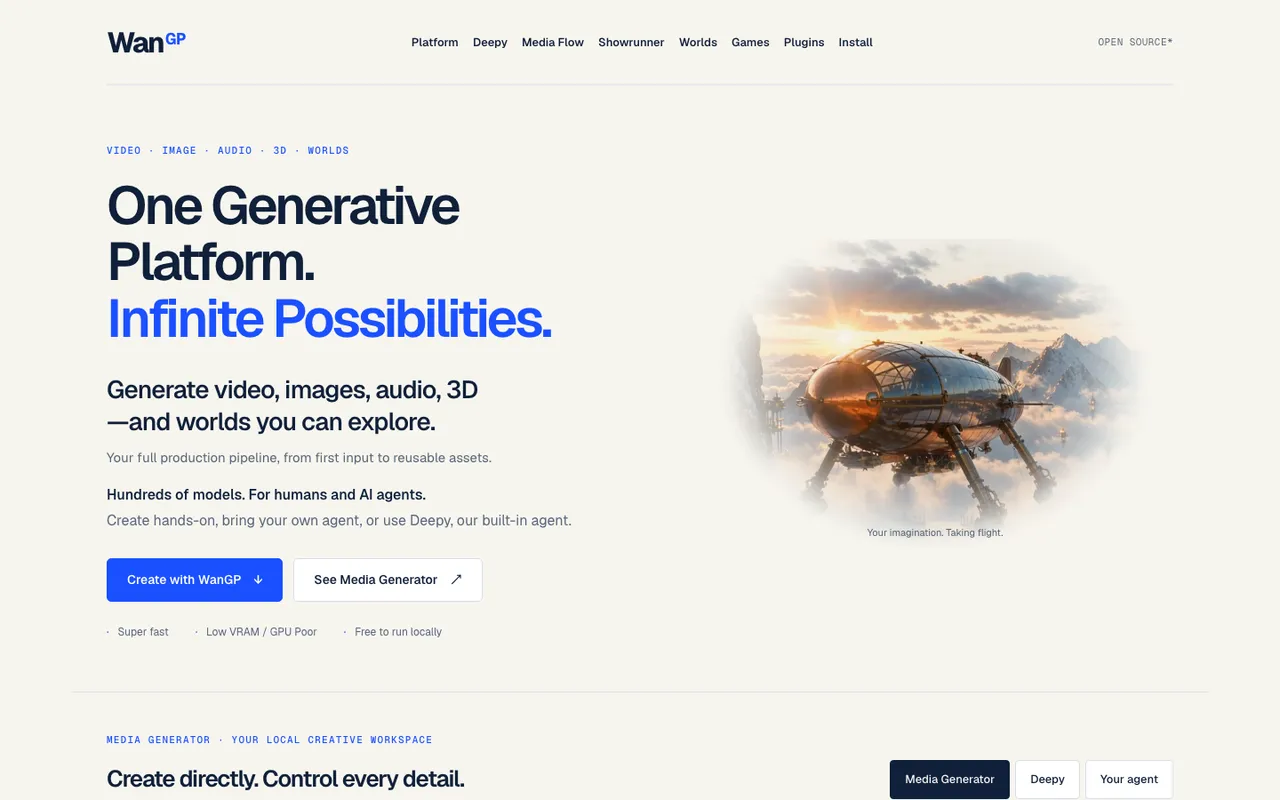
WanGP homepage (wangp.ai), screenshot on 04/11/2026. Screenshot: OPCAIOS.
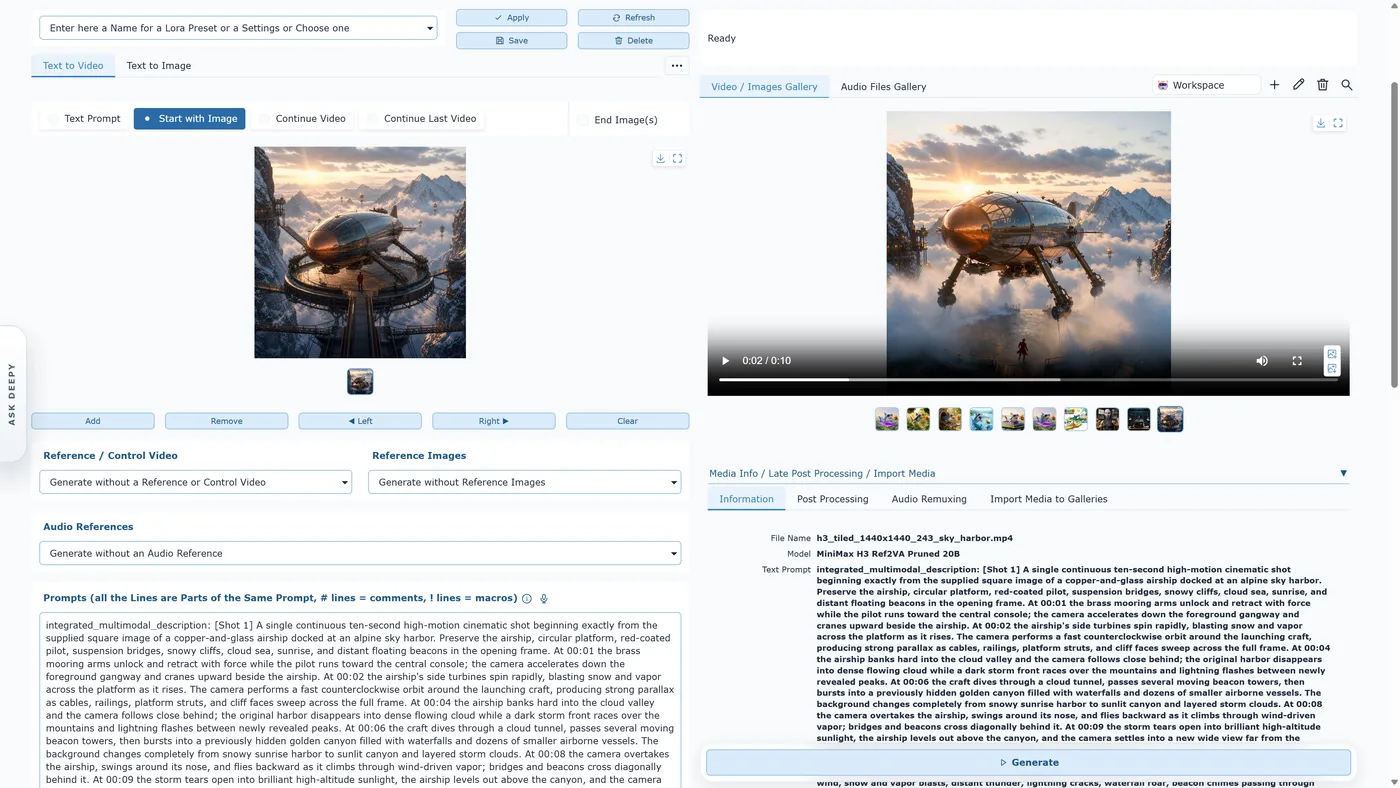
WanGP interface. Image: wangp.ai.
Strengths: multiple models in one interface; strong VRAM optimization; installer for Windows and via Pinokio.
Limitations: non-OSI license; very frequent updates so configuration may change between versions.
Read more: What is WanGP?
2. LongCat Video: best when you need one backbone model for long videos
LongCat Video is a 13.6 billion parameter video generation backbone model announced by Meituan's LongCat team, combining three tasks in one model: text to video, image to video and video continuation. According to the README in repository meituan-longcat/LongCat-Video (read on 04/11/2026), the model is pre-trained for continuation so it can generate several-minute-long videos without color drift, and create 720p 30 fps video "in a few minutes"; these are figures published by Meituan and not yet verified. Both code and model weights are under MIT license, the repository has around 9,300 stars. Installation requires conda, Python 3.10, PyTorch with CUDA 12.4 and FlashAttention 2, runs via torchrun from command line, with multi-GPU options. The README does not state minimum VRAM; we have not found the official figure. WanGP's README lists LongCat in its supported models list.
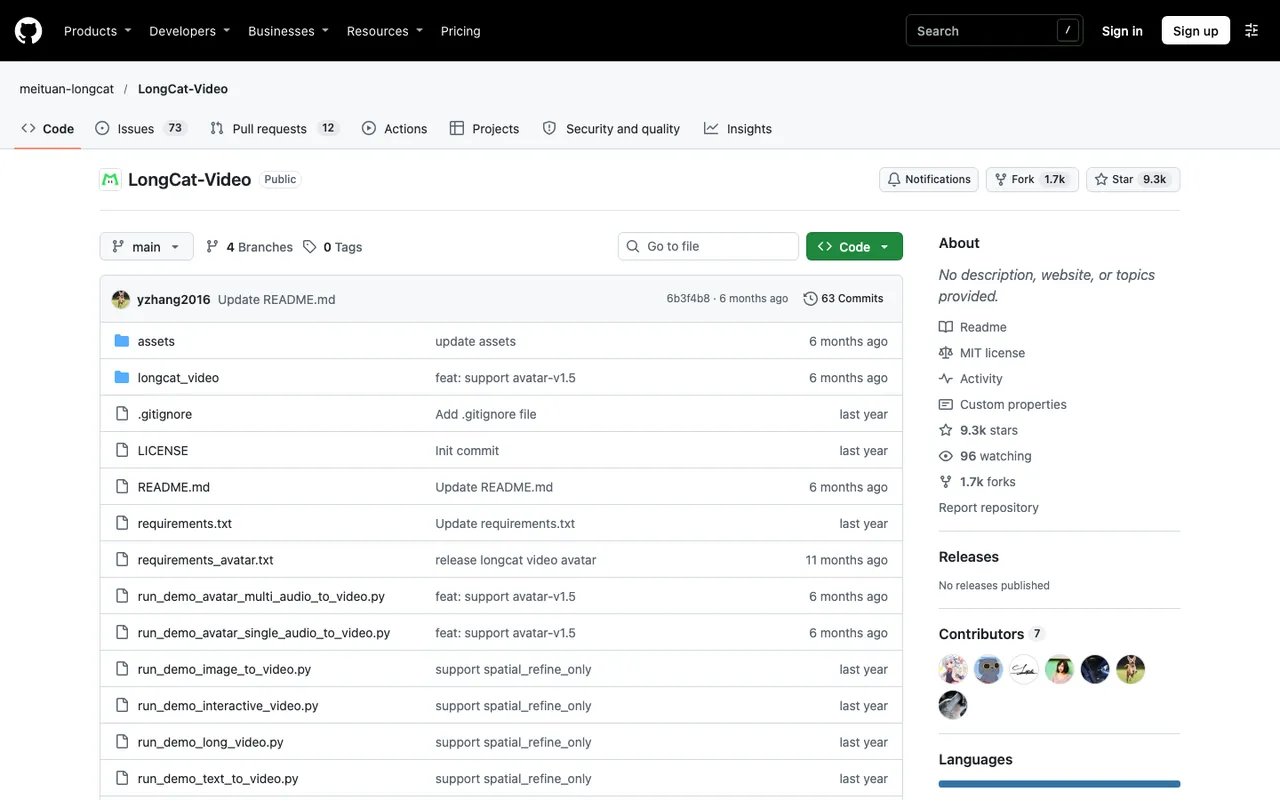
GitHub page meituan-longcat/LongCat-Video, screenshot on 04/11/2026. Screenshot: OPCAIOS.
Strengths: MIT for both code and weights, commercial use straightforward; specialized for long videos and continuation.
Limitations: no user-friendly interface; no minimum VRAM stated; license does not grant trademark rights to use the Meituan brand.
Read more: What is LongCat Video?
3. ComfyUI: best for controlling each step via node diagrams
ComfyUI is software for creating images, videos, audio and 3D via node graphs, now maintained by Comfy Org at repository Comfy-Org/ComfyUI. According to GitHub (read on 04/11/2026), the repository has around 144,900 stars, GPL-3.0 license, version v0.44.0 released on 04/11/2026. The README lists supported video models like Wan 2.1 and 2.2, LTX-Video 2, HunyuanVideo 1.5, Kandinsky 5 Video, CogVideoX and Mochi, claiming to run large models on 4 GB VRAM and 8 GB RAM through asynchronous weight streaming (published by Comfy Org, not yet verified). Desktop applications available for Windows, Linux, macOS. According to comfy.org (read on 04/11/2026), Comfy Desktop is free; Comfy Cloud offers Standard plan 20 USD/month, Creator 35 USD, Pro 100 USD, Team 700 USD, running on 96 GB VRAM GPU; prices exclude tax and subject to change. ComfyUI_frontend language list does not include Vietnamese.
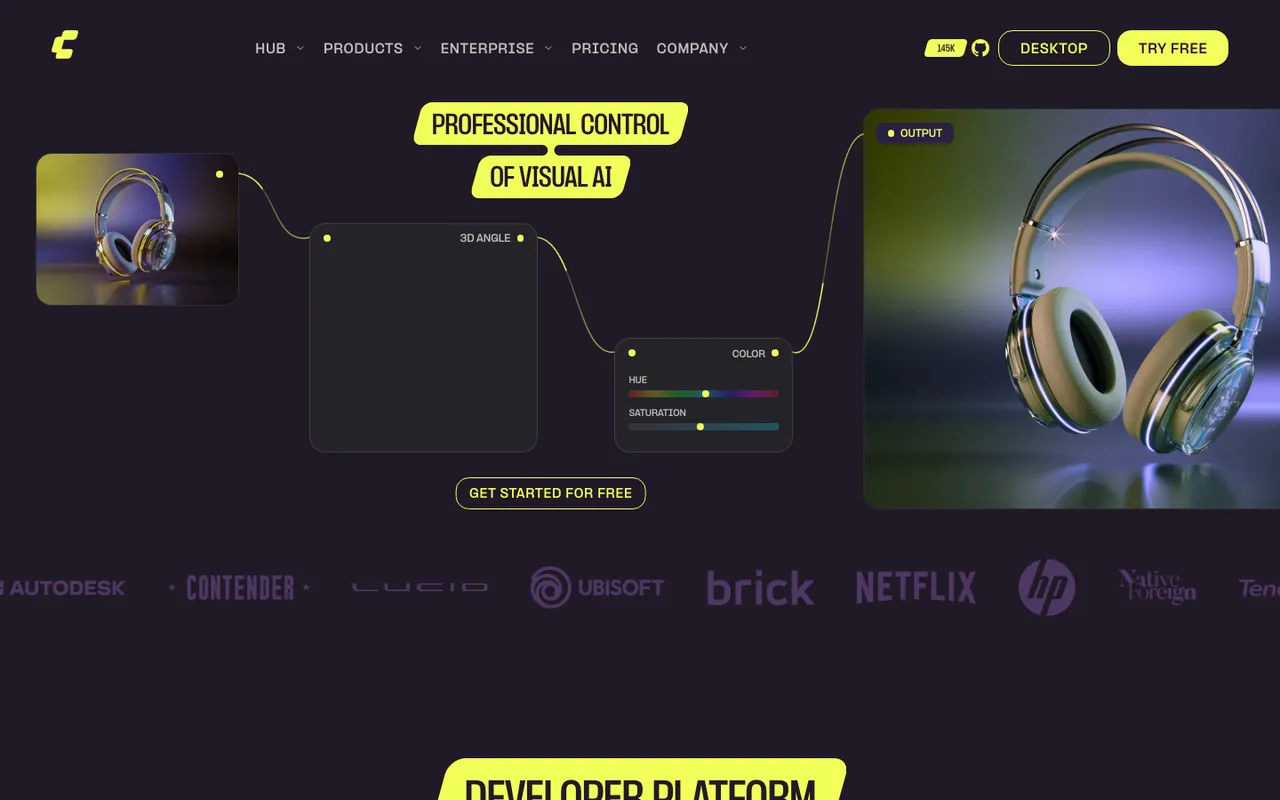
ComfyUI homepage (comfy.org), screenshot on 04/11/2026. Screenshot: OPCAIOS.
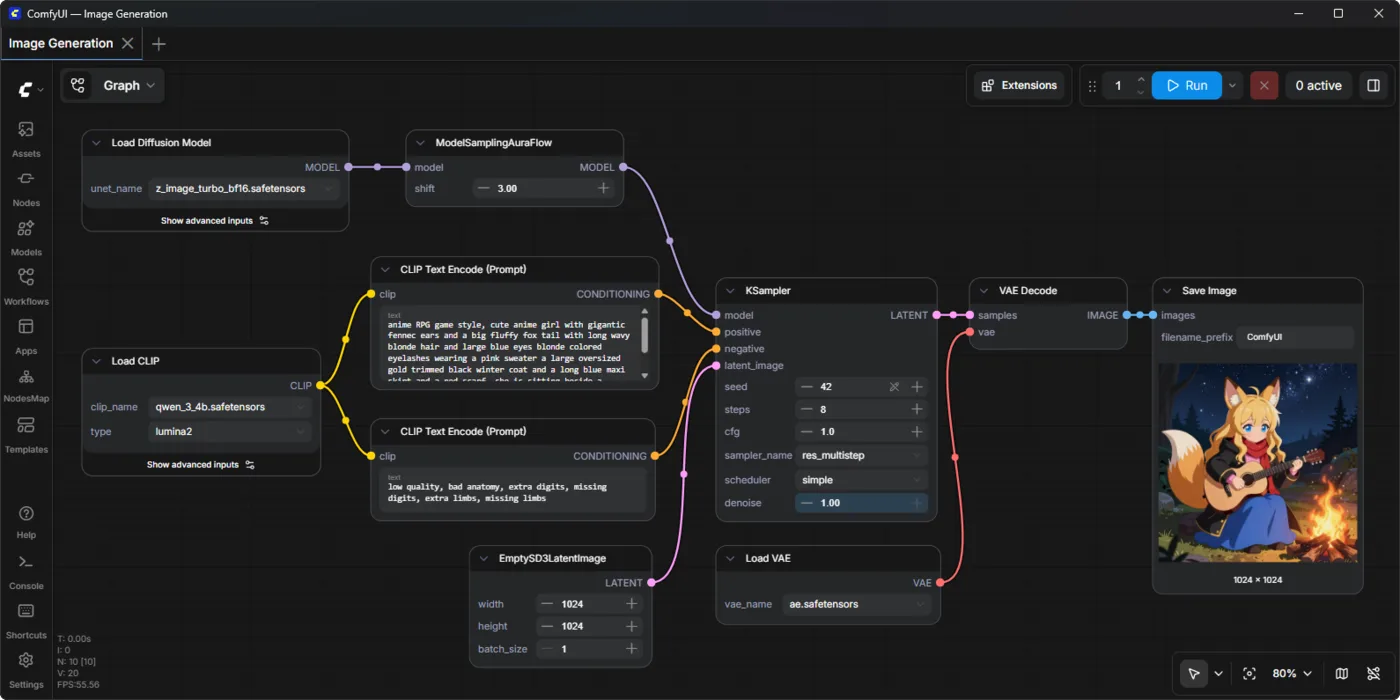
ComfyUI interface. Image: GitHub ComfyUI-Org/ComfyUI README.
Strengths: supports new models quickly; workflows save to files and are reusable; large community of extension nodes.
Limitations: steep learning curve; third-party custom nodes may contain malware or version conflicts.
Read more: What is ComfyUI?
4. Toonflow: best for multi-episode short films and animated comics
Toonflow is an open source platform by HBAI-Ltd for making multi-episode short films, animated comics and short videos, laying out scripts, characters, scenes and video segments on an infinite canvas. According to the Vietnamese README in repository HBAI-Ltd/Toonflow-app (read on 04/11/2026), Toonflow has Windows, macOS, Android ARM64 apps, installable via Docker or on a server, with an interface supporting 21 languages including Vietnamese. Repository created 29/01/2026, around 20,400 stars, MIT license, last pushed 02/11/2026. Toonflow does not include video models itself: you configure third-party APIs or connect ComfyUI and local LLMs. The Toonflow server machine needs no GPU, but quality and cost depend on the connected model.
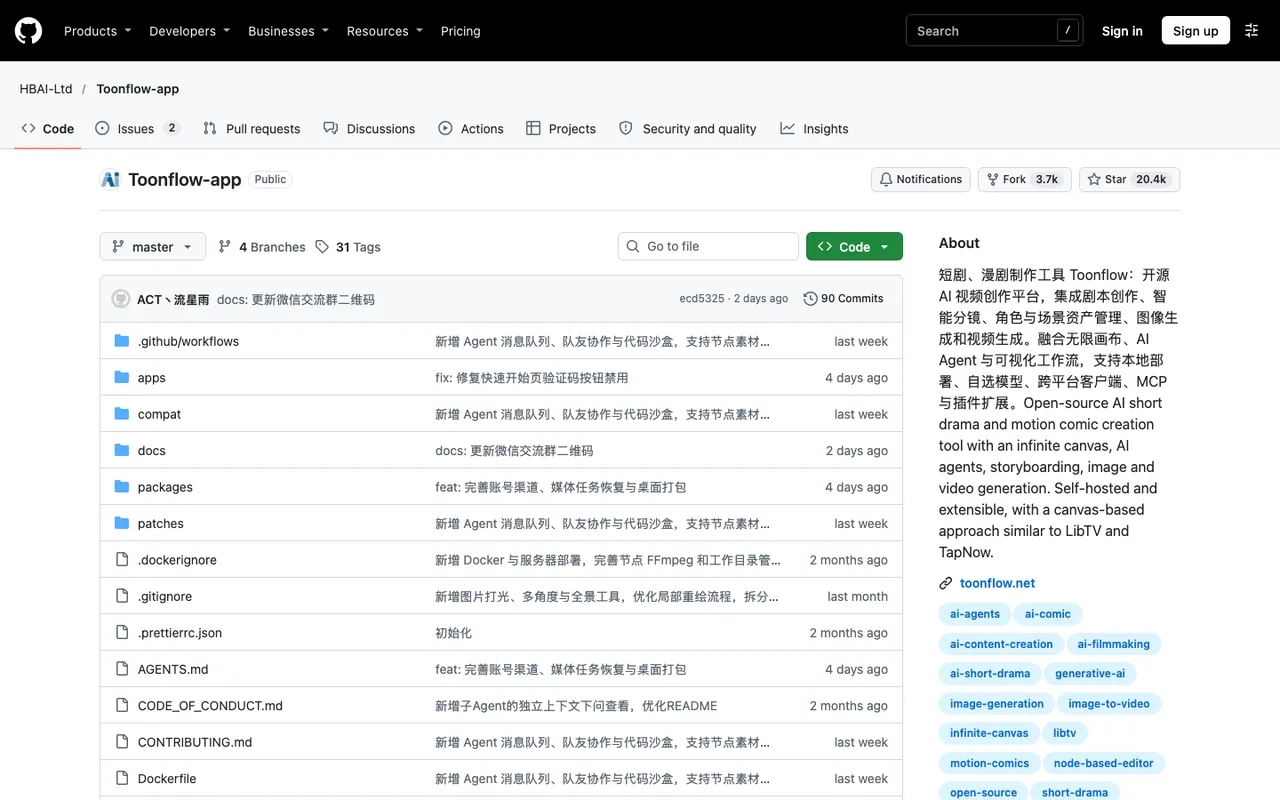
GitHub page HBAI-Ltd/Toonflow-app, screenshot on 04/11/2026. Screenshot: OPCAIOS.
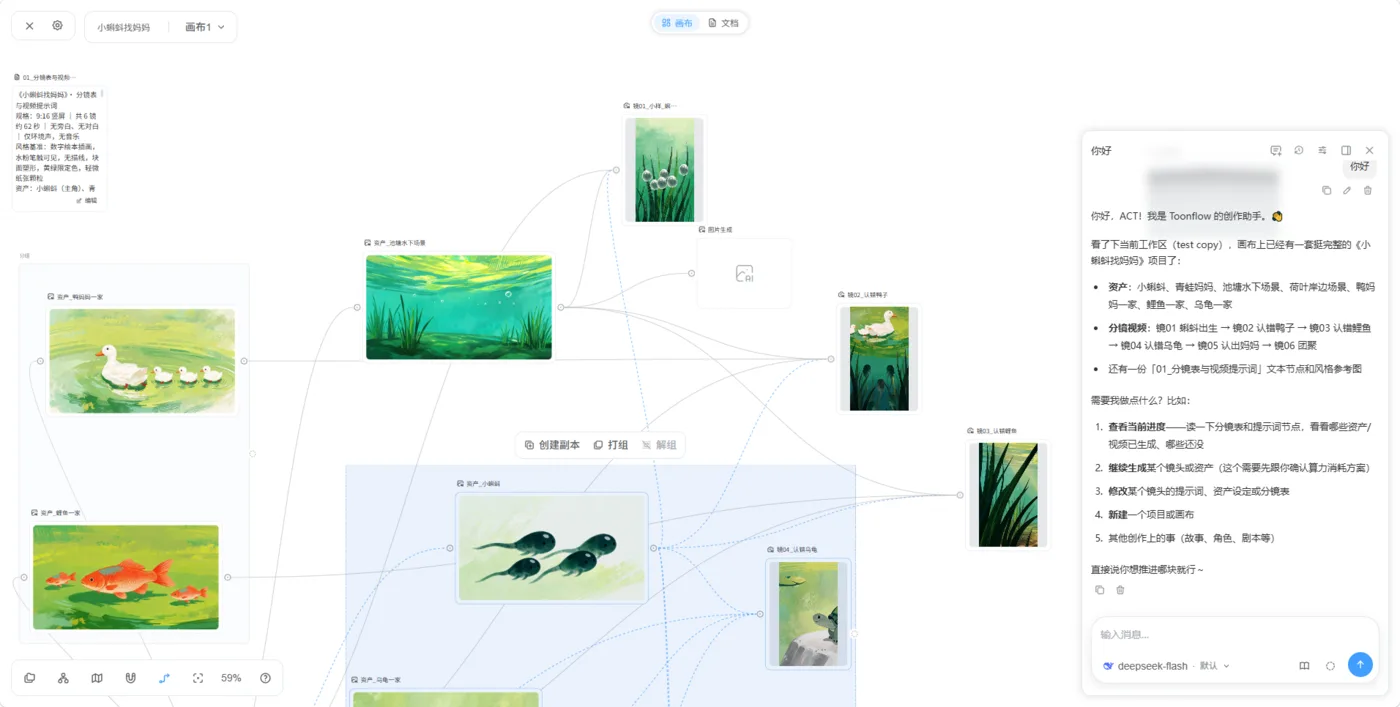
Toonflow interface. Image: GitHub HBAI-Ltd/Toonflow-app README.
Strengths: Vietnamese interface; character and scene management across entire films; no GPU needed on the running machine.
Limitations: costs money for APIs if you don't self-host models; macOS instructions have a system security relaxation step, should be considered carefully.
Read more: What is Toonflow?
5. ViMax: best for going from idea or script to multi-scene video
ViMax is a video generation agent framework from HKUDS lab (University of Hong Kong), playing simultaneously the roles of director, screenwriter, producer and video creator. According to the README in repository HKUDS/ViMax (read on 04/11/2026), ViMax has four workflows: Idea2Video (idea to video), Script2Video (script to video), Novel2Video (novel to multi-episode video) and AutoCameo (adding a person or pet from a photo into the story). Version 1.2.0 (7/2026) adds web interface. Repository has around 12,900 stars, MIT license, runs on Linux and Windows, installed via uv. Key point: ViMax is an orchestrator; the README configures three API keys for chat model, image model and video model, for example OpenRouter, Nano Banana and Veo. Code is open, but image and video generation run on paid services.
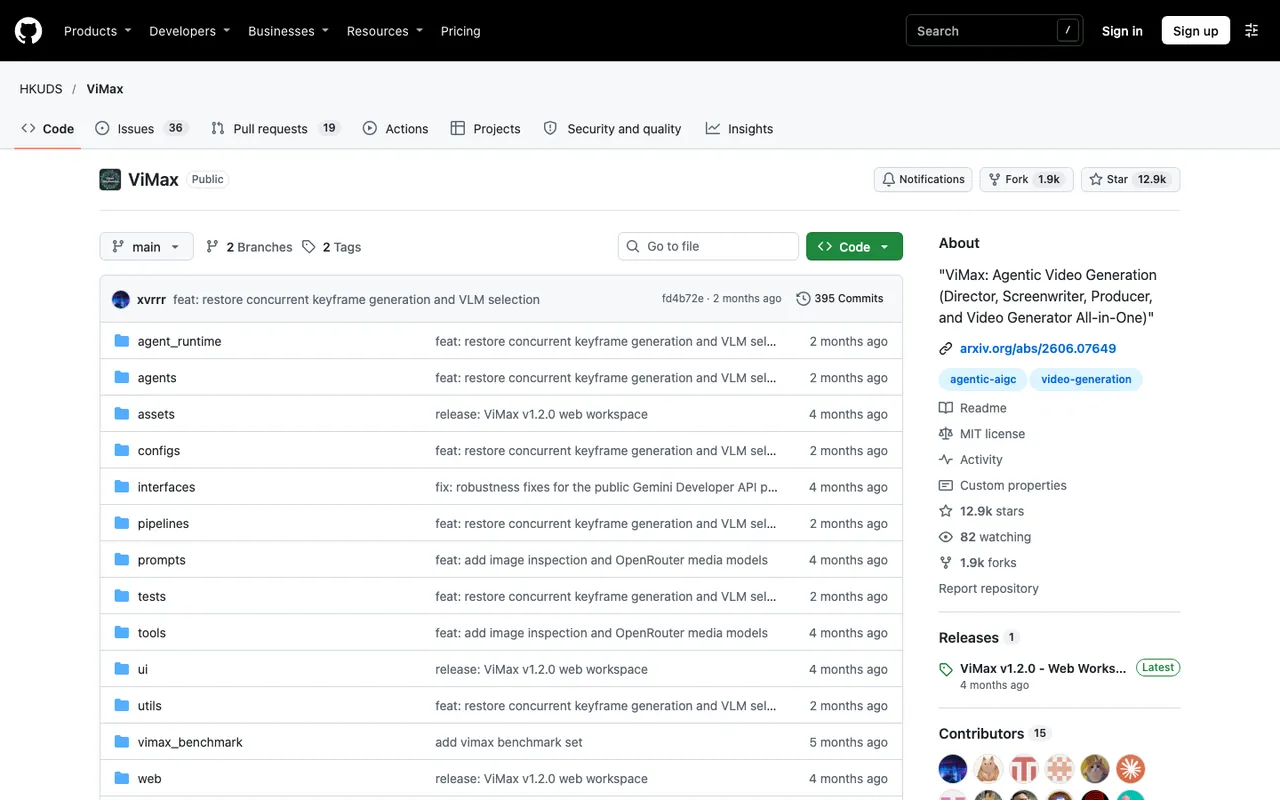
GitHub page HKUDS/ViMax, screenshot on 04/11/2026. Screenshot: OPCAIOS.
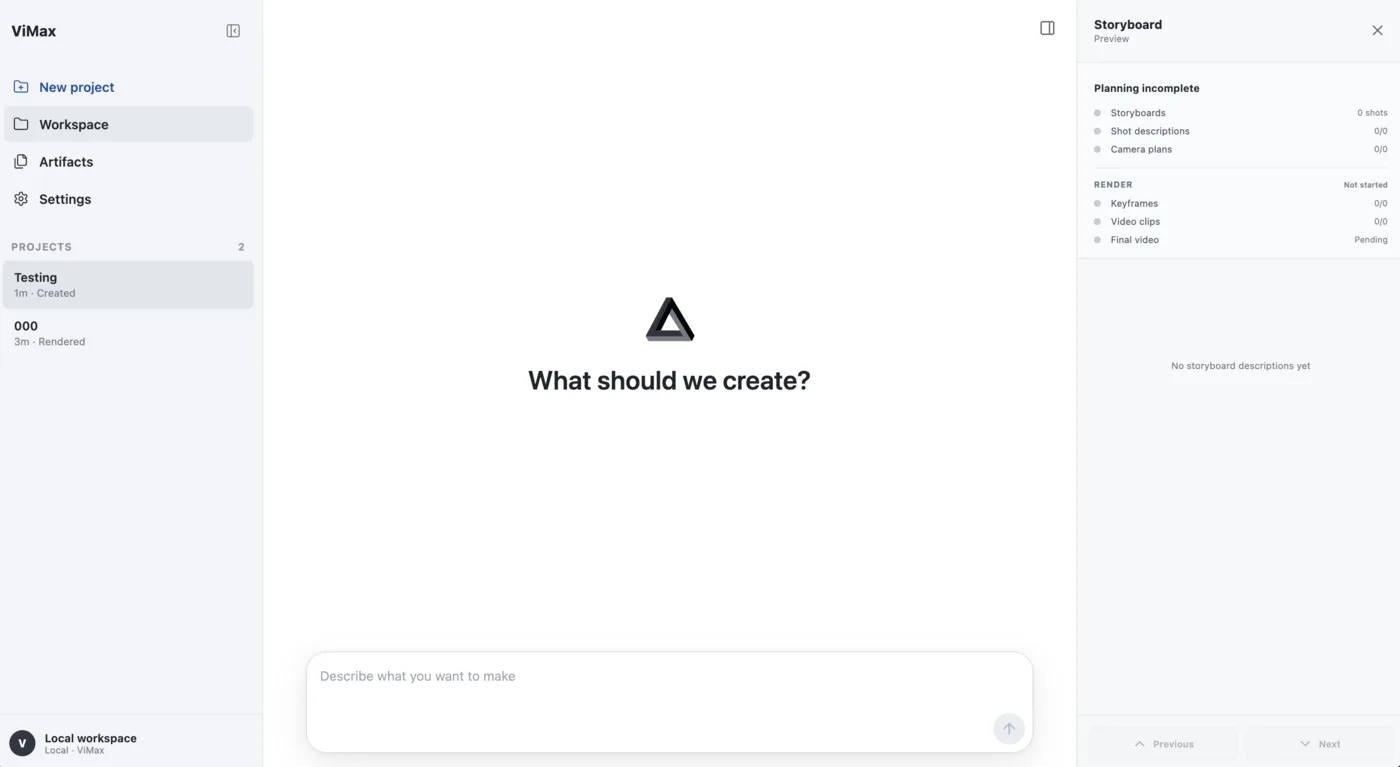
ViMax interface. Image: GitHub HKUDS/ViMax README.
Strengths: complete storytelling workflow, keeps character consistency across scenes; MIT.
Limitations: depends on paid APIs; research project with no long-term support commitment.
Read more: What is ViMax?
Which tool should you choose? By situation
The choice starts with the question: do you have a GPU, and do you want to pay for hardware or for API. With a GPU, use WanGP or ComfyUI; without a GPU, use Toonflow or ViMax with API; need a model to integrate, use LongCat Video.
| Situation | Suggestion | Reason |
|---|---|---|
| Beginner, have common NVIDIA GPU | WanGP | Web interface, many models, VRAM optimized |
| Want to control each step, reuse workflow | ComfyUI | Node diagram, support new models quickly |
| Make many-episode short films, need Vietnamese interface | Toonflow | Canvas for entire film, has Vietnamese |
| Have script or story, want video with many scenes | ViMax | Script2Video, Novel2Video |
| Need MIT foundation model to integrate | LongCat Video | MIT code and weights |
Risks and general notes
The main risk when creating AI video from open source does not lie in the technology but in layered licenses, rights to human images, security of extensions, and hidden costs. Four points to check before using commercially:
- Layered licenses: software, weights, and extensions each have their own license. WanGP is not OSI; ComfyUI is GPL-3.0, with obligations when redistributing.
- Portrait and voice: putting a real person's image into AutoCameo or a talking person video requires that person's consent. This is a reference note, not legal advice.
- Security: only download from official repositories. WanGP's README warns third-party services using the names WanGP/Wan2GP are unrelated to the project.
- Hidden costs: hourly rental of GPU, disk space for weights tens of GB, and API fees from Toonflow or ViMax.
OPCAIOS experience
OPCAIOS uses ComfyUI in a talking person video workflow running on rented GPU servers: OmniVoice clones Vietnamese voice, then lip-syncs with InfiniteTalk on Wan 2.1 via ComfyUI, or with LatentSync. The voice sounds natural but needs clean samples; not yet measured quantitatively. ComfyUI has also been downloaded to work machine to try, not yet in daily workflow. We have not run WanGP, LongCat Video, Toonflow, or ViMax; remarks are based on README and official pages. One note when renting GPU hourly: shut down immediately after finishing to avoid paying for waiting time.
Read more: What is OmniVoice?, Best code-based video tools, What is Real-ESRGAN?.
Frequently Asked Questions
What's the best open-source AI video creation tool for beginners?
For beginners with a common NVIDIA GPU, WanGP is the easiest choice because it has a web interface, an installer for Windows, and lets you pick model files that suit your hardware, according to the README I read on 04/11/2026. ComfyUI goes deeper but takes longer to learn. If you don't have a GPU, Toonflow with an external model API lets you start right away, but you have to pay per generation.
How much VRAM do I need to create AI video on my machine?
The number depends on the model, resolution, and length. According to the README I read on 04/11/2026, WanGP says some models run on 4 GB VRAM (the wangp.ai page says from 6 GB), and ComfyUI claims to run large models on 4 GB VRAM plus 8 GB RAM; both are numbers the projects claim, not verified. LongCat Video doesn't list minimum VRAM in its README.
Is WanGP really open-source?
WanGP code is public on GitHub and free to run locally, including in a company, but the license is WanGP Community License 2.0, not an OSI standard open-source license. According to the license file (read on 04/11/2026), you can sell products you create, crediting WanGP when you sell directly; but you can't resell WanGP, rebrand it, or run a paid API service without a separate commercial license. This is a reference summary, not legal advice.
Can I make AI video without a GPU?
Yes, in two ways. The first way is to use orchestration software like Toonflow or ViMax, calling image and video model APIs in the cloud; your machine just runs the interface. The next way is to rent a GPU: Comfy Cloud from 20 USD/month according to comfy.org read on 04/11/2026 (not including tax), or rent a GPU server by the hour. Finally, remember that images and scripts sent over API go to the model provider.
Which tool should I learn first to make AI video for work?
You should learn ComfyUI first if you want to understand how video models work, because many new open models have ComfyUI workflows early on. If your goal is to produce content fast for social media channels, Toonflow or ViMax help you manage scripts and characters better. If you want a structured roadmap on applying AI to content and operations, check out OPCAIOS's AI application training.
Sources: wangp.ai and deepbeepmeep/WanGP; meituan-longcat/LongCat-Video; comfy.org and Comfy-Org/ComfyUI; HBAI-Ltd/Toonflow-app; HKUDS/ViMax (read on 04/11/2026); not yet read/not yet verified: LongCat Video's minimum VRAM, toonflow.net page, speed and quality figures claimed by projects; prices and ratings may change. The experience is from OPCAIOS.
Translated from Vietnamese with AI. Read the original.
Want to apply this in your business?
Book a free 30-minute call (Vietnam time, in English or Vietnamese).