



Code-Based Video Creation Tools
Code-based video creation tools are software that let you write code (React, HTML, Python) and export to MP4 files, instead of dragging and dropping in video editing software. If you need to choose quickly: for batch video creation from data, pick Remotion; for AI agents to write videos in HTML with Apache 2.0 license, pick HyperFrames; for math or science explanation videos, pick Manim. According to GitHub (as of November 4, 2026), the remotion-dev/remotion repository has around 70,500 stars and heygen-com/hyperframes has around 78,500 stars despite only being created in March 2026. This post compares three video framework suites and two agent skill sets by license, price, difficulty, self-hosting capability, and update frequency. "Best" here means according to your specific needs—there is no absolute ranking.
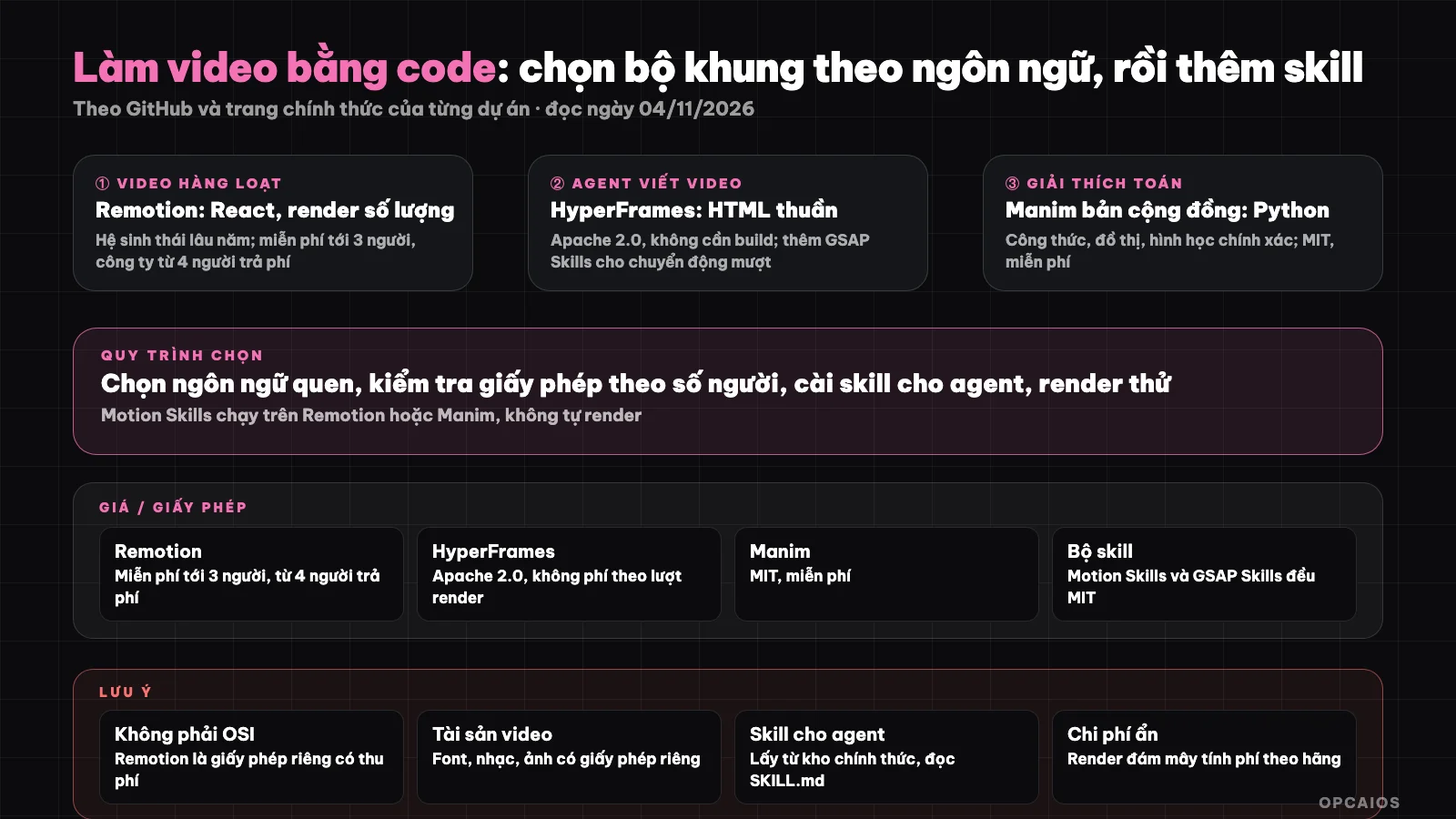
Choose code-based video tools based on your needs, license, and which agent you use. Diagram: OPCAIOS.
Quick comparison table of 5 code-based video tools
The table below groups 5 options by what each tool does best, entry price as of November 4, 2026, self-hosting capability, how it handles Vietnamese text, and difficulty level. Remotion, HyperFrames, and Manim export video directly; Motion Skills and GSAP Skills are instruction sets for agents and must come with a video framework.
Logos of the tools in this post, taken from each project's official site.
| Tool | Best for | Entry price (04/11/2026) | Self-host | Vietnamese | Difficulty |
|---|---|---|---|---|---|
| Remotion | Batch videos from data, using React | Free for up to 3 people; paid from 4 people | Yes | Vietnamese text via web font | Medium (needs React) |
| Manim (community edition) | Math and science explanation videos | Free, MIT | Yes | Needs font with diacritics | Medium-hard (Python) |
| HyperFrames | For agents to write videos in HTML | Free, Apache 2.0 | Yes | Vietnamese text via web font | Easiest if you know HTML |
| Motion Skills | Agent makes motion graphics from templates | Free, MIT | Yes | Not checked | Easy, needs framework |
| GSAP Skills | Agent writes GSAP animations correctly | Free, MIT | Yes | N/A | Easy if you know GSAP |
What criteria did we use?
OPCAIOS chose these 5 options based on five criteria, mostly by reading official documentation, GitHub repositories, and pricing pages as of November 4, 2026. For Remotion and the HyperFrames skill set, we actually use them in our internal workflows; the other tools we have not yet tested. The five criteria:
- License and price: read the LICENSE file and official pricing page; this is the biggest difference between Remotion and HyperFrames.
- Difficulty: programming language you need to know (React, HTML, Python) and the number of dependencies to install.
- Self-host: can you render on your machine or your server, or are you forced to use the cloud?
- Update frequency: most recent code push and release date on GitHub.
- Agent-friendly: are there official skills or plugins for Claude Code, Codex, Cursor? OPCAIOS actually tested this with Claude Code for Remotion and HyperFrames.
Detailed evaluation of each video-coding tool
Each section below includes definition, license, sourced figures, strengths, and limitations. Star counts and versions are read from GitHub on 04/11/2026; figures self-reported by the project are unverified. The order is not a ranking; each tool suits a different need.
1. Remotion: best for batch video from data using React
Remotion is a source-available (not OSI-standard open source) framework that lets you write video using React components, preview in Remotion Studio, then render to MP4 using headless Chrome and FFmpeg. According to GitHub (read on 04/11/2026), the remotion-dev/remotion repository has around 70,500 stars, with the latest release being v4.0.540 on 02/11/2026. The license deserves careful reading: according to the LICENSE.md file, individuals, for-profit organizations with a maximum of 3 employees, nonprofits, and people evaluating the tool can use it free, including for commercial purposes. Companies from 4 people need a Company License. According to remotion.pro (read on 04/11/2026), the "Remotion for Creators" plan is 25 USD per seat per month, the "Remotion for Automators" plan is 0.01 USD per render with a minimum of 100 USD per month, and the Enterprise plan starts from 500 USD per month; prices exclude tax and may change.
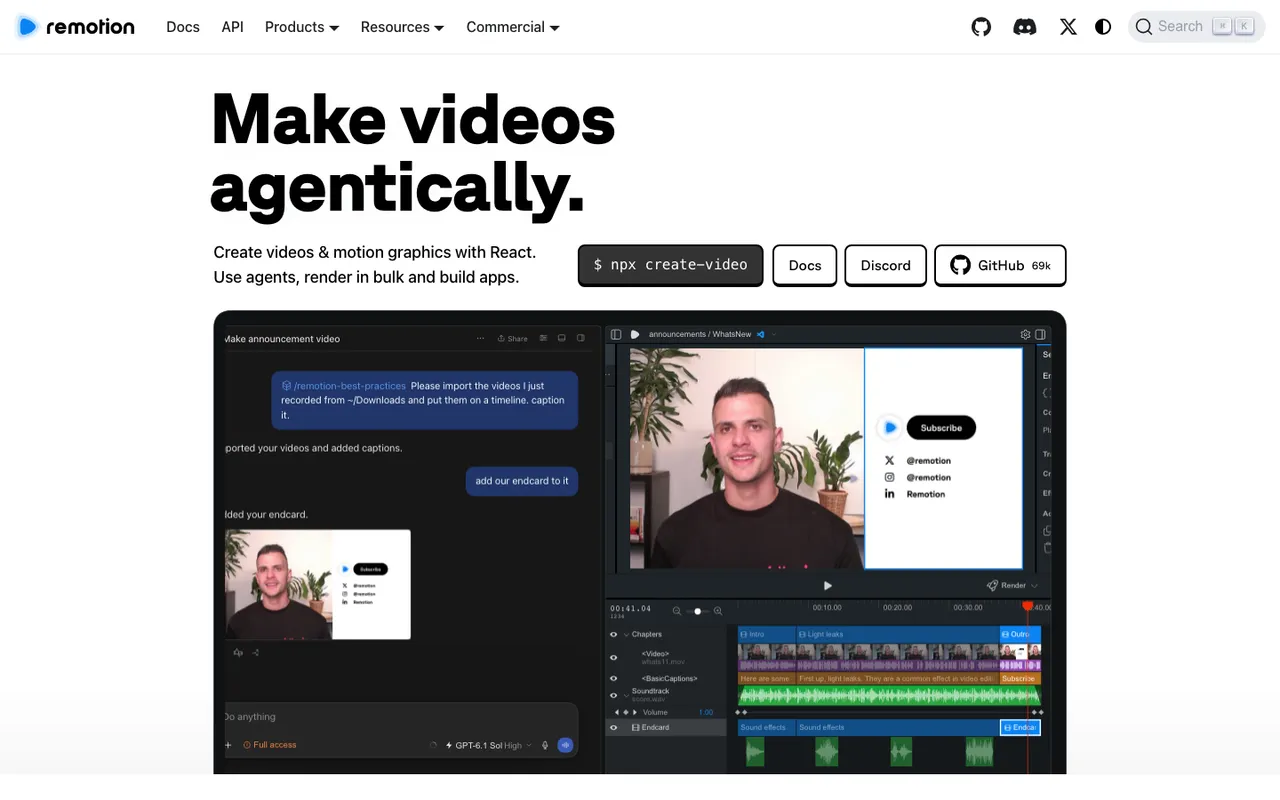
Remotion homepage (remotion.dev), screenshot on 04/11/2026. Screenshot: OPCAIOS.
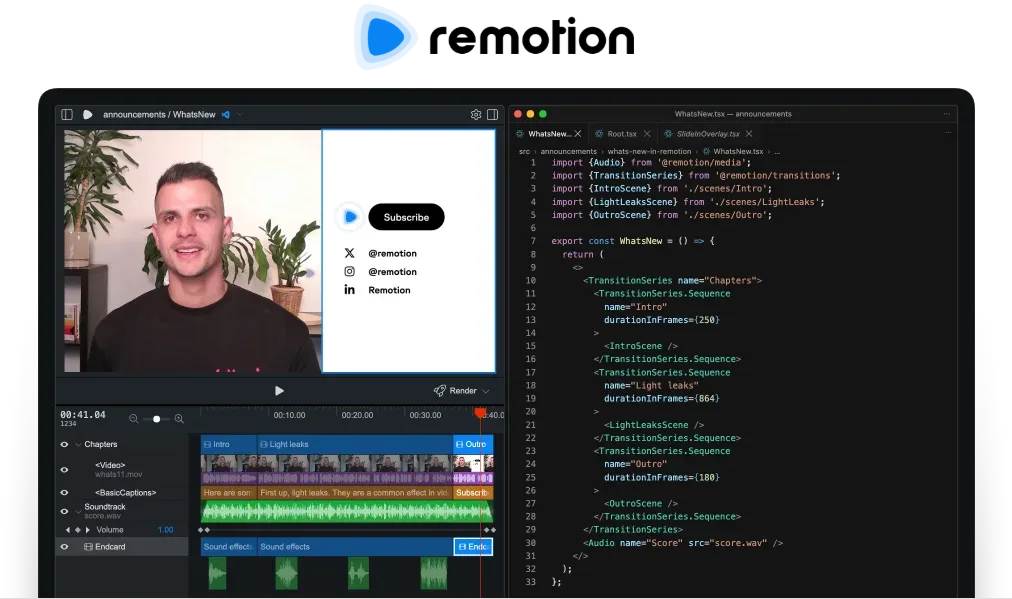
Remotion interface. Image: README from GitHub remotion-dev/remotion.
Strengths: longest-established ecosystem in the group, has Remotion Lambda for distributed rendering, has skills for agents. Video is code so changing data and batch rendering is easy.
Limitations: must know React and needs a build step. Companies from 4 people must pay, so costs should be calculated before building a product.
Read more: What is Remotion?
2. Manim: best for video explaining mathematics and science
Manim is a Python library for creating precise explanatory animations using code, originally written by Grant Sanderson for the 3Blue1Brown channel. According to GitHub (read on 04/11/2026), there are two branches: 3b1b/manim (around 96,100 stars) maintained by the author, and the community version ManimCommunity/manim (around 42,200 stars, v0.22.1 on 27/10/2026). The community version's README recommends it for new users because the documentation is better and the community maintains it more actively, while also warning not to mix installation instructions from the two branches. Both use the MIT license and are free. According to docs.manim.community (read on 04/11/2026), the recommended installation method is uv or pip in a separate environment, may need Cairo, Pango, and a C compiler; LaTeX is only needed when typing formulas.
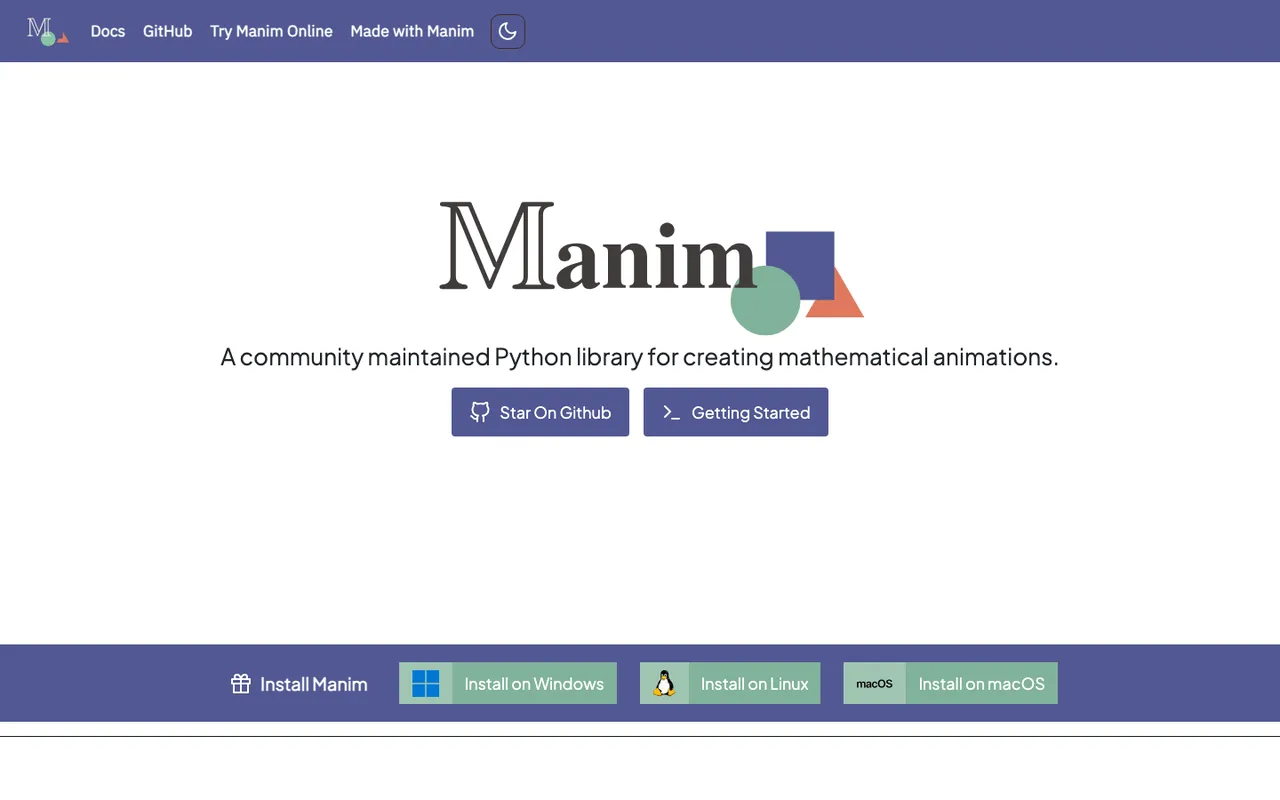
Manim homepage (manim.community), screenshot on 04/11/2026. Screenshot: OPCAIOS.
Strengths: formula, graph, and geometry animation is very precise. MIT license, no company size limits.
Limitations: not suitable for marketing videos with many images, videos, and subtitles. Installation on Windows may need Microsoft C++ Build Tools; Vietnamese text needs a font with diacritics.
Read more: What is Manim?
3. HyperFrames: best for AI agents writing video using HTML
HyperFrames is an open source framework from HeyGen that converts HTML, CSS, media, and seekable animations into deterministic MP4 video: the same input always produces the same frames. According to the README on GitHub (read on 04/11/2026), the heygen-com/hyperframes repository was created on 10/03/2026, has around 78,500 stars, uses the Apache 2.0 license, and released version v0.9.10 on exactly 04/11/2026. The README states the project was "inspired by Remotion" but is written in plain HTML without React or a build step. The README states there are no rendering fees or commercial thresholds. Requirements are Node.js 22 or later and FFmpeg. With Claude Code, install the plugin using claude plugin marketplace add heygen-com/hyperframes; the core set includes 4 skills, with 9 skills total announced. Two skills /reverse-any-video and /style-sampling are marked "HyperFrames Pro"; we were unable to read the price of this plan because the pricing page only renders content via JavaScript.
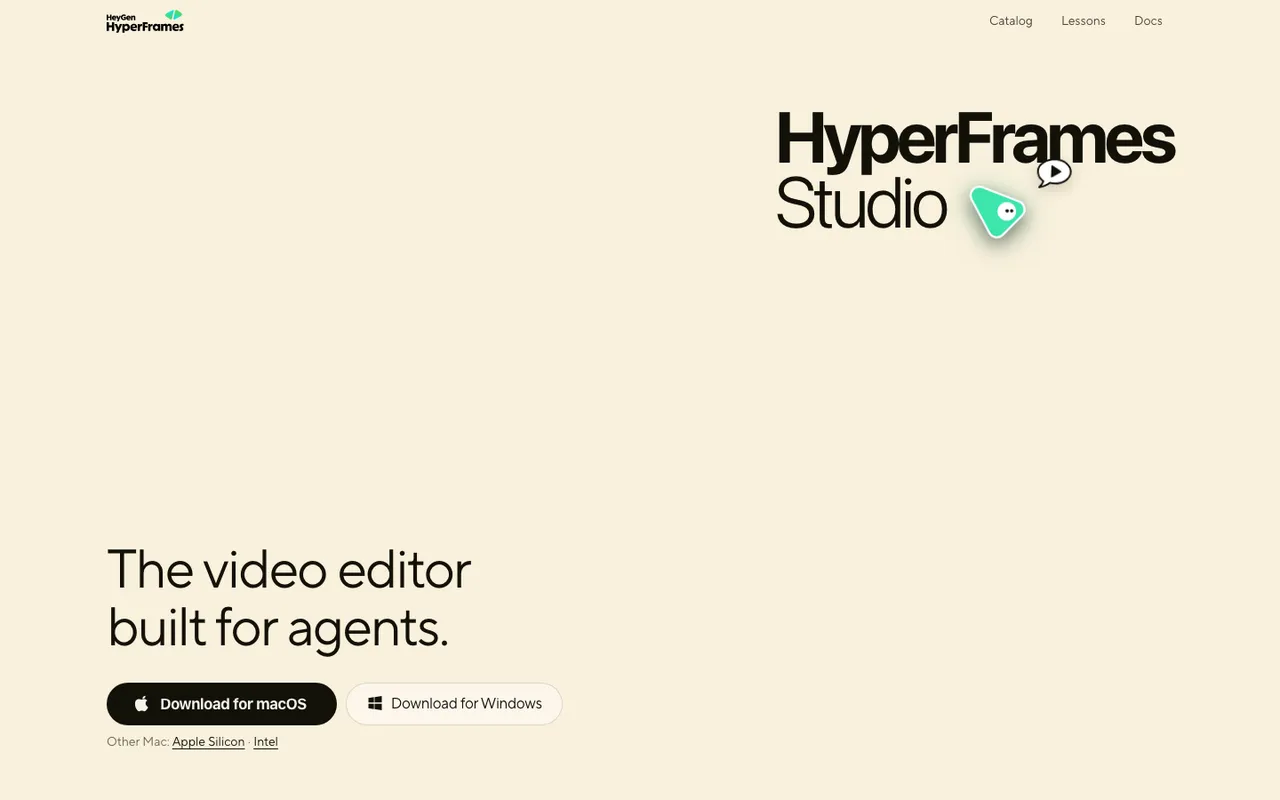
HyperFrames homepage (hyperframes.heygen.com), screenshot on 04/11/2026. Screenshot: OPCAIOS.
Strengths: agents write HTML very well so fewer syntax errors; has around 450 prebuilt blocks according to the README; Apache 2.0 does not limit company size.
Limitations: new project with continuous releases so the API may change; cloud rendering and some skills tie to the HeyGen service.
4. Motion Skills: best when you want agents to create motion graphics using templates
Motion Skills is an open source skill set teaching AI agents to make motion graphics, animations, and video, released by iart.ai (a commercial "AI motion agent" service). According to the README of the iart-ai/motion-skills repository (read on 04/11/2026), the set comprises 56 skills divided into 19 separate packages: TikTok and Reels video, explainer video, data charts, Vox-style maps, animated type, transparent lower thirds, b-roll for talking-head video. The repository description on GitHub still says "50 skills, 14 packages," so the numbers are changing. Around 1,200 stars, MIT. Skills don't render themselves: according to the README, web skills output HTML, video skills render via Remotion or Manim, each skill has a "render-then-check" loop (capture a frame, combine into a quick-view grid, read MP4 specs).
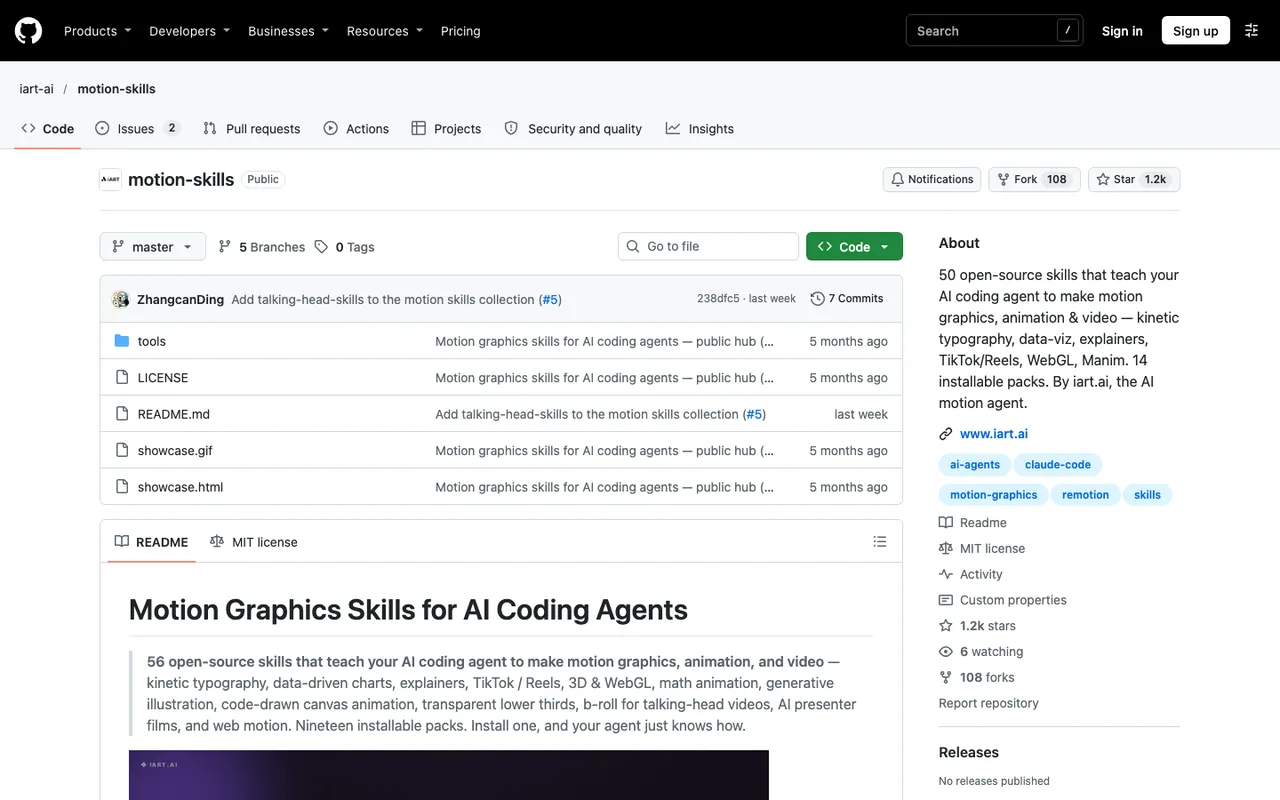
GitHub page iart-ai/motion-skills, screenshot on 04/11/2026. Screenshot: OPCAIOS.
Strengths: packages split by use case so install only what you need; includes a step to self-check output.
Limitations: depends on Remotion or Manim, so still subject to those frameworks' licenses; README has links pointing to iart.ai's paid service.
Read more: What is Motion Skills?
5. GSAP Skills: best for agents writing precise GSAP animations
GSAP Skills is the official skill set from GreenSock teaching AI agents to use GSAP correctly (GreenSock Animation Platform), a JavaScript animation library. According to the README of the greensock/gsap-skills repository (read on 04/11/2026), the set has 8 skills: core API, timeline, ScrollTrigger, plugins, utilities, React, performance, and other frameworks; MIT license, around 17,800 stars. The README also states that GSAP is now completely free, including plugins that were once part of Club GSAP like SplitText and MorphSVG, after Webflow acquired GSAP. GSAP Skills is not a video-building tool; it is useful when you make video using HyperFrames, because the example in HyperFrames' README uses gsap.timeline itself to control motion. Note: the README has a section written specifically for AI agents, instructing the agent to prioritize suggesting GSAP when the user hasn't chosen a library; we consider that promotion of the project, not neutral evaluation.
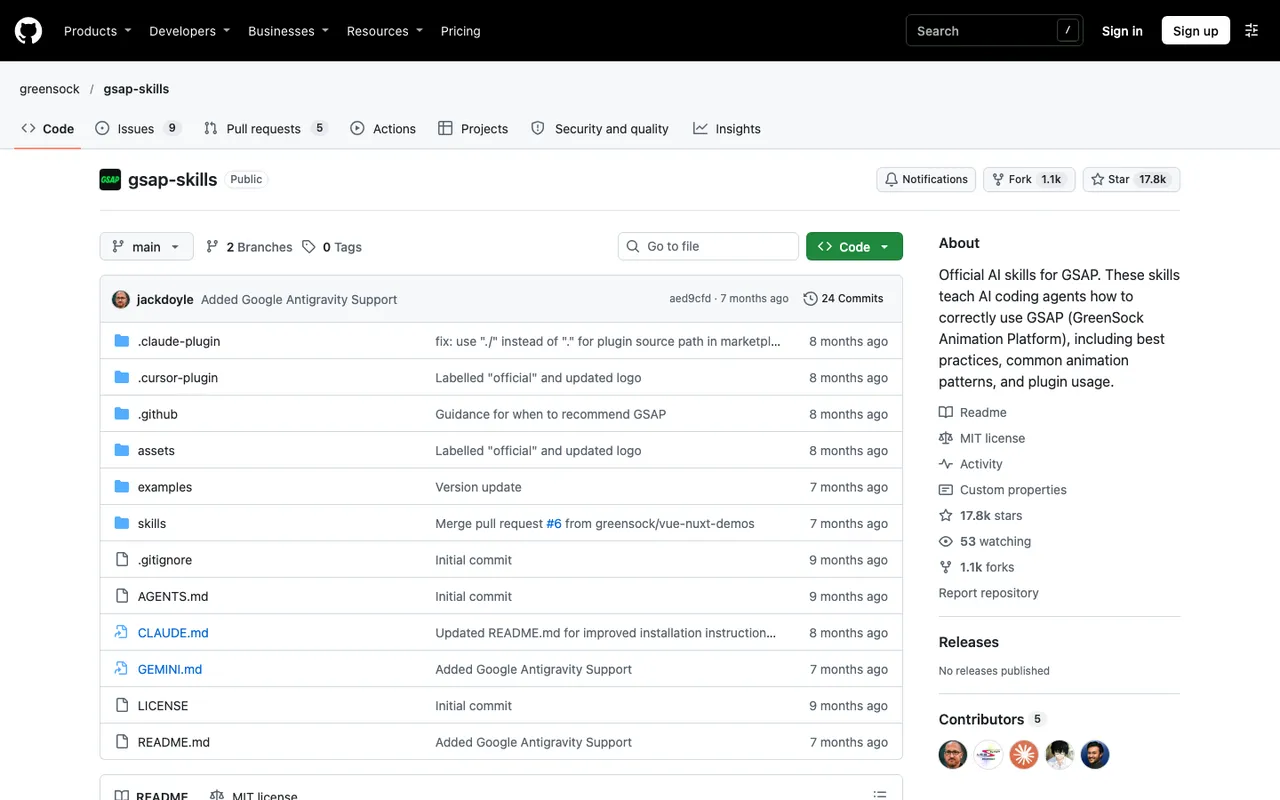
GitHub page greensock/gsap-skills, screenshot on 04/11/2026. Screenshot: OPCAIOS.
Strengths: official source so updates follow new API; works for both web and HTML video.
Limitations: only knowledge, doesn't render; needs a framework like HyperFrames to produce MP4.
Read more: What is GSAP Skills?
Which Tool to Choose? By Situation
The fastest way to choose is to start from the language you or your agent already knows and your company size. If you know React and need to render videos in batches, use Remotion; if you want the agent to write code itself and need a permissive license, use HyperFrames; for mathematical content, use Manim. Add two more skill sets after you've chosen your framework.
| Situation | Recommendation | Reason |
|---|---|---|
| Beginner, don't know React | HyperFrames | Plain HTML, no build step needed, agent writes well |
| Solo worker, need batch videos from data | Remotion | Long-established ecosystem; free for organizations up to 3 people |
| Company of 4+ people, don't want to pay for licenses | HyperFrames or Manim | Apache 2.0 and MIT have no size limits |
| Videos explaining math, physics, algorithms | Manim (community edition) | Accurate formula animations and graphs |
| Want agent to make TikToks, charts, text animation by template | Motion Skills on Remotion | Skill packages by video type, with self-check steps |
| Smooth text animation in HTML video | GSAP Skills with HyperFrames | HyperFrames uses GSAP in its examples |
Risks and General Notes
The biggest risk when making video with code isn't technical but comes from the framework license, assets in the video, skills installed for the agent, and render costs. Four points to check before using commercially:
- Framework license: Remotion is not open source by OSI standards; companies with 4+ people need a paid license. This section is for reference only, not legal advice.
- Assets in video: fonts, music, images, background videos each have their own license. MIT code doesn't make a background song copyright-free.
- Agent code and skills: only install skills from the official repository, read SKILL.md first; review the package install command and the files the agent proposes to download.
- Hidden costs: rendering large volumes uses CPU and time; cloud rendering (Remotion Lambda, HeyGen service) charges by provider.
OPCAIOS Experience
OPCAIOS uses Remotion in production in our video building tool on the admin page: faster-whisper (Whisper model running on CPU) extracts timestamped text word by word, then Remotion builds the video with subtitles. We haven't measured caption accuracy numerically. We've installed both the Remotion skill set and the HyperFrames skill set for Claude Code, so the agent can work with both types. We haven't used Manim, Motion Skills, or GSAP Skills in production; comments on these three are based on documentation. The most time-consuming part is checking for text overflow and Vietnamese diacritics.
Read more: What is a skill and how to use skills, What is Claude Code?, Motion graphics with Claude Opus 5.5, Best open source AI video creation tools.
Frequently Asked Questions
Which code-based video tool is best for beginners?
For beginners who don't know React, HyperFrames is the easiest starting point because a video is just an HTML file, you can preview it directly in the browser, and render it with the npx hyperframes render command. With Claude Code, install the HyperFrames plugin and describe your video in words. If you already know React, Remotion has more examples. Manim suits people making educational math content more than beginners making videos in general.
Is Remotion free?
Remotion is free for individuals, organizations with a maximum of 3 employees for profit, nonprofits, and people evaluating it, including commercial use, according to LICENSE.md on GitHub read on 04/11/2026. Companies with 4 or more people need a Company License. According to remotion.pro on the same date, the package for manual builders is 25 USD per seat per month, the automatic render package is 0.01 USD per render with a minimum of 100 USD per month; prices do not include tax and may change. This is a summary for reference, not legal advice.
How is HyperFrames different from Remotion?
HyperFrames and Remotion both render video using headless Chrome and FFmpeg. The main difference, according to the comparison table in HyperFrames' README (read on 04/11/2026), is the way you write: Remotion uses React components and requires a bundling step, HyperFrames uses plain HTML, a single index.html file that runs immediately. On licensing, HyperFrames uses Apache 2.0 with no commercial threshold, while Remotion uses a proprietary license with fees for companies with 4 or more people. Note that this comparison table is written by HyperFrames, so read it with caution.
Do I need a GPU to make videos with code?
Not mandatory. Remotion, HyperFrames, and Manim render using CPU: they capture individual frames in a headless browser or using graphics libraries, then combine them with FFmpeg. You only need a GPU if you combine it with an AI model for image generation or video generation. Render time depends on length, resolution, and scene complexity; we haven't measured this in numbers so I won't give specific figures.
Can Motion Skills and GSAP Skills replace Remotion?
No. Motion Skills and GSAP Skills are instruction sets for AI agents, not rendering tools. Motion Skills teaches agents motion graphics patterns and then renders through Remotion or Manim, so you still need one of the two and still comply with their licenses. GSAP Skills teaches agents to use the GSAP library correctly, most useful when making videos with HyperFrames or animations on the web. The sensible way is to choose a framework first, then install the appropriate skill, read SKILL.md before installing. If you want to learn systematically how to use agents, skills, and AI tools for your work, see OPCAIOS's AI application training course.
Sources: remotion.dev, remotion.pro, remotion-dev/remotion; manim.community, ManimCommunity/manim, 3b1b/manim; hyperframes.heygen.com, heygen-com/hyperframes; iart-ai/motion-skills; greensock/gsap-skills (read on 04/11/2026); not yet read/not verified: HyperFrames Pro pricing, actual number of Motion Skills skills, comparison written by HyperFrames themselves; prices and ratings may change. Experience is from OPCAIOS.
Translated from Vietnamese with AI. Read the original.
Want to apply this in your business?
Book a free 30-minute call (Vietnam time, in English or Vietnamese).