


Best Website Measurement Tools for Most Small Websites
The best measurement tool pair for most small websites is Google Analytics 4 (GA4) and Google Search Console: both are free, have Vietnamese interfaces, and answer two basic questions—where customers come from and which pages Google displays. If you want to see how customers actually scroll and where they click, add Microsoft Clarity, whose homepage says "Free forever" with no traffic limits (checked 04/11/2026). If you want to self-host and restrict cookies, Umami is the most compact choice, MIT license, around 39,900 GitHub stars. This article compares 6 website measurement tools across five criteria: price, self-hosting capability, Vietnamese language, setup difficulty, and update frequency. There is no absolutely "best" tool, only choices suited to each need.
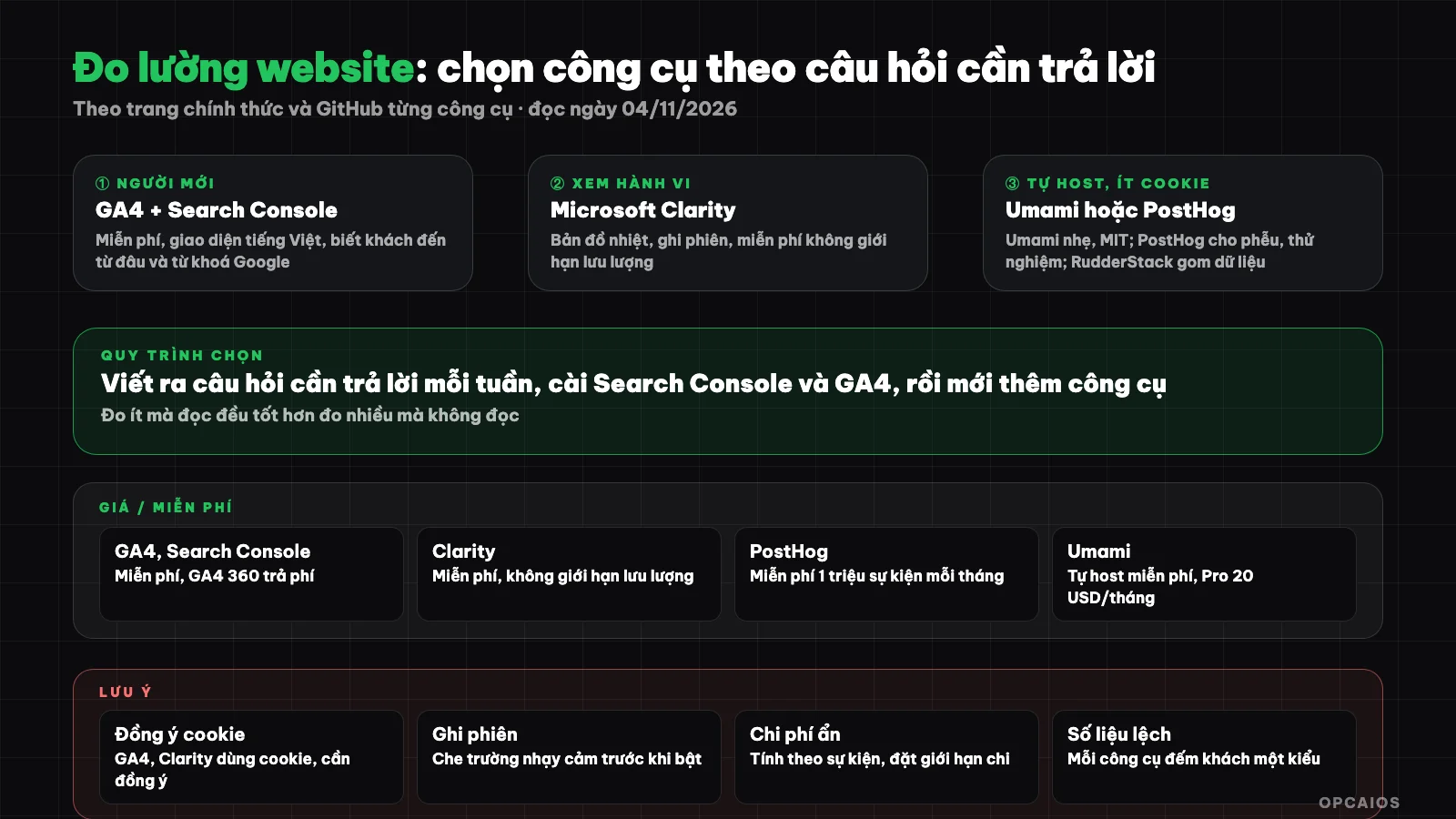
Map for choosing website measurement tools by three main needs, with pricing and notes. Diagram: OPCAIOS.
Quick Comparison Table of 6 Website Measurement Tools
Six website measurement tools in the article are divided into three groups. Google's free group includes GA4 and Search Console. The behavior-viewing group includes Microsoft Clarity. The open-source self-hosting group includes PostHog, Umami, and RudderStack. The table below summarizes starting prices checked on 04/11/2026, excluding taxes, subject to change.
Logos of tools in this article, taken from each project's official page.
| Tool | Best for | Starting Price (checked 04/11/2026) | Self-host | Vietnamese | Difficulty |
|---|---|---|---|---|---|
| Google Analytics 4 | Beginners, general traffic measurement | Free (GA360 paid version for large enterprises) | No | Vietnamese interface available | Medium |
| Google Search Console | Know which keywords bring customers from Google | Free | No | Vietnamese interface available | Easy |
| Microsoft Clarity | View heatmaps, record sessions | Free, unlimited traffic | No | Not checked | Easy |
| PostHog | Digital products, apps, funnels, and experiments | Free 1 million events/month, then pay-as-you-go | Yes (Hobby edition, self-support) | Not checked | Hard |
| Umami | Self-host, minimal cookies, lightweight | Self-host free; Hobby Cloud 0 USD, Pro 20 USD/month | Yes (MIT) | Vietnamese language file available | Easy to medium |
| RudderStack | Collect events to data warehouse, route to many places | Free 250,000 events/month, Growth 265 USD/month | Yes (Elastic 2.0) | Not checked | Hard |
Which Criteria Did We Use?
We scored six website measurement tools using five clear criteria, without using composite scores. Price, license, and features are from official pages checked on 04/11/2026; real experience is only with Search Console.
- Price and free version: is there a free version usable long-term, what are the limits. Read official pricing page.
- Self-hosting and data ownership: whose server holds the data, can it run on a private VPS. Read GitHub README and self-hosting documentation.
- Vietnamese language: does the interface have Vietnamese. Check language files in source code when available.
- Difficulty: can someone without programming skills set it up in one session.
- Update frequency: most recent code push on GitHub and star count, checked via GitHub API on 04/11/2026.
We have not yet measured data accuracy differences between tools.
Detailed Review of Each Tool
Each website measurement tool below serves a need where it excels most. First are two Google tools, then Clarity, and finally three open source projects.
1. Google Analytics 4: best for beginners measuring traffic
Google Analytics 4 is Google's free website and app analytics tool, measuring by event model: each page view, click or order is an event. GA4 tells you which channel visitors come from, which pages they view, and how they convert. According to the Google Analytics help page (read 04/11/2026), GA4 standard properties keep event and user level data for 2 or 14 months; the 26, 38 and 50 month levels only exist in paid Analytics 360. To analyze data older than 14 months in detail, you must export to BigQuery or another warehouse. For example, an online bakery that adds UTM to each Facebook post will see in GA4 which post brings orders (hypothetical example).
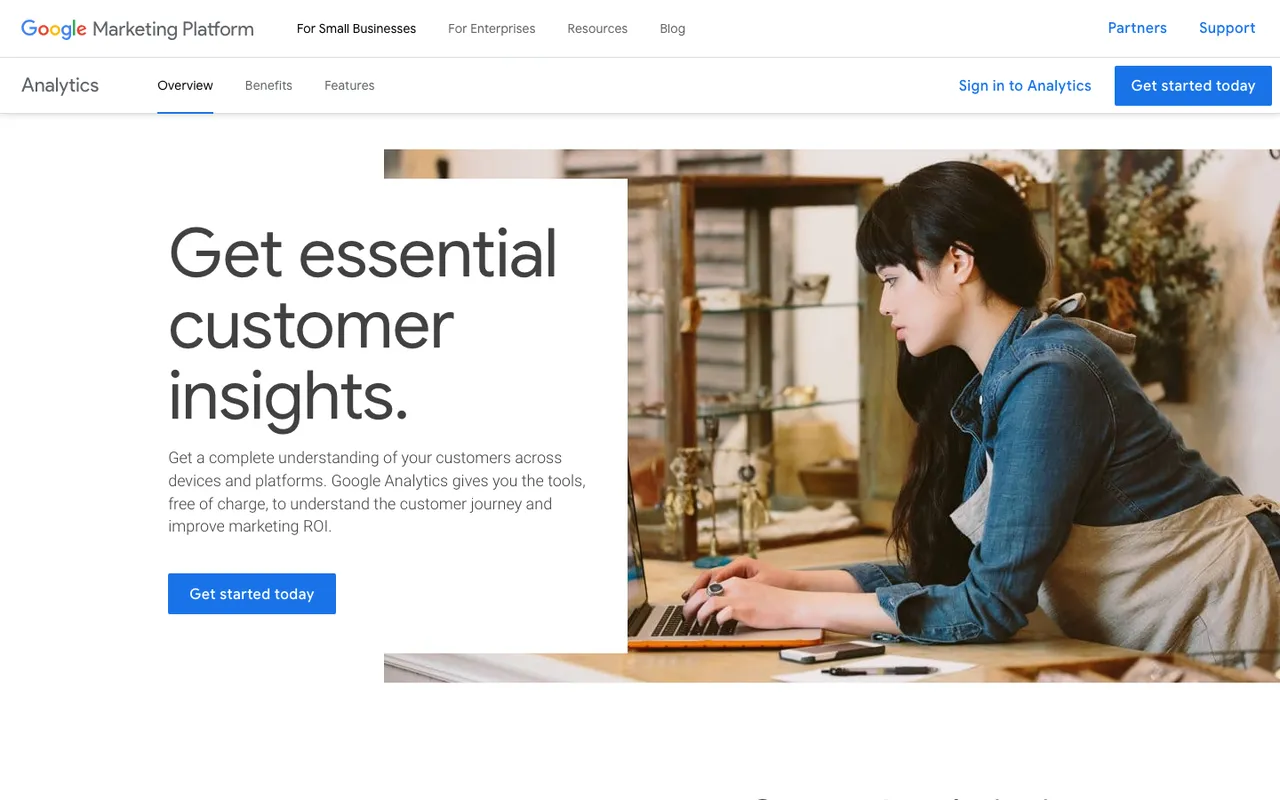
Google Analytics homepage (marketingplatform.google.com), captured 04/11/2026. Screenshot: OPCAIOS.
Strengths: free, widely used, plenty of Vietnamese documentation, connects to Google Ads and Search Console.
Limitations: reporting interface is difficult for beginners, detailed data only kept up to 14 months in the free version, requires handling cookie consent.
Read more: What is GA4?
2. Google Search Console: best for understanding how Google sees your website
Google Search Console is Google's free tool for website owners, showing which pages are indexed, which keywords make pages appear on Google, and what technical errors exist. According to the official page search.google.com/search-console (read 04/11/2026), you can see impressions, clicks and average position, submit sitemaps and request Google to crawl individual URLs. According to Google Analytics help, Search Console keeps the most recent 16 months of data. Search Console measures what happens on Google search results pages, before visitors enter your website, so it supplements rather than replaces GA4. Search Console only requires ownership verification (via DNS, HTML file or meta tag), not tracking code on readers.
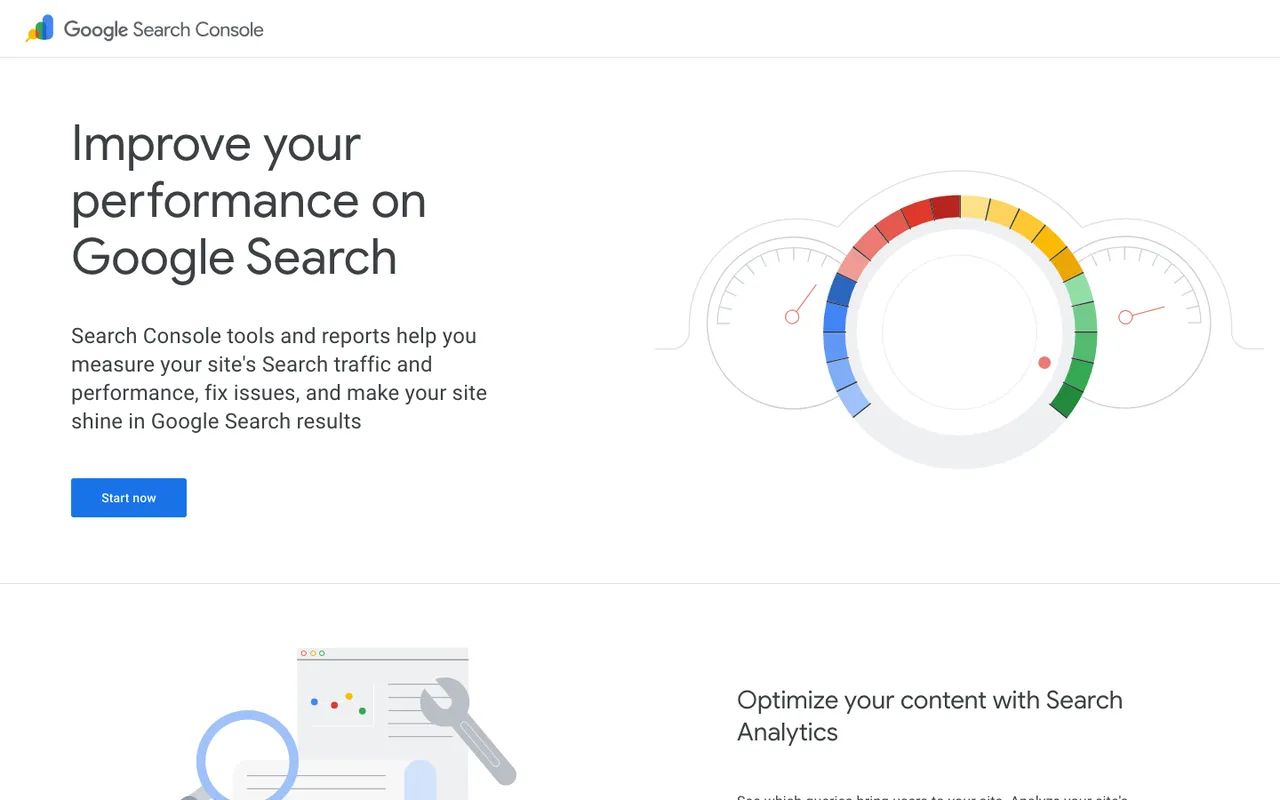
Google Search Console homepage (search.google.com), captured 04/11/2026. Screenshot: OPCAIOS.
Strengths: free, data directly from Google, no tracking code needed, Vietnamese interface available.
Limitations: only measures Google Search, data is delayed by a few days, doesn't show what visitors do after entering the page.
Read more: What is Google Search Console?
3. Microsoft Clarity: best for seeing how visitors actually use your page
Microsoft Clarity is Microsoft's behavior analytics tool, recording sessions and drawing heatmaps so you see where visitors click, how far they scroll, where they get stuck. The homepage clarity.microsoft.com (read 04/11/2026) says "Free forever", "No limits on traffic" and over 2 million websites and apps are using it, according to Microsoft's claim, unverified. Clarity's tracking library is open source on GitHub microsoft/clarity, MIT license, around 2,800 stars, but the backend and dashboard are cloud services, cannot be self-hosted. One major note: according to Microsoft Learn documentation, from 31/10/2025 Clarity requires valid cookie consent signals for visits from EEA, UK and Switzerland.
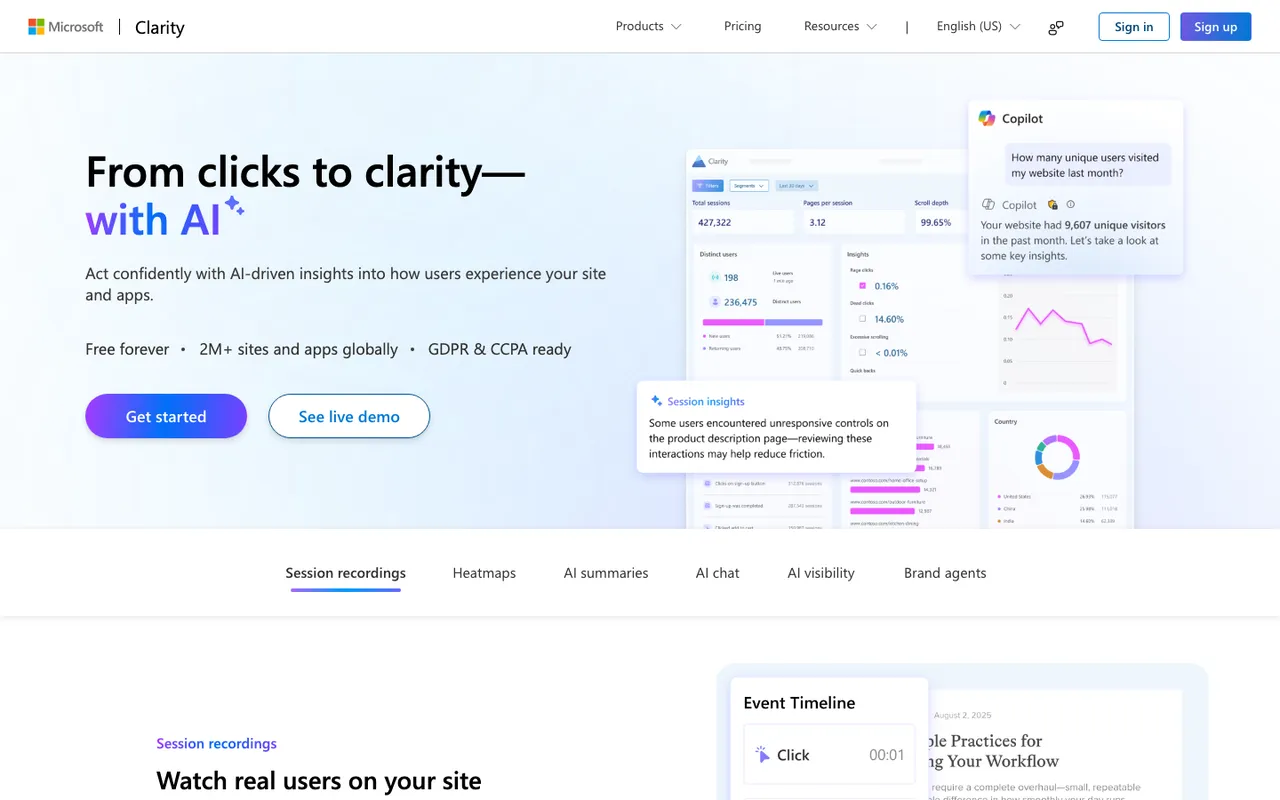
Microsoft Clarity homepage (clarity.microsoft.com), captured 04/11/2026. Screenshot: OPCAIOS.
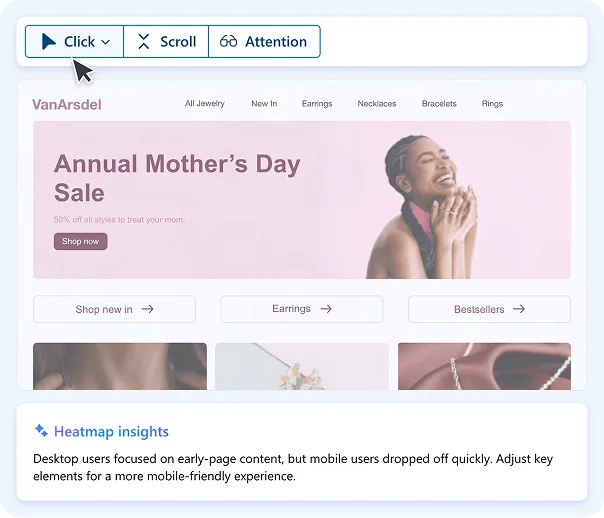
Microsoft Clarity interface. Image: clarity.microsoft.com.
Strengths: free, unlimited traffic, install with a single code snippet, see interface issues immediately.
Limitations: cannot self-host, session recording raises privacy concerns, must configure cookie consent for European visitors.
4. PostHog: best for digital products needing funnels, experiments and session recording
PostHog is an open source product analytics platform, combining in one place event analytics, session recording, feature flags, A/B testing, surveys and error tracking. The PostHog/posthog repository has around 40,600 GitHub stars (read 04/11/2026); README lists MIT license except the ee directory which has separate license. According to posthog.com/pricing (read 04/11/2026), each month you get free 1 million analytics events, 5,000 session recordings, 1 million flag calls and 1,500 survey responses; over that you pay per use, and can set spending limits. The "hobby" self-hosted version runs via Docker on Linux, README recommends 4 GB RAM and clearly states it does not support or guarantee this version. For a simple blog, PostHog is usually overkill.
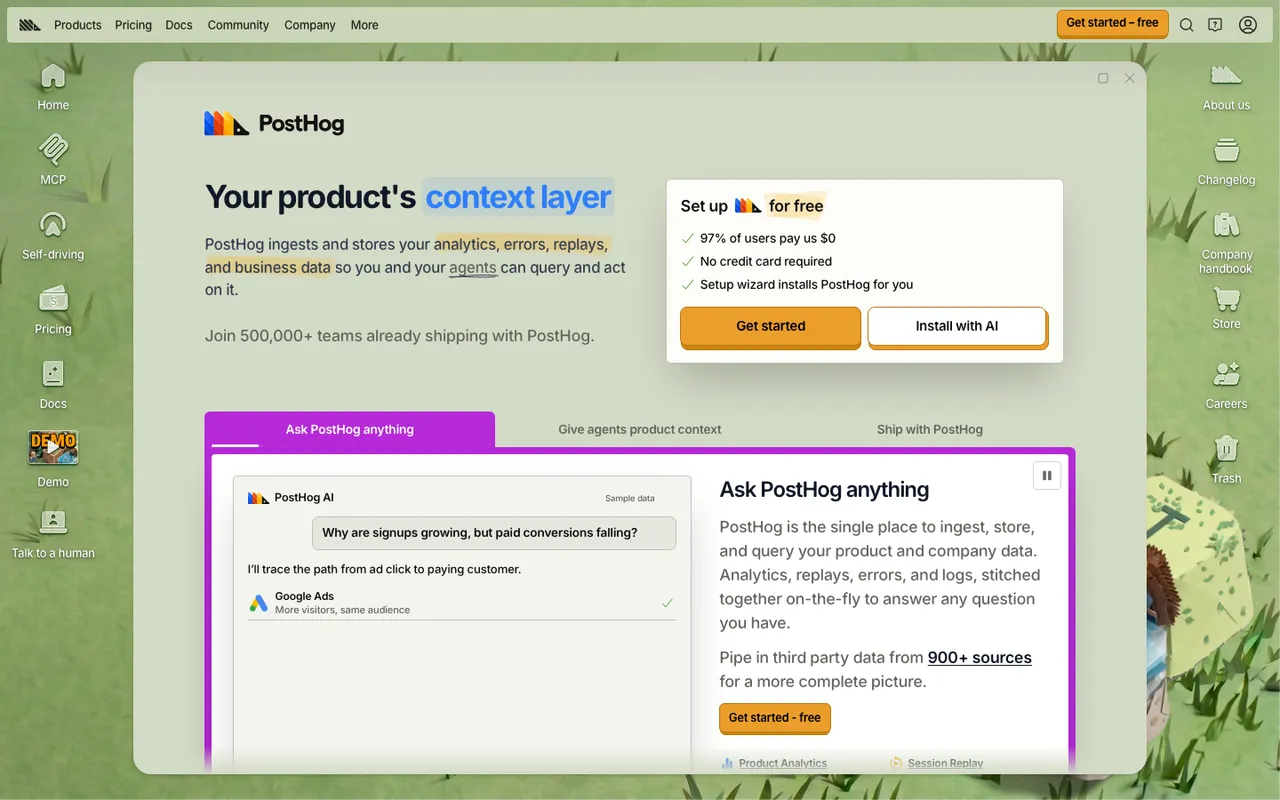
PostHog homepage (posthog.com), captured 04/11/2026. Screenshot: OPCAIOS.
Strengths: generous free tier, many products in one, has MCP for AI agents, open source.
Limitations: many features so steep learning curve, self-hosting consumes resources and has no support, costs rise quickly if you enable widespread session recording.
Read more: What is PostHog?
5. Umami: best if you want to self-host and limit cookies
Umami is an open source web analytics tool that prioritizes privacy, measuring page views, traffic sources, campaigns, conversions and revenue. The umami-software/umami repository has around 39,900 GitHub stars, MIT license, with latest code push on 03/11/2026 (read 04/11/2026). The homepage umami.is says Umami doesn't use cookies, doesn't collect personal data and doesn't track visitors across websites, so according to Umami you don't need a cookie banner; this is the company's claim, you should still evaluate it yourself under applicable law. According to the pricing page (read 04/11/2026), self-hosting is free; Hobby cloud tier 0 USD for 100,000 events/month, 1 website, keeps data 6 months; Pro 20 USD/month for 1 million events, up to 20 websites, keeps 2 years. The source code includes Vietnamese UI file vi-VN.
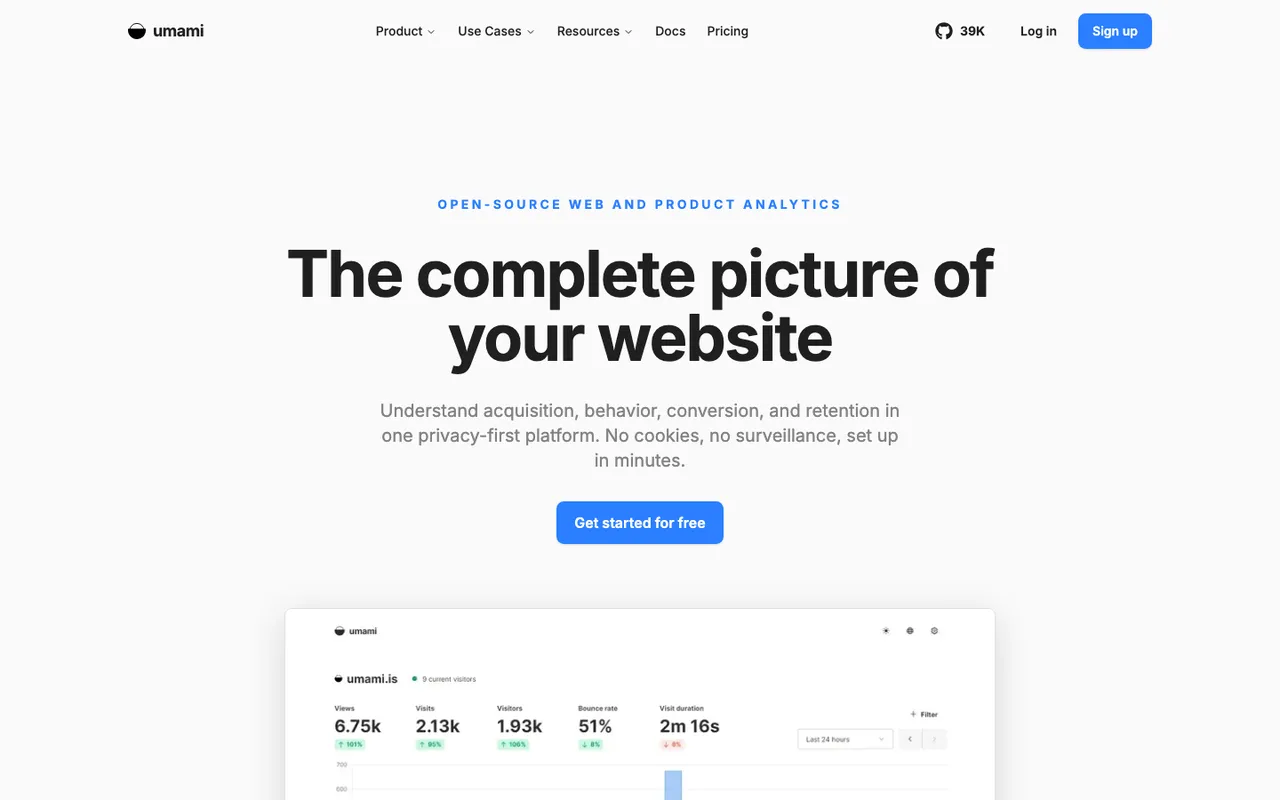
Umami homepage (umami.is), captured 04/11/2026. Screenshot: OPCAIOS.
Strengths: simple, lightweight, MIT, self-host on a small VPS, interface has Vietnamese, no cookies needed per company.
Limitations: fewer deep analytics features than GA4 or PostHog, self-hosting means you handle backups and updates yourself.
6. RudderStack: best when you need to consolidate event data in one place
RudderStack is a customer data platform (CDP), meaning a pipeline that collects events from websites, apps, servers then routes them to data warehouses and many other tools like GA4, PostHog or CRM. RudderStack is not a reporting tool; it's a data collection and distribution layer that sits before reporting tools. The rudderlabs/rudder-server repository has around 4,500 GitHub stars, Elastic License 2.0 (not an open source license per OSI definition), read 04/11/2026. According to rudderstack.com/pricing (read 04/11/2026), Free tier 0 USD for 250,000 events/month, Growth tier from 265 USD/month, Enterprise pricing on request. For a solo website, RudderStack is only worth considering when you already have many data destinations.
RudderStack homepage (rudderstack.com), captured 04/11/2026. Screenshot: OPCAIOS.
Strengths: one tracking code sends everywhere, data goes to your own warehouse, self-hosted version available.
Limitations: difficult for beginners, doesn't draw its own reports, Elastic 2.0 license restricts reselling as a service.
Read more: What is RudderStack?
Which tool to choose? For each situation
Choosing a website measurement tool should start with the question you need to answer, not from a feature list. Most small websites only need two free tools, then add more gradually as new questions arise.
| Situation | Recommendation | Reason |
|---|---|---|
| New website, haven't measured anything | Search Console + GA4 | Free, see customers from Google and other channels |
| Sales page with views but few orders | Add Microsoft Clarity | See heat maps and sessions to spot where customers get stuck |
| Want data on your own server | Umami self-hosted | MIT, lightweight, no vendor cookie tracking |
| Have app, member area, sign-up funnel | PostHog | Funnels, cohorts, feature flags, experiments in one place |
| Many data destinations, need one tracking code | RudderStack | Collect once, send to data warehouse and many tools |
To understand funnels better, see funnels and cohorts for small business.
Risks and general notes when using website measurement tools
The biggest risk of website measurement tools is collecting personal data without telling your customers. Recording sessions, tracking cookies, and user identifiers can all be personal data.
- Cookie consent: GA4 and Clarity use cookies. For European customers, Clarity requires a consent signal starting 31/10/2025 according to Microsoft Learn. In Vietnam, Regulation 13/2023/NĐ-CP and the Personal Data Protection Law have rules about data subject consent; the information here is for reference only, not legal advice—ask a lawyer for your specific case.
- Session recording: mask password fields, phone numbers, addresses in session recordings before turning it on.
- Data on vendor servers: cloud versions store data overseas, read their data processing terms.
- Hidden costs: free versions count by events. One loop sending error events can burn through your quota—set spending limits.
- Numbers don't match: each tool counts visitors differently, ad blockers cause some views to be missed.
OPCAIOS experience
OPCAIOS measures the website using a custom traffic analytics system built into the admin panel, combined with Google Search Console. The website opcaios.org is a self-built Next.js site, run by one person working with AI agents like Claude Code, Antigravity, and Codex. Search Console is the real tool we use to see keywords, impressions, and indexing errors. We haven't installed PostHog, Clarity, or Umami on opcaios.org, so the evaluation of these three tools is based on official documentation. The practical lesson: first identify a few questions you need to answer each week, next pick the tool, finally add events. We do not publish opcaios.org traffic numbers.
Read more: What is attribution?, best free SEO tools
Frequently Asked Questions
What's the best website measurement tool for beginners?
For beginners, the website measurement tool to install first is Google Search Console, then Google Analytics 4. Search Console doesn't need code installation, just ownership verification, and it shows which pages appear on Google with which keywords. GA4 shows where visitors come from and what they do on your site. Both are free and have Vietnamese interfaces. Once you're comfortable, add Microsoft Clarity.
Are there completely free website measurement tools?
Yes. Google Search Console and Microsoft Clarity are free. Clarity records unlimited traffic at homepage level as of 04/11/2026. GA4 standard version is free, Analytics 360 is paid. Umami is free when self-hosted, you only pay for the server. PostHog is free for 1 million events per month, RudderStack is free for 250,000 events per month. Prices don't include tax and may change.
Is it hard to self-host a website measurement tool?
Self-hosting Umami is relatively easy: the README has instructions to run Docker Compose with PostgreSQL on a VPS. PostHog hobby version also installs with one command, but the README recommends 4 GB RAM and says it doesn't support customers using the self-hosted version. When self-hosting, you're responsible for backups, updates, and HTTPS. If you're not yet comfortable with servers, use the cloud version first.
Do I need a cookie consent banner when using GA4 or Clarity?
For visitors from Europe, UK, and Switzerland, the answer is almost yes: Microsoft Learn states Clarity requires consent signals from 31/10/2025, and GA4 also uses cookies. For websites serving Vietnamese customers, Decree 13/2023/NĐ-CP and the Personal Data Protection Law require notice and consent when processing personal data. This is reference information, not legal advice.
How are GA4 and Search Console different?
Google Search Console measures what happens on Google search results pages, before visitors click: impressions, clicks, average position by keyword. GA4 measures what happens after visitors enter your website: pages viewed, traffic source, events, conversions. Search Console keeps data for 16 months, GA4 free version keeps detailed data for up to 14 months. To learn how to read analytics and use AI for analysis, see OPCAIOS's AI application training course.
Source: Google Analytics help (support.google.com/analytics), search.google.com/search-console, clarity.microsoft.com and Consent Mode documentation on learn.microsoft.com, posthog.com/pricing and PostHog README/posthog, umami.is/pricing and README umami-software/umami, rudderstack.com/pricing and README rudderlabs/rudder-server, GitHub API (accessed 04/11/2026); not read/not verified: Analytics 360 pricing page, interface language of Clarity, PostHog, RudderStack, figures self-reported by vendors; prices and ratings may change. Experience is OPCAIOS's.
Translated from Vietnamese with AI. Read the original.
Want to apply this in your business?
Book a free 30-minute call (Vietnam time, in English or Vietnamese).