


Which AI video speaker tool should you pick? If you're just starting and have no GPU, HeyGen is the shortest path: it's a web service with a free plan of 3 videos per month (max 1 minute, watermarked, per HeyGen's pricing page read on 04/11/2026). If you want to self-host on a mid-range GPU, WanGP bundles InfiniteTalk and LongCat Avatar into one web interface. If you need to re-dub an existing video, InfiniteTalk (Apache-2.0) or LatentSync (ByteDance) are two open-source options worth trying. "Best" in this post isn't a ranking: we compare by price, self-hosting ability, hardware needed, Vietnamese support, and update frequency. The post covers 7 tools, with OmniVoice handling the voice part. Read the deepfake ethics section before using anyone's face or voice.
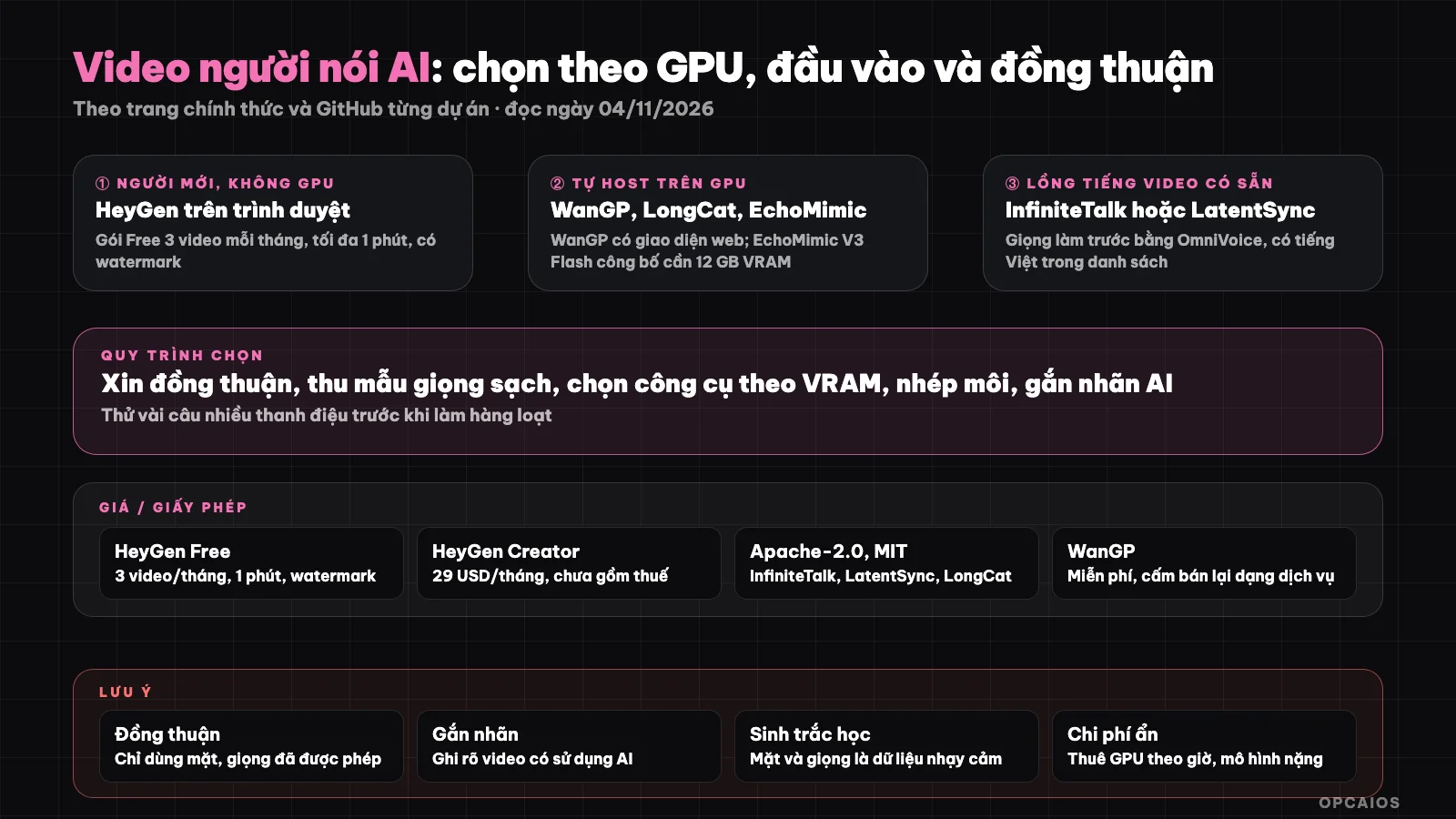
Map for picking a tool by need: web service, self-host on GPU, or just lip-sync. Diagram: OPCAIOS.
Quick comparison table of 7 AI video speaker tools
The table below compares 7 AI video speaker tools by use case, starting price, self-hosting, Vietnamese support, and difficulty. Prices read from official pages on 04/11/2026, before tax, and may change. Open-source tools are free software, but you pay for GPU.

Logos of the tools in this post, from each project's official page.
| Tool | Best for | Starting price (04/11/2026) | Self-host | Vietnamese | Difficulty |
|---|---|---|---|---|---|
| HeyGen | Beginners, no GPU | Free 3 videos/month; Creator 29 USD/month | No | Claims 175+ languages, untested | Easy |
| WanGP | Self-host with web interface | Free + GPU | Yes | Via audio | Medium |
| InfiniteTalk | Re-dub existing video | Free + GPU | Yes | Via audio | Hard |
| LongCat-Video | Two speakers, MIT | Free + GPU | Yes | Via audio | Hard |
| EchoMimic V3 | 12 GB GPU | Free + GPU | Yes | Via audio | Hard |
| LatentSync | Lip-sync pre-recorded video | Free + GPU | Yes | Via audio | Medium |
| OmniVoice | Voice part | Free | Yes | Yes (code) | Medium |
What criteria do we use?
We pick AI video speaker tools by five criteria read from primary sources, plus hands-on experience with two tools. Most ratings below come from reading official docs; only OmniVoice, InfiniteTalk, and LatentSync are part of OPCAIOS's workflow.
- Hardware: minimum VRAM stated by each project, biggest real cost.
- License and price: Apache-2.0, MIT, or proprietary; price from official pricing page only.
- Input: from a single image or from existing video (re-dub).
- Update frequency: latest code push on GitHub API, read on 04/11/2026.
- Vietnamese: lip-sync follows audio, so Vietnamese depends mainly on the voice part. We haven't measured lip-sync accuracy numerically.
- Real experience: OPCAIOS uses OmniVoice, InfiniteTalk (via ComfyUI), and LatentSync. Other tools we've only read the docs.
Detailed evaluation of each tool
Each tool below is described using the same framework: what it is, who made it, license, hardware, strengths, and limitations. Star counts and update dates are taken from the GitHub API on November 4, 2026. Performance figures self-reported by projects are clearly marked as unverified, and we do not score them ourselves.
1. HeyGen: best for beginners without a GPU
HeyGen is a web service for creating videos with AI avatars, operated by HeyGen Inc., with no self-hosted version available. According to HeyGen's pricing page viewed on November 4, 2026, the Free plan costs 0 USD for 3 videos per month, each up to 1 minute, with watermark. The Creator plan at 29 USD/month (monthly billing) removes the HeyGen branding, exports 1080p, and allows videos up to 30 minutes. The Pro plan starts at 49 USD/month. Prices do not include tax and may change. HeyGen states support for 175+ languages and dialects in paid plans; we have not tested Vietnamese. An important point: according to HeyGen's help center, the person appearing in the avatar must record a consent video themselves, read the exact text provided by the system, and cannot use screen recordings.
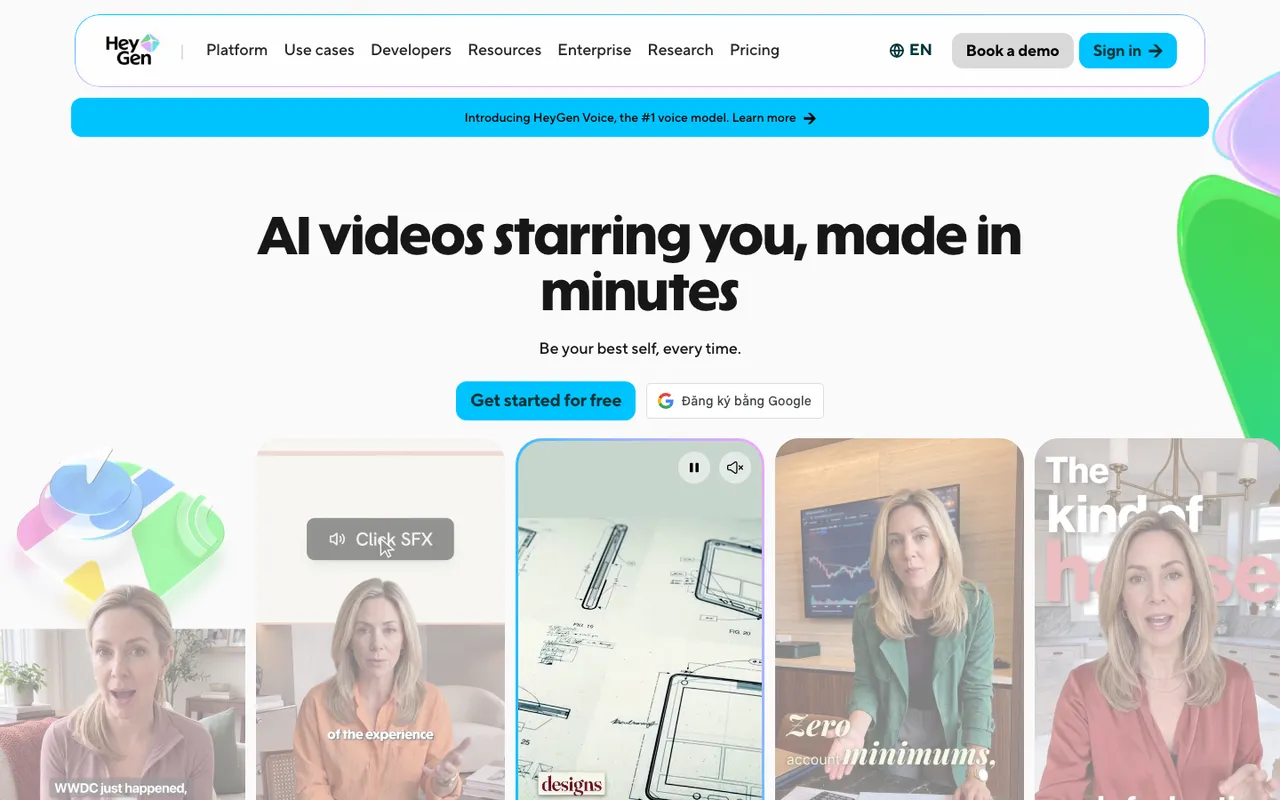
HeyGen homepage (heygen.com), captured November 4, 2026. Screenshot: OPCAIOS.
Strengths: No GPU or installation needed. Has a consent verification process for custom avatars. Free plan available to try.
Limitations: Monthly billing and credit-based. Facial and voice data stored on the company's servers. Free plan includes watermark.
Read more: Create TikTok Shorts channel with HeyGen, Suno, CapCut
2. WanGP: best if you want self-hosting with a web interface
WanGP is an open-source application by DeepBeepMeep that combines multiple video, image, and voice generation models into one browser interface running on your GPU. According to the GitHub API on November 4, 2026, the deepbeepmeep/WanGP repository has approximately 11,365 stars and was last updated on November 3, 2026. The license is "WanGP Community License 2.0," not MIT or Apache: free to use even in a company, can sell products you create with it, but cannot resell WanGP or run it as a paid service without a commercial license. For talking head videos, WanGP's MODELS.md file lists InfiniteTalk, MultiTalk, and LongCat Avatar 1.5, and WanGP also integrates OmniVoice for voice. The README claims some models run from 4 GB VRAM, supporting NVIDIA GPUs from GTX 10xx and AMD GPUs; as self-reported by the project, we have not verified this.
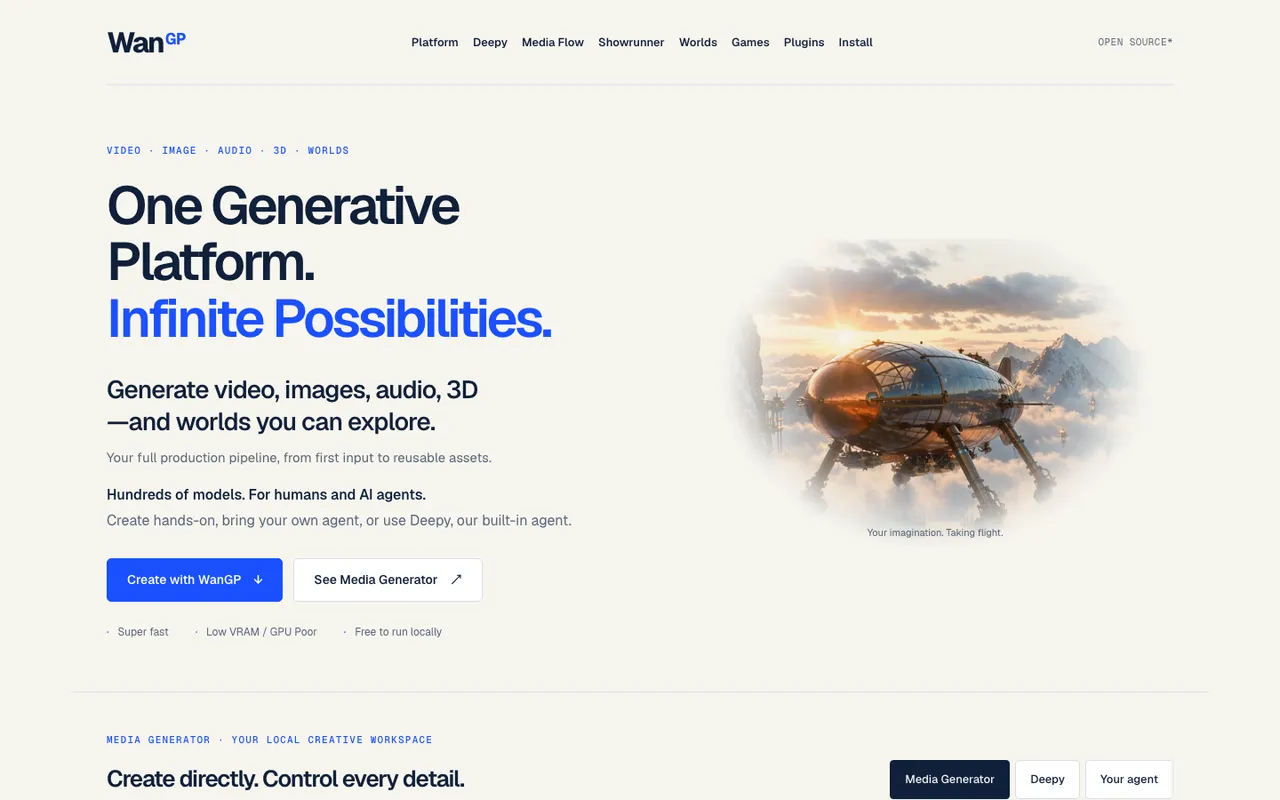
WanGP homepage (wangp.ai), captured November 4, 2026. Screenshot: OPCAIOS.

WanGP interface. Image: wangp.ai.
Strengths: One interface for many talking head models. Optimized for low VRAM GPUs. Updates very frequently.
Limitations: Custom license, not standard OSI open source. Many options can confuse beginners.
Read more: What is WanGP?
3. InfiniteTalk: best for re-voicing existing videos
InfiniteTalk is an open-source model by the MeiGen-AI group that creates talking head videos from audio, with Apache-2.0 license. According to the GitHub API on November 4, 2026, the MeiGen-AI/InfiniteTalk repository has approximately 8,300 stars, with the most recent code push on May 22, 2026. The model accepts both static images (image-to-video) and existing videos (video-to-video), and the README describes "sparse frame" syncing: matching not just lips but also head, torso, and facial expressions. The project describes unlimited video length; we have not verified this. The base model is Wan2.1-I2V-14B-480P, meaning 14 billion parameters, so it needs a fairly powerful GPU if running the original version. The README mentions very low VRAM mode and int8 quantization. A ComfyUI version is supported by the community through ComfyUI-WanVideoWrapper. This is a tool OPCAIOS uses in our talking-head workflow.
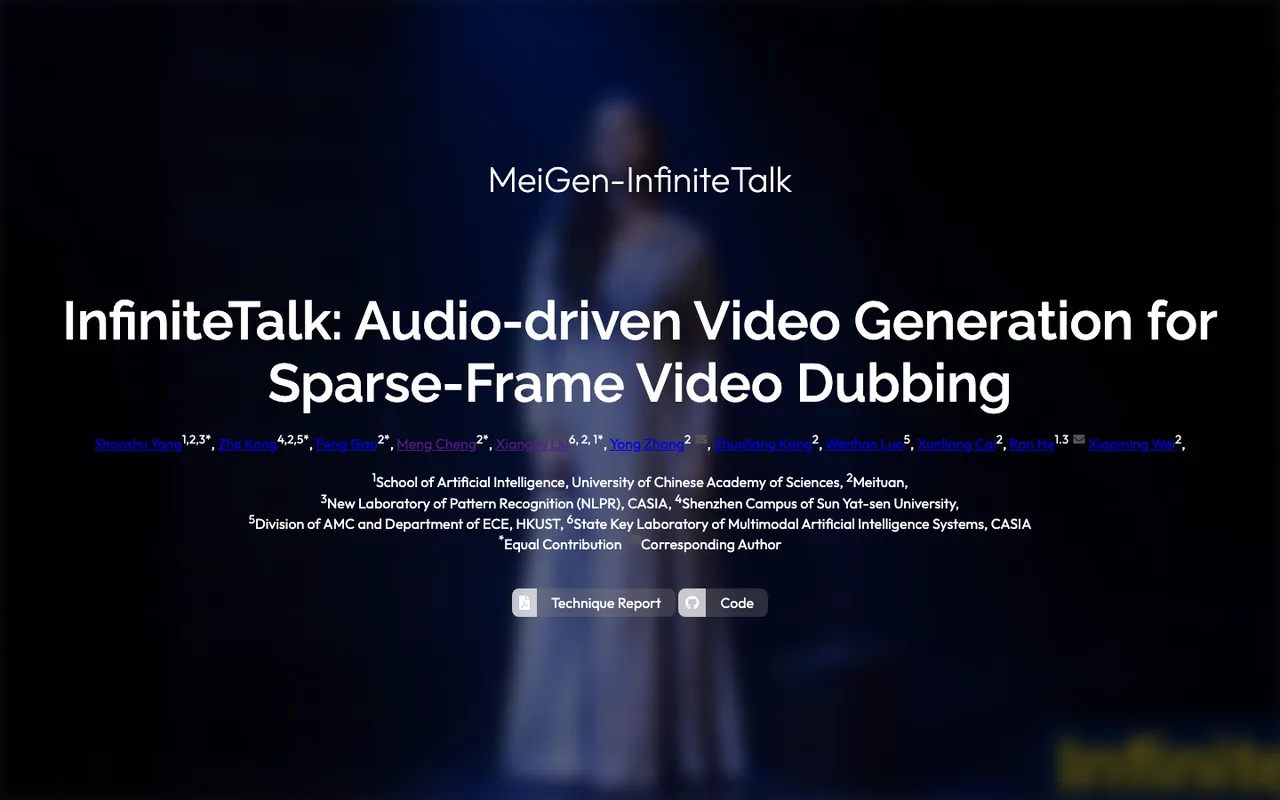
InfiniteTalk homepage (meigen-ai.github.io), captured November 4, 2026. Screenshot: OPCAIOS.
Strengths: Syncs head, body movement, not just lips. Accepts existing videos. Can run through ComfyUI or WanGP.
Limitations: Base model 14B is heavy. Original installation requires conda, flash-attn, and CUDA. No new updates since May 2026.
4. LongCat-Video (Avatar 1.5): best for two speakers and MIT license
LongCat-Video is a 13.6 billion parameter base video model by Meituan (LongCat group) with MIT license for both code and weights. According to the GitHub API on November 4, 2026, the meituan-longcat/LongCat-Video repository has approximately 9,341 stars, last updated May 27, 2026. The talking head component is in LongCat-Video-Avatar: version 1.0 released December 16, 2025, version 1.5 released May 21, 2026. According to the README, version 1.5 replaces the Wav2Vec2 audio encoder with Whisper-large-v3 for more accurate lip-syncing, reduces to 8 steps through distillation, includes INT8 quantization to reduce VRAM, outputs 480P or 720P, and supports two audio streams for two-speaker scenes. Quality claims are self-reported by Meituan, which we have not verified. The README notes that responsibility for data law and privacy compliance rests with the user.
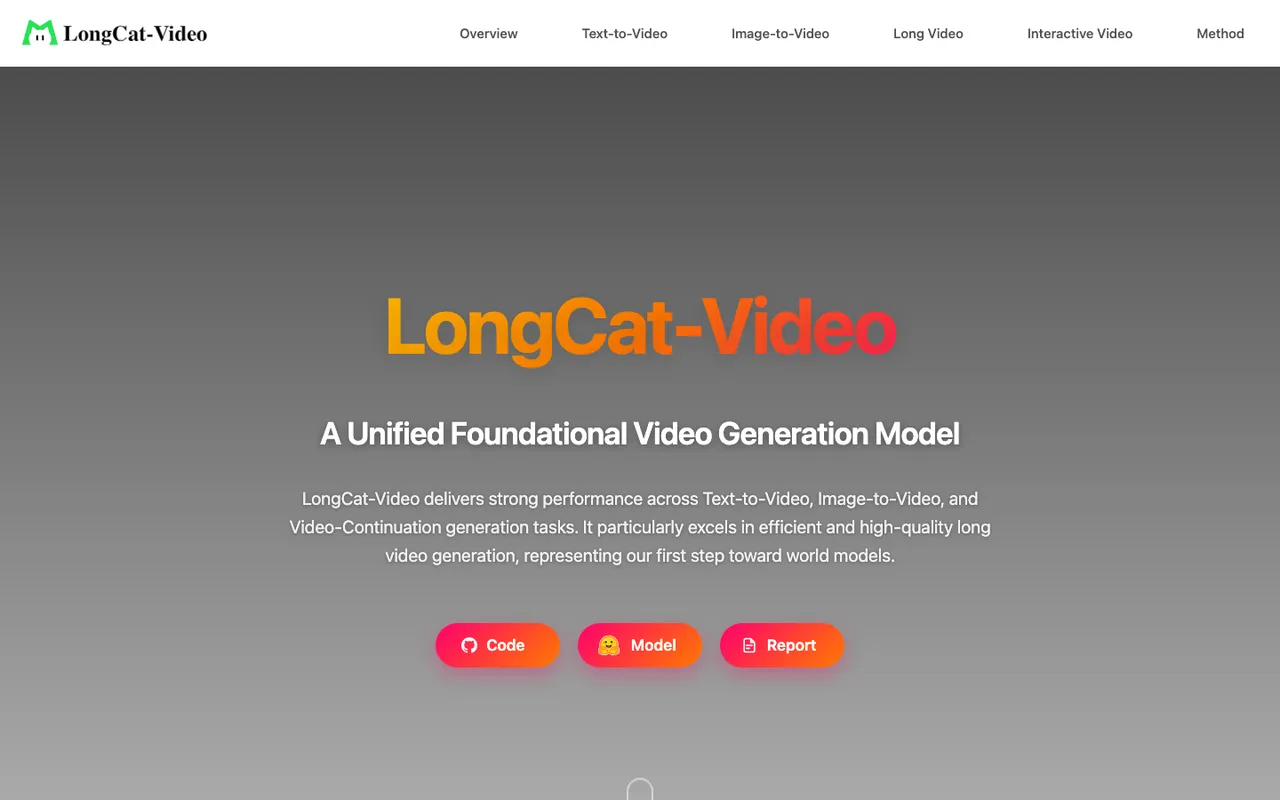
LongCat-Video homepage (meituan-longcat.github.io), captured November 4, 2026. Screenshot: OPCAIOS.
Strengths: MIT license easy for commercial use. Supports two-speaker dialogue. Included in WanGP.
Limitations: Large model, original installation complex. No clear minimum VRAM in README.
Read more: What is LongCat Video?
5. EchoMimic V3: best if your GPU only has 12 GB
EchoMimic is a series of models for generating human motion from audio by Ant Group (Alipay division) with Apache-2.0 license. According to the GitHub API on November 4, 2026, this series has three repositories: echomimic with approximately 4,331 stars, echomimic_v2 with approximately 4,675 stars, echomimic_v3 with approximately 1,115 stars (most recent push March 18, 2026). EchoMimic V3 has only 1.3 billion parameters, built on Wan2.1-Fun 1.3B, much smaller than the 14B models. The Flash version updated January 22, 2026 is claimed by the project to require 12 GB VRAM, run 8 steps, need no face mask, and achieve up to 768x768 resolution. The ComfyUI version made by the community runs on 16 GB VRAM according to the README. These numbers are self-reported by Ant Group, which we have not measured. The README states the group claims no rights to content you create.
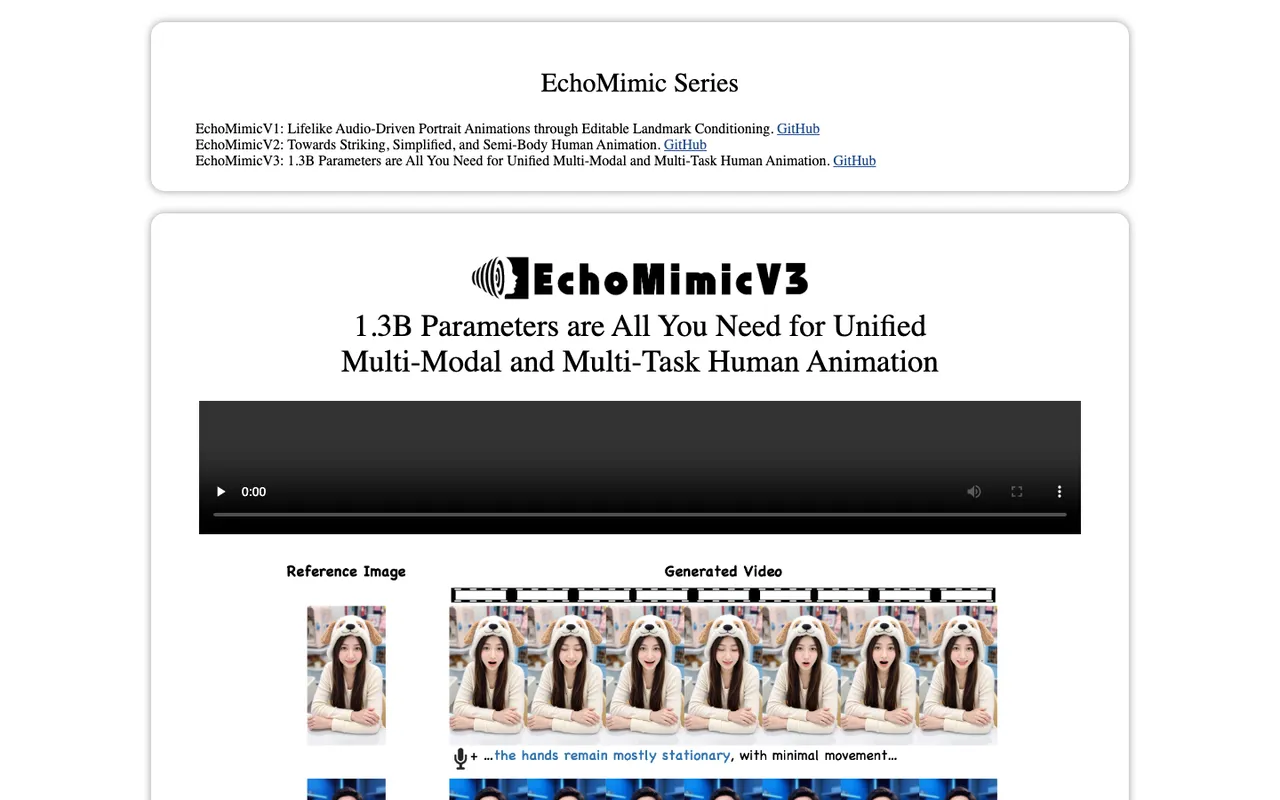
EchoMimic V3 homepage (antgroup.github.io), captured November 4, 2026. Screenshot: OPCAIOS.
Strengths: Small model, lowest VRAM requirement in the self-hosted group. Has Gradio interface and ComfyUI version.
Limitations: Lower maximum resolution. One-click Windows installer only on Baidu Pan. V3 repository has fewer stars than previous versions.
Read more: What is EchoMimic?
6. LatentSync: best for lip-syncing only on pre-recorded video
LatentSync is an open-source lip-syncing method by ByteDance using conditional latent diffusion models, with Apache-2.0 license. Unlike the tools above, LatentSync does not create body motion: you provide a pre-recorded video and an audio file, and the model adjusts the mouth region to match the speech. According to the GitHub API on November 4, 2026, the bytedance/LatentSync repository has approximately 6,240 stars, but the most recent code push is June 20, 2025, meaning it has not been updated for over a year. Version 1.6 (June 11, 2025) trained at 512x512 to reduce blur. The README states minimum VRAM for inference is 8 GB with version 1.5 and 18 GB with version 1.6. OPCAIOS uses LatentSync as a second lip-syncing option alongside InfiniteTalk; we have not numerically measured the sync accuracy.
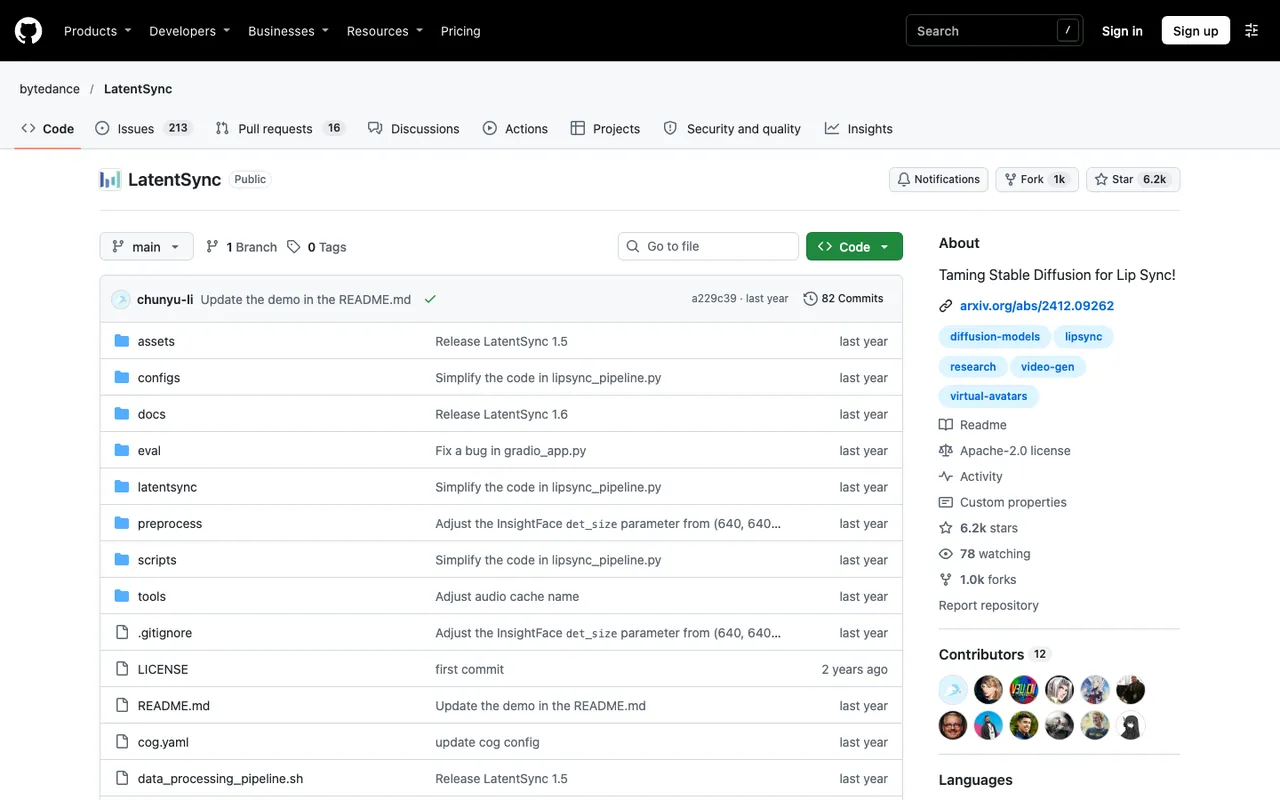
bytedance/LatentSync GitHub page (github.com), captured November 4, 2026. Screenshot: OPCAIOS.
Strengths: Lighter than 14B models. Preserves original gestures in the source video. Has Gradio interface.
Limitations: Only edits the mouth region, does not create new motion. Project essentially inactive since mid-2025.
7. OmniVoice: best for generating voice before building the video
OmniVoice is a multilingual text-to-speech model by the k2-fsa group with Apache-2.0 license, supporting voice cloning from a short sample (zero-shot) and voice design by attributes. According to the GitHub API on November 4, 2026, the k2-fsa/OmniVoice repository has approximately 16,270 stars, updated November 2, 2026. The official language list includes over 600 languages, including Vietnamese (code vi). The README claims a real-time factor as low as 0.025, meaning roughly 40 times faster than real-time; this is self-reported by the project and unverified. OmniVoice only generates audio files for use with lip-syncing tools. This is a tool OPCAIOS uses to clone Vietnamese voices. The output sounds natural, but requires a clean sample recording without background noise.
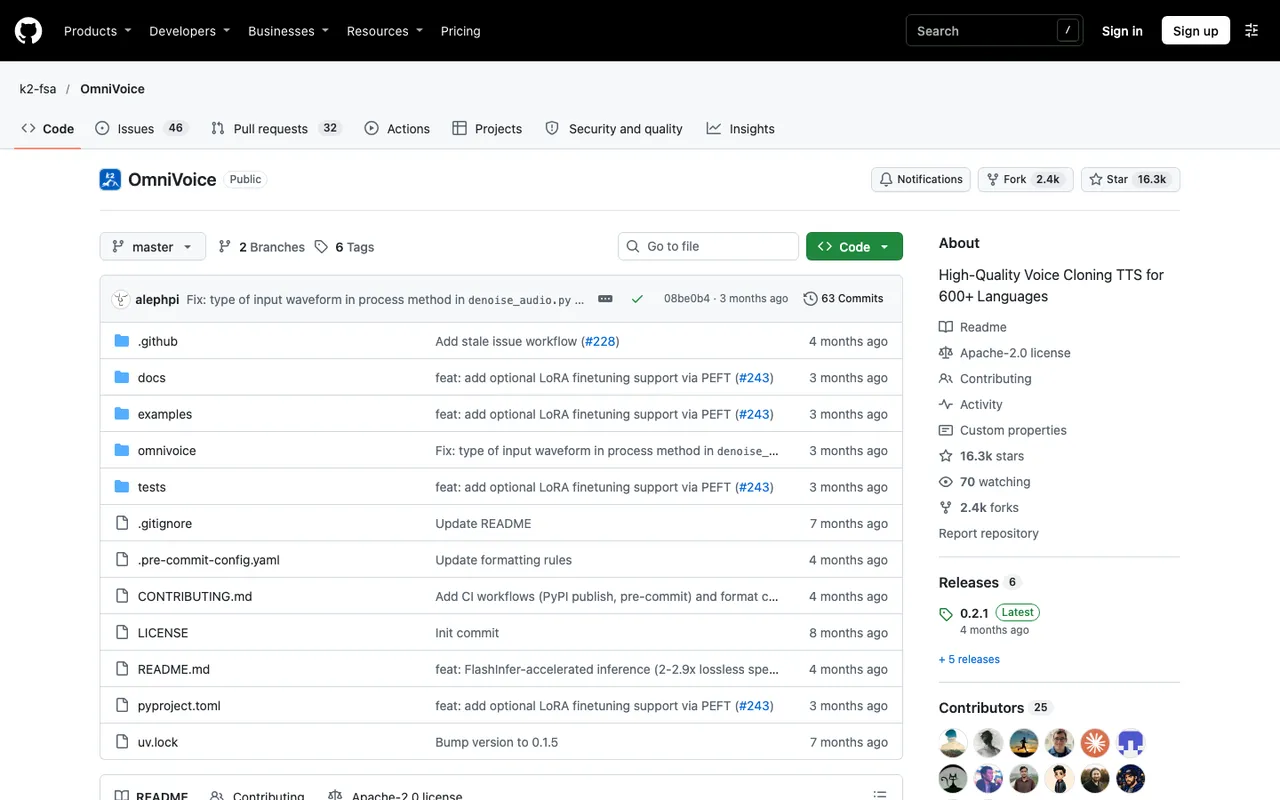
k2-fsa/OmniVoice GitHub page (github.com), captured November 4, 2026. Screenshot: OPCAIOS.
Strengths: Supports Vietnamese. Clones voice from short sample. README supports NVIDIA GPU, Apple Silicon, Intel Arc.
Limitations: Quality heavily dependent on the sample recording. Voice cloning of others without permission carries significant legal risk.
Read more: What is OmniVoice?
Which tool should you choose? By situation
Choosing an AI talking head video tool should start with two questions: do you have a GPU, and do you have pre-recorded video? The table below suggests what fits common situations for solo content creators, based on the official documentation of each tool.
| Situation | Suggestion | Reason |
|---|---|---|
| No GPU, need a test video today | HeyGen Free plan | No setup, has built-in consent workflow |
| Have 12 GB GPU, want to self-host from a photo | EchoMimic V3 Flash | Project claims it runs on 12 GB VRAM |
| Have GPU, want a button-click interface | WanGP | Bundles InfiniteTalk, LongCat Avatar, OmniVoice in one place |
| Already have video, need to change dialogue | LatentSync or InfiniteTalk | LatentSync keeps original gestures; InfiniteTalk matches head and body |
| Scene with two people talking | LongCat-Video-Avatar 1.5 | Takes two audio streams, MIT license |
| Need Vietnamese voice in your own voice | OmniVoice | Has Vietnamese, clones from a short sample |
Example (hypothetical): an accounting teacher wants to put out 3 short videos each week. First, they record 30 seconds of their real voice in a quiet room and create a voice with OmniVoice. Next, they film 1 minute of themselves sitting and speaking as background video. Finally, they use LatentSync to sync mouth movements to each script and tag it "video uses AI".
Risks and general notes
The biggest risk with AI talking head video tools lies in using someone else's face and voice, not the technology itself. Below are four groups of risks to think about before posting any video. This is reference information, not legal advice.
- Deepfake ethics and consent: only use your own face and voice, or someone's who has agreed in writing for that specific purpose. HeyGen requires the person in the avatar to film a consent video themselves; self-hosted tools have no such gatekeeping, so responsibility is yours. Do not make videos impersonating celebrities, politicians, or people you know.
- Label AI content: write "video uses AI" in the video or description, and turn on the AI content label if your platform has it.
- Personal data: faces and voices are biometric data. Cloud services keep them on the company's servers; self-hosted keeps them on your machine.
- Hidden costs and licenses: renting a GPU is charged by the hour. WanGP forbids reselling as a service. Underlying models like Wan 2.1 and Whisper have their own licenses.
See also the checklist in auditing AI content before posting.
OPCAIOS experience
OPCAIOS runs a talking-head workflow on a rented GPU server in two stages. First, OmniVoice clones a Vietnamese voice from a sample. Next, InfiniteTalk on Wan 2.1 via ComfyUI, or LatentSync, syncs the mouth to that audio file. The result is a complete talking head video.
What we learned: OmniVoice voice sounds natural, but needs a clean sample. We have not measured lip sync or voice quality numerically, so this post has no scores. HeyGen, WanGP, LongCat-Video, and EchoMimic we have not run; all remarks about them come from official documentation.
Read more: Best AI voice cloning tools, Best open source AI video tools, What is ComfyUI?, TikTok and Reels channels with no face for OPC
Frequently Asked Questions
What's the best AI video person-speaking tool for beginners?
For beginners without a GPU, HeyGen is the easiest choice because it runs in the browser with no installation needed. According to HeyGen's pricing page as of 04/11/2026, the Free plan gives you 3 videos per month, maximum 1 minute each, with a watermark—enough to test whether the person-speaking video format suits your channel. When you want more control, the next step is WanGP, because it has a web interface and combines many speaking models in one place.
Are there free AI video person-speaking tools?
Yes. InfiniteTalk, EchoMimic and LatentSync use Apache-2.0, LongCat-Video uses MIT, so the software and weights are free to download. WanGP is free when you run it on your own machine but uses its own license. What's not free is the hardware: an NVIDIA GPU with enough VRAM, or renting a GPU server by the hour. HeyGen has a free plan but it's limited to 3 videos per month and has a watermark.
Can AI person-speaking videos speak Vietnamese?
Yes, because the lip-sync model follows the audio file you provide. The deciding factor is the voice: OmniVoice has Vietnamese in its official list of over 600 languages, and OPCAIOS has used it to clone Vietnamese voices with natural results when the sample is clean. HeyGen advertises 175+ languages and dialects in its paid plan. We haven't measured lip-sync accuracy for Vietnamese by numbers, so try a few sentences with various tones before doing batch work.
How much GPU VRAM do I need to self-host?
It depends on the tool; the numbers below are from project announcements, we haven't verified them. LatentSync lists a minimum of 8 GB for version 1.5 and 18 GB for version 1.6. EchoMimic V3 Flash lists 12 GB. WanGP advertises some models running from 4 GB thanks to memory optimization, but larger models like the 14B InfiniteTalk typically need more. LongCat-Video-Avatar has an INT8 version but doesn't list a minimum. If you don't have a GPU yet, rent by the hour to test before buying.
Is making AI person-speaking videos legal and safe?
Using your own face and voice for your own content usually isn't a problem, as long as you label that AI is being used. Risk appears when you use someone else's face or voice without written consent, or use video to impersonate, defraud, or lie. Read the AI content terms of the video platform where you post and the model license before commercial use. This is reference information, not legal advice. If you want to learn how to build a safe AI video process with moderation, you can check out OPCAIOS's AI application training course.
Source: heygen.com/pricing, help.heygen.com (video consent), wangp.ai, GitHub deepbeepmeep/WanGP (README, MODELS.md, LICENSE), MeiGen-AI/InfiniteTalk, meituan-longcat/LongCat-Video, antgroup/echomimic_v3, bytedance/LatentSync, k2-fsa/OmniVoice (README, languages.md) and GitHub API (read 04/11/2026); not read/not verified: lip-sync accuracy, actual quality and VRAM of every tool, Vietnamese on HeyGen, HeyGen annual pricing; prices and ratings may change. Experience is from OPCAIOS.
Translated from Vietnamese with AI. Read the original.
Want to apply this in your business?
Book a free 30-minute call (Vietnam time, in English or Vietnamese).