


If you're looking for a second brain tool for someone working with AI, our short answer is: choose Obsidian if you want notes stored on your machine as Markdown files, choose Gemini Notebook (the new name of NotebookLM) if you need quick Q&A on existing documents, choose Notion if your notes need to go along with projects and collaborators. According to Obsidian's pricing page (read on 04/11/2026), the application is free with no limits and requires no sign-up. According to Google's blog, NotebookLM was renamed to Gemini Notebook from 16/07/2026. This post compares 5 tools: Obsidian, Gemini Notebook, Notion, Open Notebook and Airtable. "Best" is judged by five criteria: data ownership, price, Vietnamese support, self-hosting and difficulty level. No tool is best for everyone.
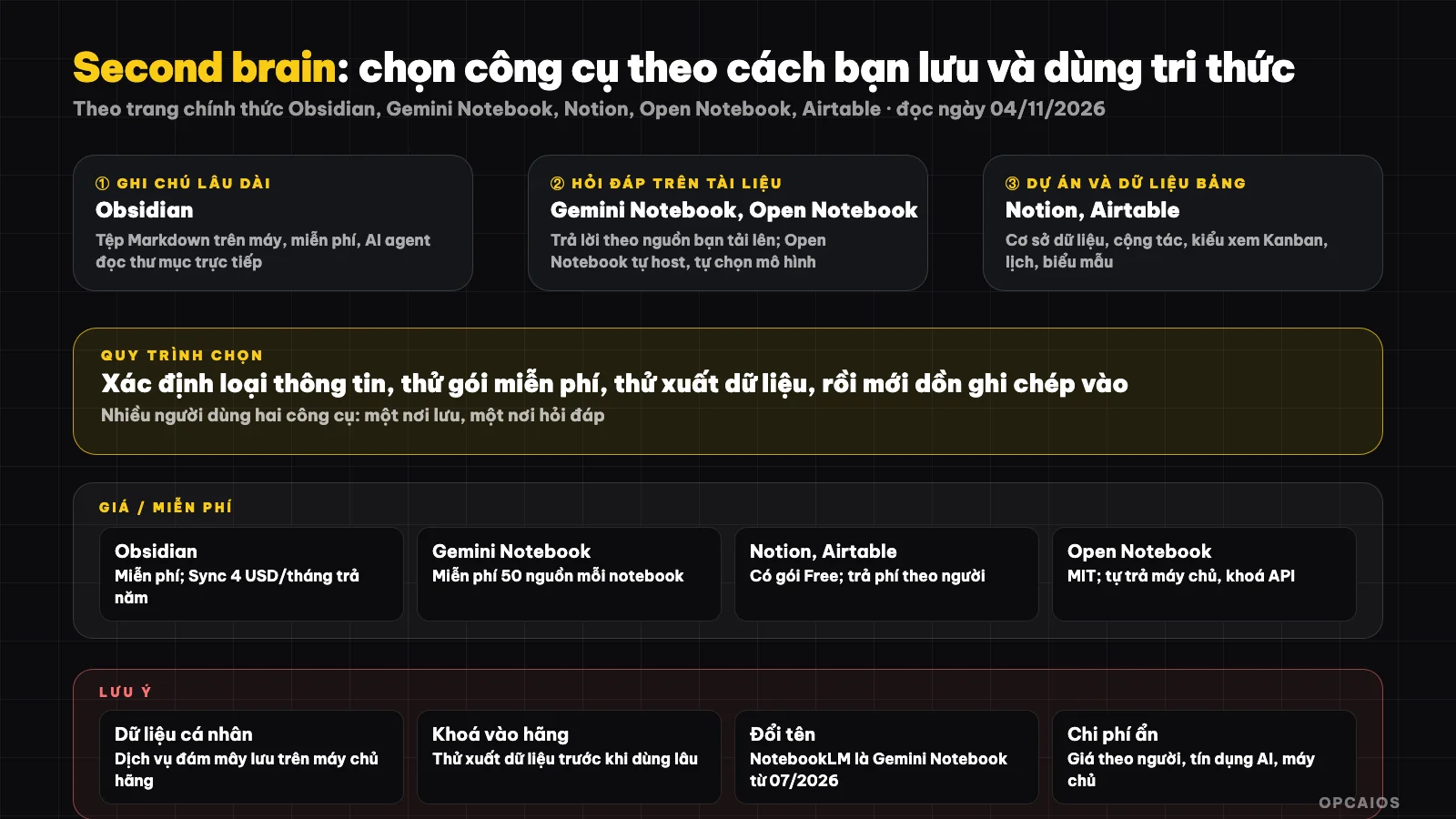
Three main needs when building a second brain and tools suited to each need. Diagram: OPCAIOS.
Quick comparison table of 5 second brain tools
The table below summarizes 5 second brain tools by their best use case, starting price read from official pages on 04/11/2026, self-hosting capability, Vietnamese support and difficulty level. Prices are in USD, not including taxes, and may change. The Vietnamese support column is a preliminary assessment; we haven't measured it numerically.
Logos of the tools in this post, taken from official pages of each project.
| Tool | Best for | Starting price (read on 04/11/2026) | Self-hosted | Vietnamese | Difficulty |
|---|---|---|---|---|---|
| Obsidian | Long-term note repository, data on machine | Free; Sync from $4/month (annual) | Files on machine, no server needed | Type and search Vietnamese normally | Medium |
| Gemini Notebook | Q&A, summarizing on existing documents | Free with Google account | No | Usable, quality not measured | Easy |
| Notion | Notes tied to projects, team collaboration | Free $0; Plus $10/person/month | No | Good for typing; AI not measured | Easy to medium |
| Open Notebook | Self-hosted NotebookLM, choose your own model | Free (MIT); pay for server and API costs yourself | Yes (Docker) | Depends on model; interface not yet in Vietnamese | Hard |
| Airtable | Structured data: lists, tables | Free $0; Team $20/person/month (annual) | No | Can type; haven't tried AI | Medium |
What criteria did we choose by?
We chose 5 second brain tools by five criteria, mostly based on official documentation read on 04/11/2026. Only Obsidian is a tool OPCAIOS uses daily as our main knowledge repository. The other tools we haven't yet integrated into our actual workflow.
- Data ownership: where do notes live, can they be exported (read documentation).
- Price: does the free plan have enough for one person (read pricing page).
- Vietnamese support: how do typing, searching, and AI responses work (preliminary assessment, not measured).
- Self-hosting: can it run on your own machine or server (read README).
- Difficulty and update level: how long for a newcomer to learn, is the project still being developed (GitHub API).
If you're not yet clear on the concept, read What is a second brain?.
Detailed review of each tool
Each second brain tool below is matched to a specific need rather than ranked absolutely. Each section has a brief definition with source, homepage screenshot taken on 04/11/2026, strengths, limitations, and a link to a more detailed explanation on the OPCAIOS blog.
1. Obsidian: best for long-term note storage, data stays on your device
Obsidian is a note-taking app that stores all notes as plain Markdown files on your device. The Obsidian homepage (obsidian.md, read on 04/11/2026) states that notes are stored locally, accessible offline, and has "thousands of community plugins." According to the pricing page on the same date, Obsidian is free with no limits. A commercial license costs 50 USD/person/year as an optional choice; the company encourages organizations to buy when used for work. Sync synchronization has AES-256 end-to-end encryption, priced at 4 USD/person/month when billed yearly (5 USD when billed monthly). Obsidian is not open source. An important point for AI users: notes are text files, so Claude Code or Codex can read and edit them directly.
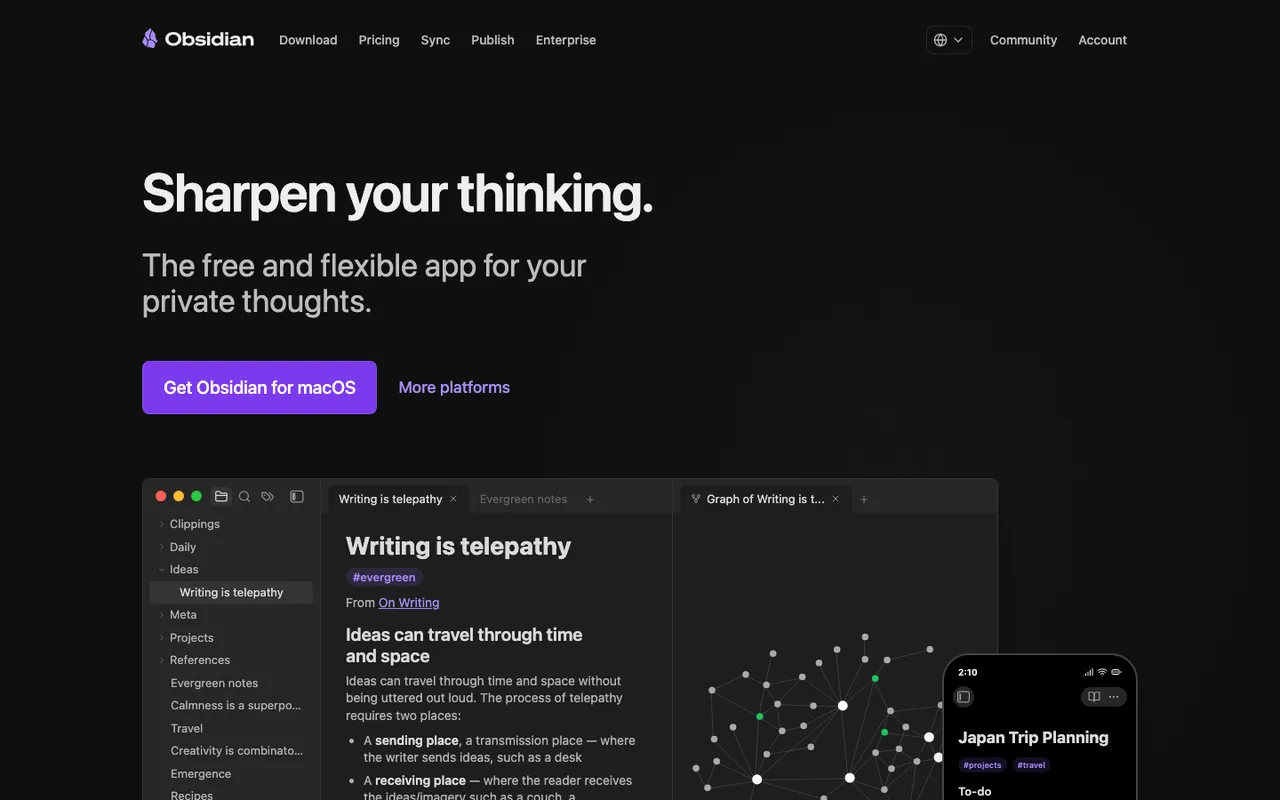
Obsidian homepage (obsidian.md), screenshot taken on 04/11/2026. Screenshot: OPCAIOS.
Strengths: Data is your Markdown files. Free for individuals. Bidirectional links between notes. AI agents can read your note directory like source code.
Limitations: You must set your own folder conventions. Syncing across multiple devices requires Sync or you manage it yourself. Community plugins vary in quality. Weak for team collaboration compared to Notion.
Read more: What is Obsidian?
2. Gemini Notebook (formerly NotebookLM): best for question-answering on existing documents
Gemini Notebook is Google's research tool that answers questions based on sources you upload like PDFs, websites, videos. This is the new name for NotebookLM: according to Google's blog (read on 04/11/2026), the product was renamed on 16/07/2026 and remains a standalone app but is more deeply integrated with Gemini. The address notebooklm.google now redirects to notebook.google. Google reports over 30 million people and 600,000 organizations using the product; this figure is announced by Google and unverified. According to the pricing help page (read on 04/11/2026), a free account gets 100 notebooks with 50 sources per notebook; Plus tier gets 100 sources, Pro 300, Ultra up to 600. Google notes that limits may change.
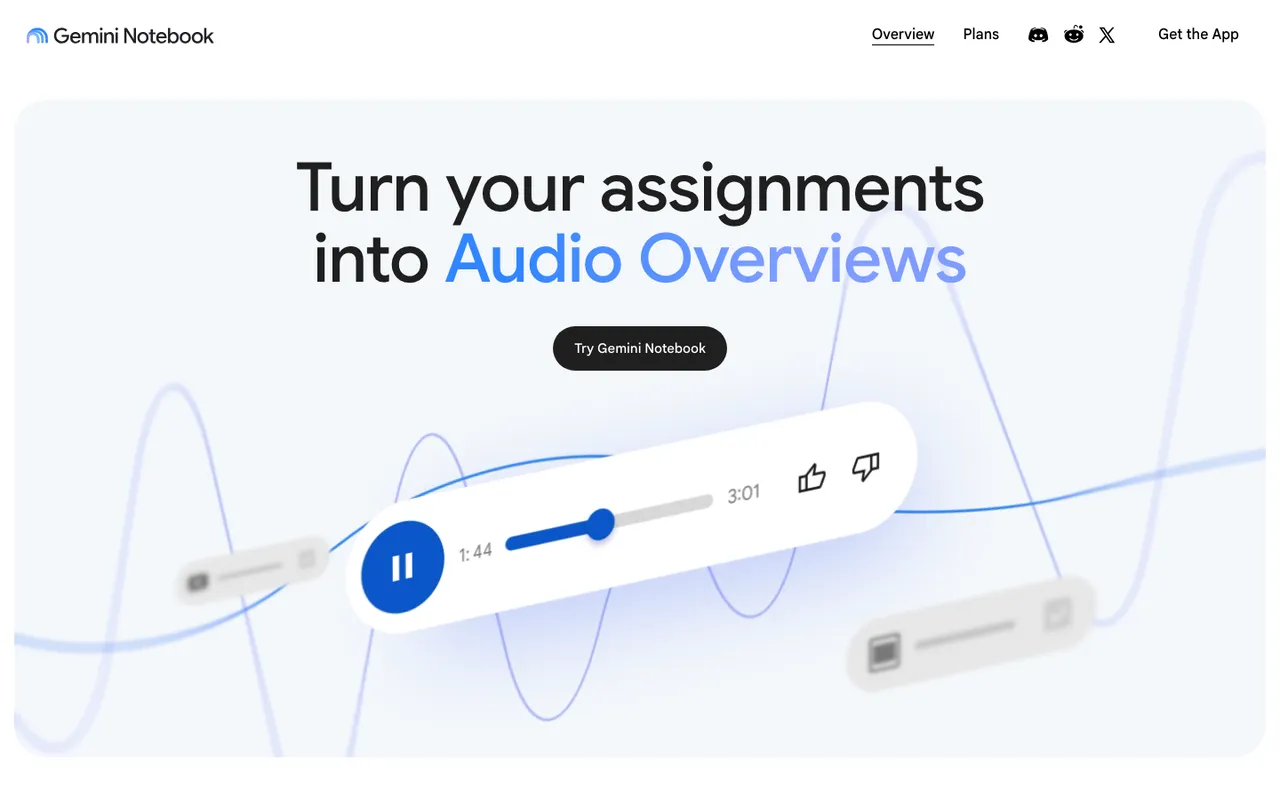
Gemini Notebook homepage (notebook.google), screenshot taken on 04/11/2026. Screenshot: OPCAIOS.
Strengths: No installation needed. Answers are grounded in sources with citations. Free tier is enough for personal learning and research.
Limitations: Data on Google servers. No self-hosting. Not suitable for long-term note storage. Limits change by tier.
Read more: What is NotebookLM?
3. Notion: best when notes must go with projects and collaborators
Notion is a cloud workspace that combines note pages, databases, projects, and AI agents in one place. According to Notion's pricing page (read on 04/11/2026), tiers are Free at 0 USD, Plus at 10 USD/person/month, Business at 20 USD/person/month, and Enterprise at custom pricing; billing yearly saves up to 20%. Free and Plus only have Notion AI as a beta trial. Notion Agent, AI meeting notes, and business search are on the Business tier. The Free tier limits file uploads to 5 MB, page history to 7 days, and block limits when a space has two or more members. Notion is strong because each note can be a row in a database, with status, due date, and assignee.
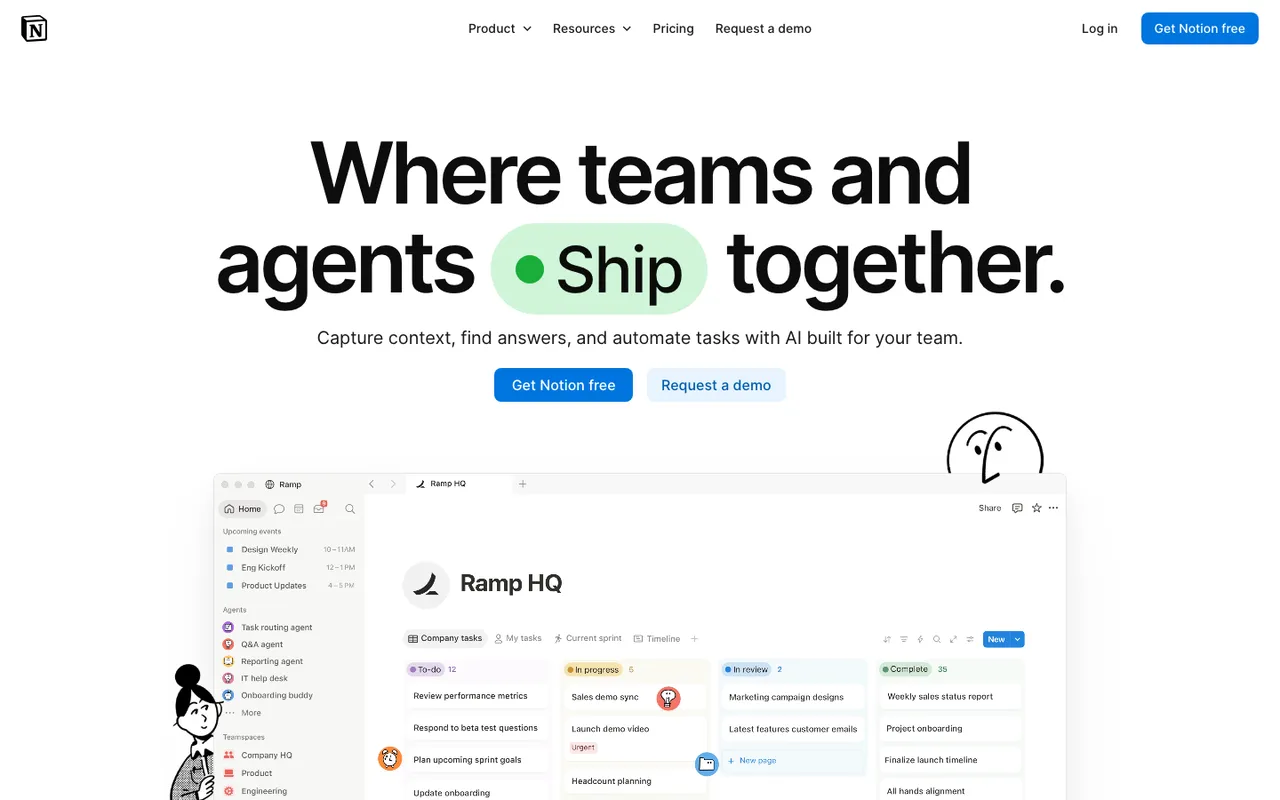
Notion homepage (notion.com), screenshot taken on 04/11/2026. Screenshot: OPCAIOS.
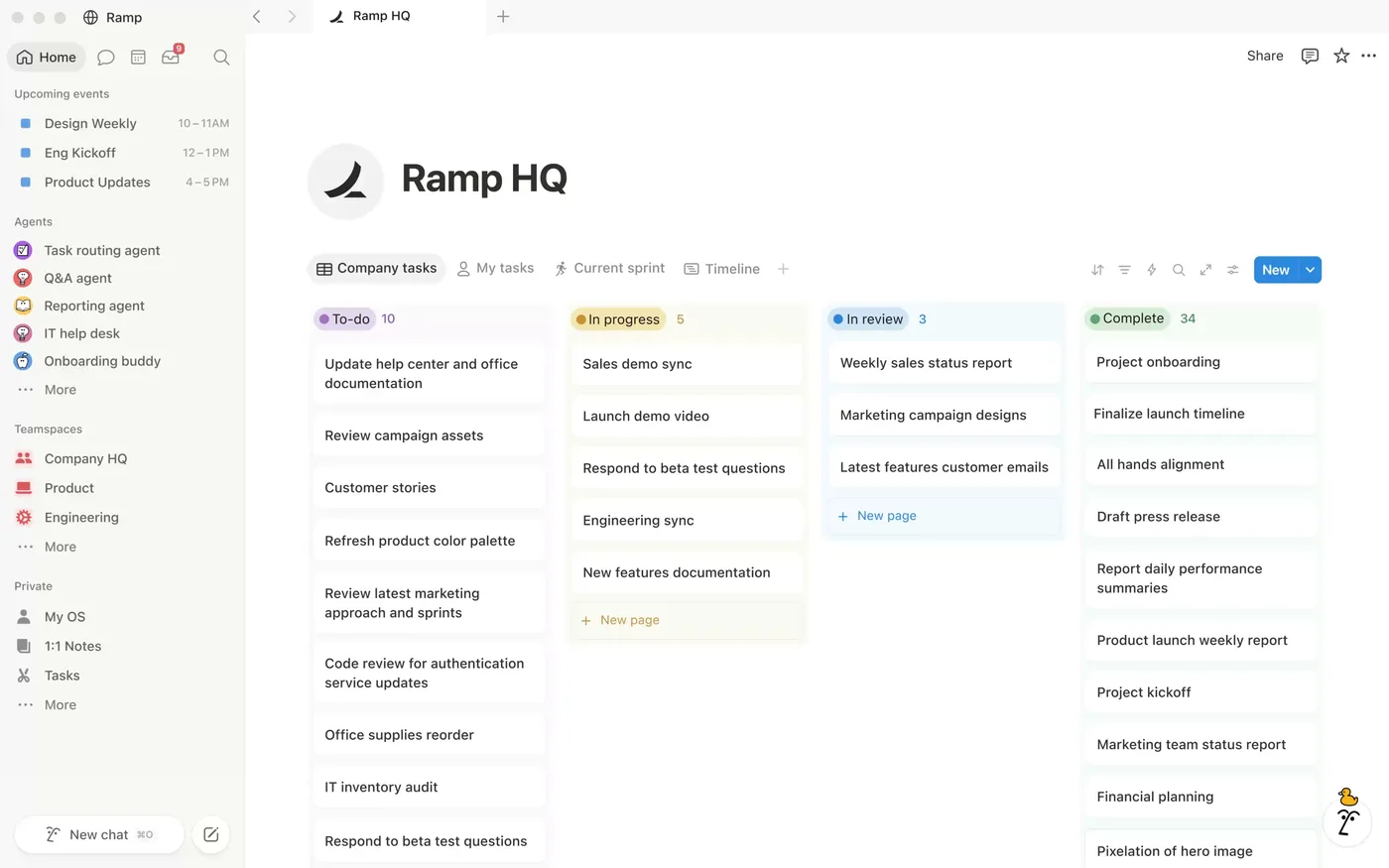
Notion interface. Image: notion.com.
Strengths: Easy to start. Flexible databases. Lots of built-in templates, sharing, permissions. AI in the same place.
Limitations: Data on Notion servers, requires internet. Full AI is on the Business tier. Exporting preserves the database structure poorly.
Read more: What is Notion?
4. Open Notebook: best if you want self-hosted NotebookLM and model choice
Open Notebook is an open-source project, MIT license, mimicking NotebookLM but running on your machine or server. According to GitHub API (read on 04/11/2026), the lfnovo/open-notebook repository has around 41,500 stars, is not archived, and has code pushed in recent days. The README states the project supports over 20 model providers including OpenAI, Anthropic, Google, and Ollama for local models; LM Studio works via the OpenAI compatibility layer. When using local models, the README says no data leaves your machine. Open Notebook accepts PDFs, videos, audio, websites, Office documents, has full-text and vector search, citations, REST API, and podcast generation with 1 to 4 speakers. The main setup is Docker Compose with two services: SurrealDB and the app. The README's interface language list does not include Vietnamese.
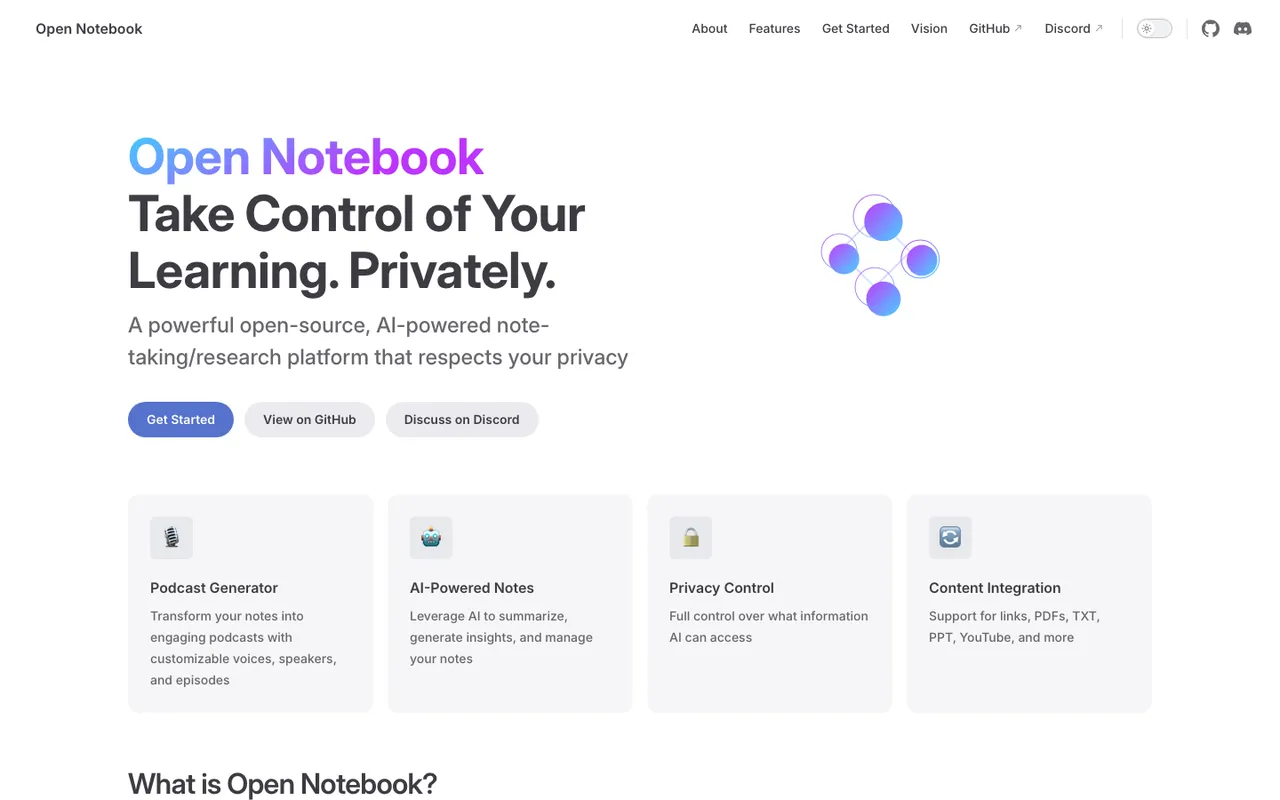
Open Notebook homepage (open-notebook.ai), screenshot taken on 04/11/2026. Screenshot: OPCAIOS.
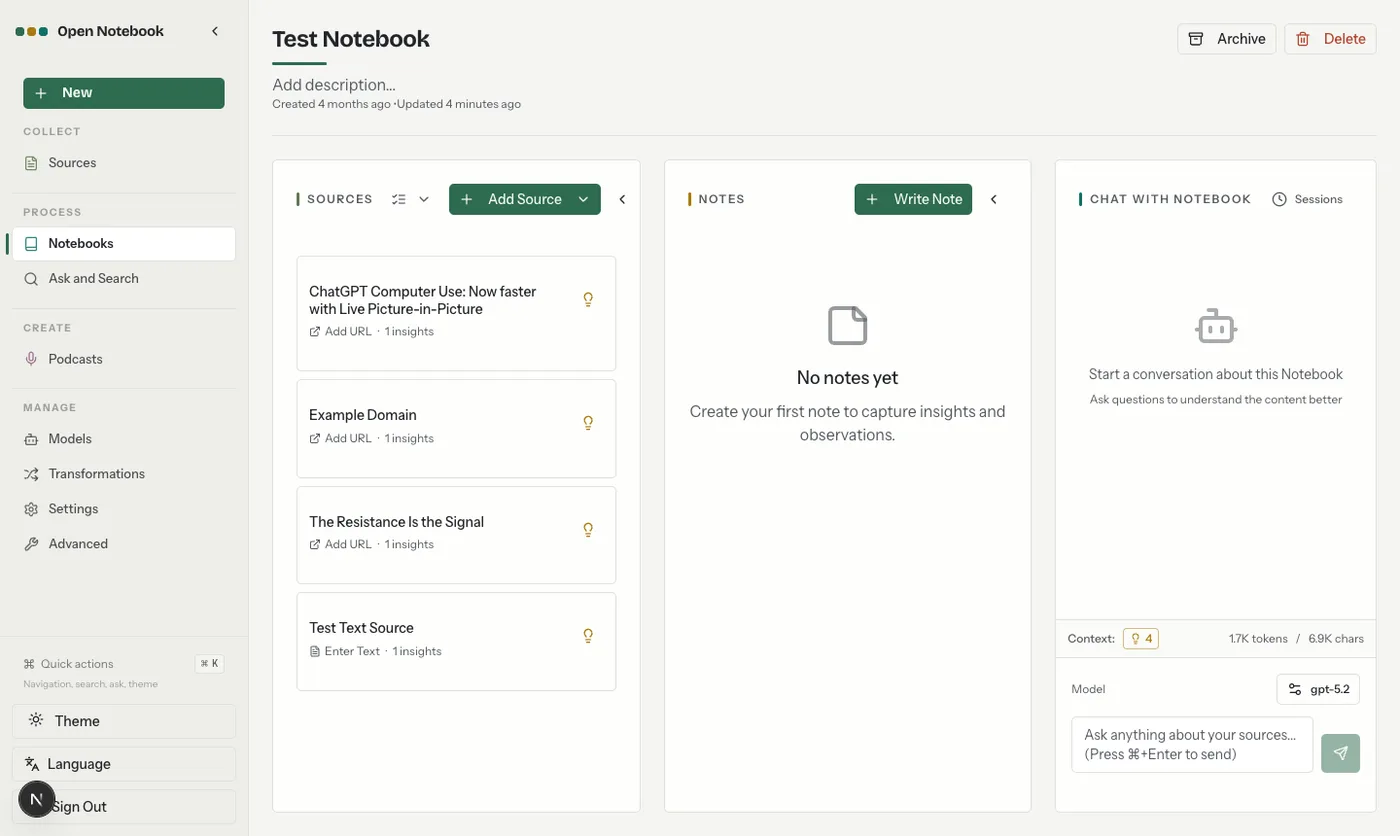
Open Notebook interface. Image: lfnovo/open-notebook GitHub README.
Strengths: Free, MIT license. Choose your own model, including local. Data stays on your infrastructure. Has API.
Limitations: Requires Docker and server management knowledge. Vietnamese depends on the model. You pay for API keys or hardware.
Read more: What is Open Notebook?
5. Airtable: best for the structured data part of your second brain
Airtable is a cloud-based spreadsheet-like database platform for building lists, tracking tables, and no-code internal apps. In a second brain, Airtable fits structured data with clear columns: books read, content idea vault, partner contacts, prompt library. According to Airtable's pricing page (read on 04/11/2026), tiers are Free, Team at 20 USD/person/month billed yearly, Business at 45 USD/person/month billed yearly, and Enterprise Scale at custom pricing. Billed monthly, Team is 24 USD. The Free tier limits 1,000 records and 1 GB attachments per base, 100 automation runs per month, 500 AI credits per editing user per month, maximum 5 editing users.
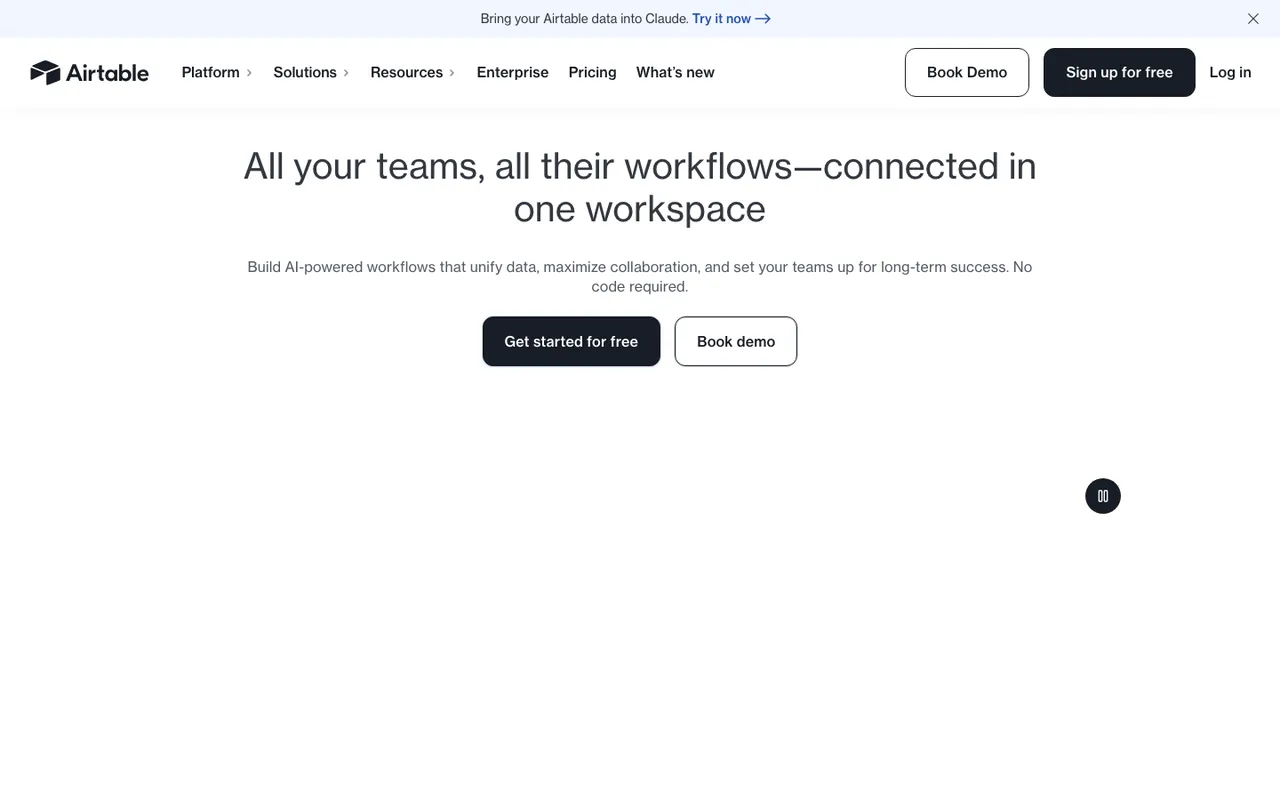
Airtable homepage (airtable.com), screenshot taken on 04/11/2026. Screenshot: OPCAIOS.
Strengths: Strongest for structured data. Many view types: grid, calendar, Kanban, form. Good automation and API.
Limitations: Not good for long notes. Free tier limits 1,000 records per base. Pricing is per person, grows quickly with teams.
Read more: What is Airtable?
Which tool should you choose? By situation
The right second brain tool depends on what type of information you save and whether you work with others. The table below suggests tools for common situations faced by solo workers. Many people combine two tools: one for long-term storage, one for asking questions about documents.
| Situation | Suggestion | Reason |
|---|---|---|
| New user, want to start right away | Gemini Notebook or Notion | Runs in browser, has free plan |
| Want my data to be mine for years | Obsidian | Markdown files on machine, not locked to a company |
| For AI agent to read and write notes | Obsidian | Agent reads file directory directly |
| Ask questions about sensitive documents, don't send to cloud | Open Notebook with local model | Self-hosted, requires strong hardware |
| Notes tied to project, have collaborators | Notion | Database, sharing, permissions in one place |
| List with columns: ideas, partners, resources | Airtable | Tables, view types, strong automation |
| Completely free | Obsidian (no Sync) or Open Notebook | No software fees |
Risks and general notes
The biggest risk when building a second brain is data being locked in, leaked, or lost—not choosing the wrong tool. The four notes below come from the official documentation of the tools in this post.
- First, personal data: Gemini Notebook, Notion and Airtable store data on company servers. Don't upload customer data or contracts without reading the terms.
- Next, vendor lock-in: try exporting your data before putting years of notes into one tool. Obsidian's Markdown is easiest to move.
- Copyright of source material: uploading paid books or courses to an AI tool may violate the seller's terms. This section is for reference only, not legal advice.
- Finally, hidden costs: pricing per user, AI credits, storage, API locks, servers when self-hosting. Free plan limits can change anytime.
OPCAIOS experience
OPCAIOS uses Obsidian as the main knowledge base, and it's the only second brain tool in this post we use every day. The website opcaios.org is run by one person together with AI agents Claude Code, Antigravity and Codex. The agents read notes, processes and logs in the Obsidian vault for context before working. Large documents that need semantic search are put into a PostgreSQL knowledge base with pgvector for RAG, using a 384-dimensional multilingual embedding model. We have NotebookLM skill installed for Claude Code, but haven't actually used Notion, Airtable or Open Notebook, so the evaluation of those tools is based on official documentation.
Example of combining tools (hypothetical): a service provider keeps processes in Obsidian, uploads market research documents to Gemini Notebook for quick questions, and keeps a partner list in Airtable.
Read more: Obsidian as second brain, best tools for running AI locally.
Frequently Asked Questions
What's the best second brain tool for beginners?
For beginners, Gemini Notebook and Notion are easiest to get started with because they run in a browser and have free plans. Gemini Notebook works well if you already have documents and want to ask questions and summarize them. Notion works well if you take notes tied to projects. If you plan to take notes for many years and want your data to belong to you, learn Obsidian from the start.
Does NotebookLM still exist, or has it been renamed?
NotebookLM was renamed to Gemini Notebook on 16/07/2026, according to Google's blog. Google describes it as the same independent product, now more deeply integrated with the Gemini app and coming soon to Google Search's AI Mode. The address notebooklm.google redirects to notebook.google. Many old guides still use the name NotebookLM. Since it's the same product, you can open your old notebook at the new address.
Is there a completely free second brain tool?
Yes. Obsidian is free without limits for individuals according to the pricing page on 04/11/2026; you only pay if you use Sync or Publish. Open Notebook is free under the MIT license, but you pay for your own server, hardware, or API keys. Gemini Notebook, Notion, and Airtable have free plans with limits—for example, Airtable Free has 1,000 records per base, Gemini Notebook Free has 50 sources per notebook.
Can you self-host a second brain?
Yes, in two ways. The first way is Obsidian: notes are files on your machine, no server needed. The second way is Open Notebook: install with Docker Compose on your machine or VPS, connect Ollama to run models locally, so your data never leaves your infrastructure according to the project README. Notion, Airtable, and Gemini Notebook are cloud services. See how to install Ollama and Open WebUI on your personal machine.
How do I use a second brain with an AI agent effectively?
The simplest way is to keep notes as structured text files, then have the agent read them before working. First, write an instruction file that tells the agent what to read. Next, separate notes by topic and give files clear names. Finally, have the agent write results to a log so you have context next time. This is how OPCAIOS uses Obsidian with Claude Code. To learn it properly, see OPCAIOS's AI application training course.
Sources: obsidian.md and obsidian.md/pricing; blog.google (NotebookLM renamed to Gemini Notebook), notebook.google, Gemini Notebook plan help pages; notion.com/pricing; open-notebook.ai, README and GitHub API lfnovo/open-notebook; airtable.com/pricing and Airtable plan help pages (read 04/11/2026); not read/not verified: user numbers announced by Google, Vietnamese language quality of AI in each tool (not measured), Gemini Notebook language list; prices and ratings may change. Experience is OPCAIOS's.
Translated from Vietnamese with AI. Read the original.
Want to apply this in your business?
Book a free 30-minute call (Vietnam time, in English or Vietnamese).