



Which platform should you choose to deploy your website? Short answer: for static pages or landing pages, pick Cloudflare Pages because the free plan is generous; for Next.js websites that need fast updates, choose Vercel, but remember the Hobby plan is only for non-commercial personal use; if you want full control and to run multiple services on one machine, rent a VPS and install Coolify or Dokploy. According to Vercel's documentation (read on 04/11/2026), any commercial use requires a Pro or Enterprise plan. According to Cloudflare's documentation (read the same day), Cloudflare recommends new projects start with Workers instead of Pages. This comparison covers six options: Vercel, Cloudflare Pages, Netlify, Coolify, Dokploy, and self-managed VPS. "Best" here is judged by five criteria: price, commercial terms, difficulty, control, and risk when traffic grows.
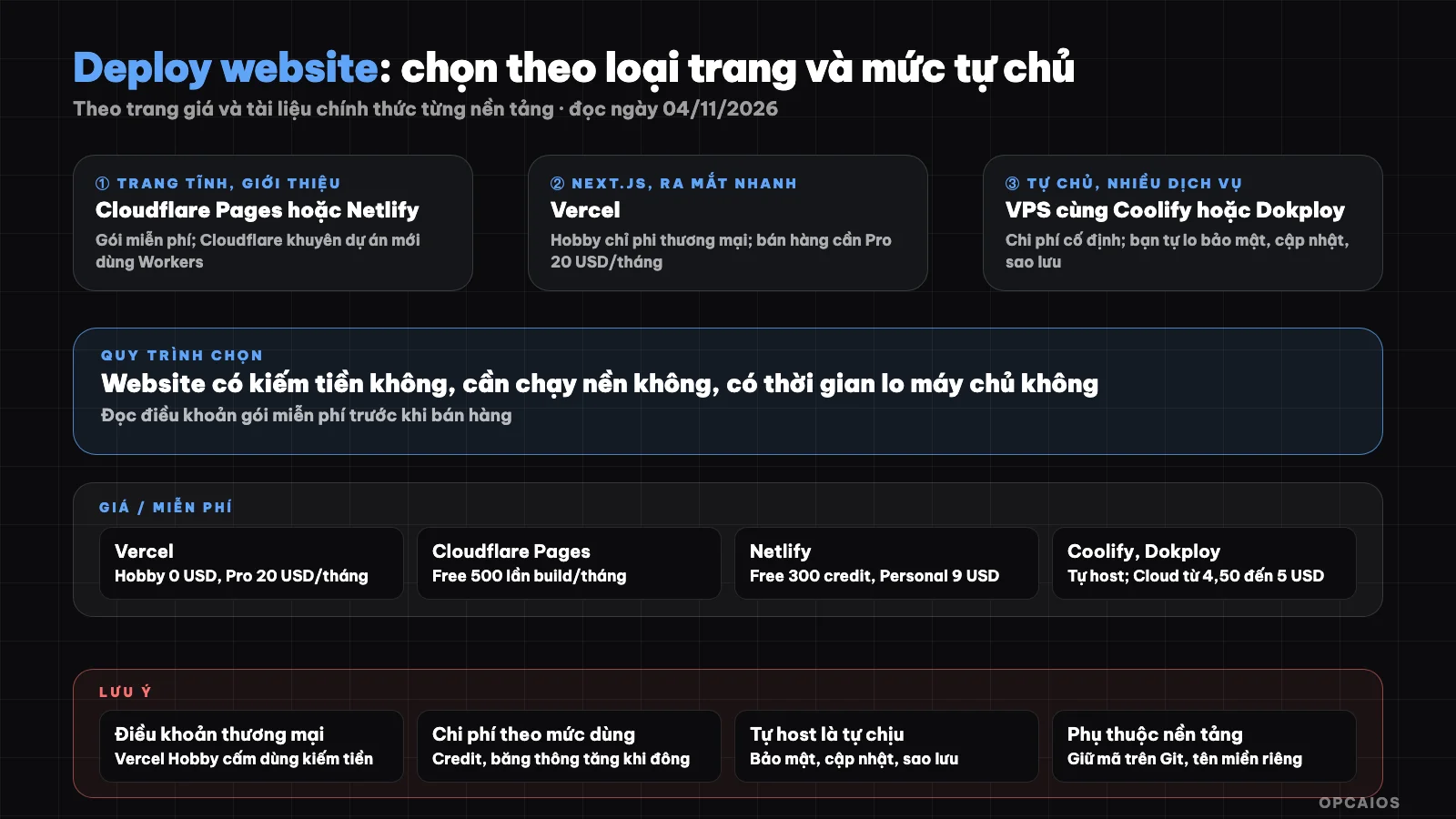
Choose a deployment platform based on your website type and how much control you want. Diagram: OPCAIOS.
Quick comparison table of 6 website deployment platforms
Three cloud platforms (Vercel, Cloudflare Pages, Netlify) manage servers for you, offer free tiers, and charge as you scale. Coolify and Dokploy are software you install on your own server for a similar experience. Self-managed VPS is cheapest and freest but you handle everything. Prices read on 04/11/2026, before tax, subject to change.
Logos of the tools in this post, taken from each project's official website.
| Tool | Best for | Starting price (04/11/2026) | Self-host | Vietnamese | Difficulty |
|---|---|---|---|---|---|
| Vercel | Next.js, fast Git-based updates | Hobby 0 USD (non-commercial); Pro 20 USD/month | No | English interface | Easy |
| Cloudflare Pages | Static pages, landing pages free | Free, 500 builds/month | No | English interface | Easy |
| Netlify | Static pages and JAMstack, built-in forms | Free 300 credits; Personal 9 USD/month | No | English interface | Easy |
| Coolify | Vercel-like self-hosting on your server | Self-host free; Cloud from 5 USD/month | Yes (Apache-2.0) | English interface | Medium |
| Dokploy | Lightweight self-hosting, Docker Swarm | Cloud Hobby 4.50 USD/server/month | Yes (Apache-2.0, except proprietary directories) | English interface | Medium |
| Self-managed VPS | Full control, fixed cost | Depends on provider | Yes | Your choice | Hard |
What five criteria do we judge by?
The five criteria below drive the recommendations in this post. Data on Vercel, Cloudflare, Netlify, Coolify, and Dokploy comes from reading pricing pages and official documentation on 04/11/2026. Self-managed VPS is what OPCAIOS actually runs for opcaios.org.
- Commercial terms: does the free plan allow selling, running ads, taking payment.
- Price and cost as you grow: billed per user, per credit, per bandwidth, or fixed price.
- Difficulty: what do you need to know about Git, Docker, Linux.
- Control: is it easy to move away.
- Operations burden: who handles security updates, backups, HTTPS certificates.
Detailed Review of Each Tool
Six choices divided into two groups. Cloud group (Vercel, Cloudflare Pages, Netlify) push code and it runs. Self-hosted group (Coolify, Dokploy, self-managed VPS) gives you full control but you're responsible for the server.
1. Vercel: best for Next.js websites needing quick launch
Vercel is a cloud platform for deploying websites and web applications, developed by the company behind the Next.js framework. According to the official pricing page (read 04/11/2026), the Hobby plan at 0 USD includes 1 million CDN requests, 100 GB fast data transfer and 4 hours CPU runtime each month; the Pro plan at 20 USD/month comes with 20 USD credit for resources. Pricing excludes tax and may change. The most important point for business people: Vercel's Fair Use policy states the Hobby plan is only for personal, non-commercial purposes. Commercial use includes receiving payment from customers, advertising products or services, being paid to build a page, or placing ads like Google AdSense. Hobby also cannot buy more capacity when exceeding the limit.
Vercel homepage (vercel.com), captured 04/11/2026. Screenshot: OPCAIOS.
Strengths: best fit for Next.js; preview on each code push; almost no configuration needed.
Limitations: Hobby forbids commercial use; Pro charges by usage so hard to predict when traffic grows.
Read more: What is Vercel?
2. Cloudflare Pages: best free option for static sites
Cloudflare Pages is Cloudflare's web deployment service, running on the company's global CDN network. According to the official limits page (read 04/11/2026), the Free plan offers 500 builds per month, 1 concurrent build, max 20,000 files per site, each file max 25 MiB and 100 custom domains per project. There's one notable change: Pages documentation now has a banner recommending starting new projects with Cloudflare Workers, since Workers supports most Pages use cases and has more features. According to the Workers pricing page (read same day), the Free plan has 100,000 requests per day, requests to static files unlimited; paid plan minimum 5 USD/month per account. Pricing excludes tax and may change.
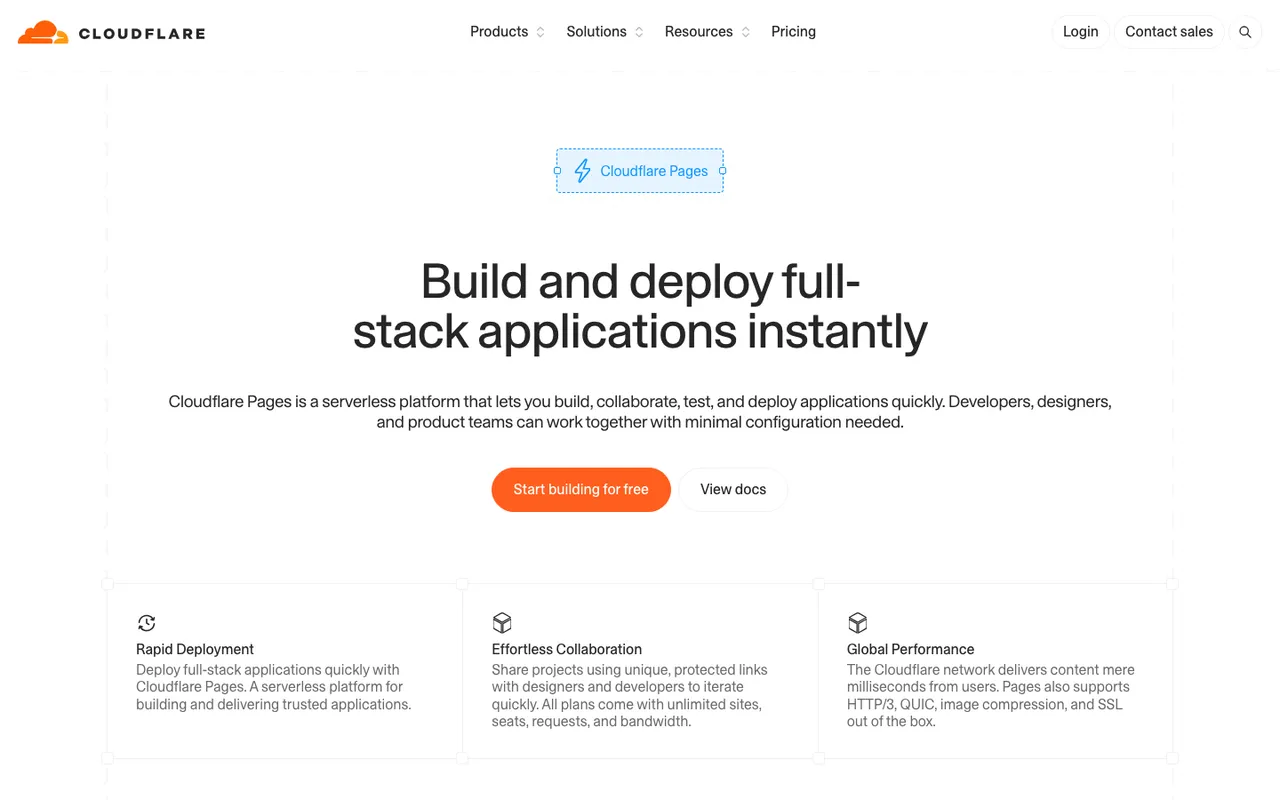
Cloudflare Pages homepage (pages.cloudflare.com), captured 04/11/2026. Screenshot: OPCAIOS.
Strengths: generous free plan for static sites; strong CDN; DNS and domain management in one place.
Limitations: Cloudflare directing new users to Workers; complex backend applications need to learn Workers model.
Read more: What is Cloudflare Pages?
3. Netlify: best for static sites needing built-in features
Netlify is a cloud platform for deploying websites, JAMstack style: connect Git, automatic builds, deliver via CDN. According to the official pricing page (read 04/11/2026), Netlify charges by credits: Free plan at 0 USD with 300 credit limit; Personal 9 USD/month for 1,000 credits; Pro 20 USD/month unlimited members, 3,000 credits. Each main deployment costs 15 credits, bandwidth 20 credits per GB, compute 10 credits per GB-hour, 10,000 web requests cost 2 credits. Pricing excludes tax and may change. Simply put (hypothetical example): if deploying only, Free plan with 300 credits covers around 20 main deployments per month, not counting bandwidth. We haven't read Netlify's specific terms on commercial use for Free plan, so you should check yourself before selling on it.
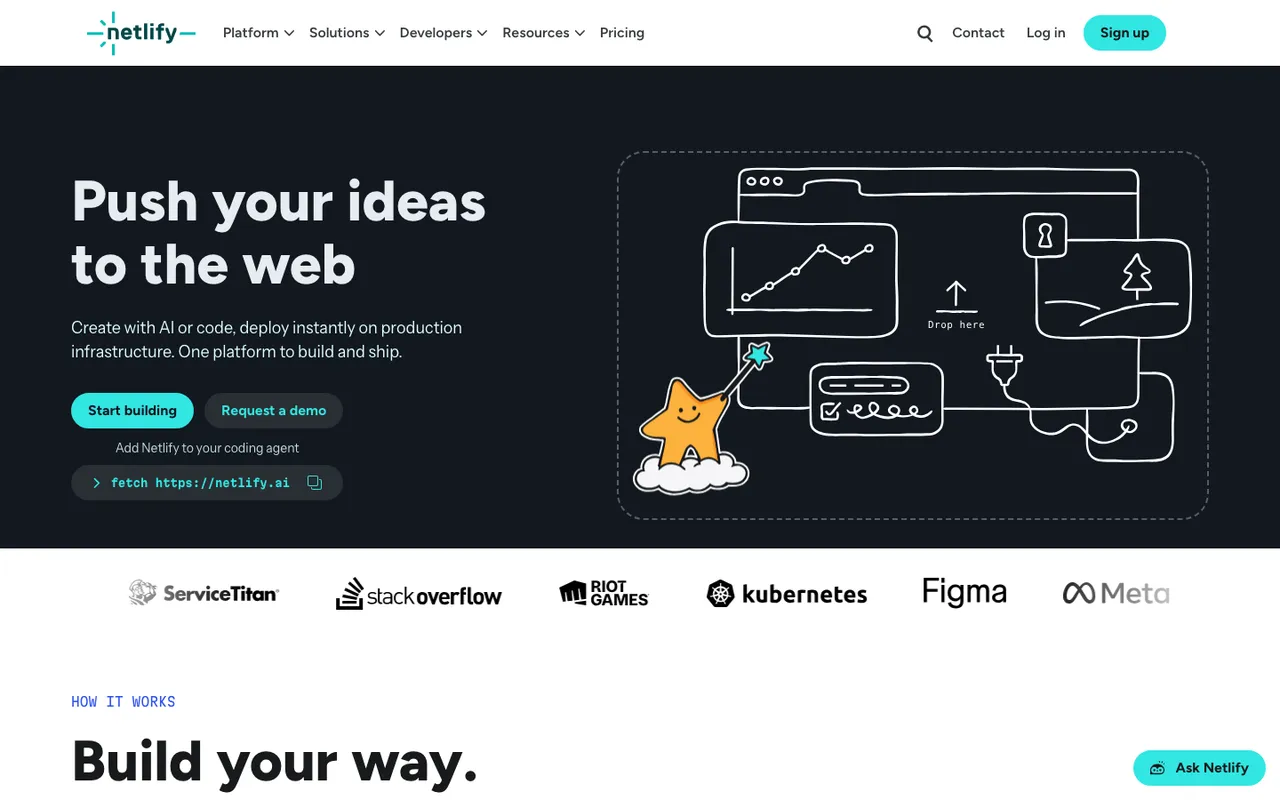
Netlify homepage (netlify.com), captured 04/11/2026. Screenshot: OPCAIOS.
Strengths: easy to use; transparent credit pricing on pricing page; Pro plan not per-seat.
Limitations: each deployment consumes credits; Free plan easily hits ceiling with frequent deploys.
4. Coolify: best if you want "your own Vercel"
Coolify is an open-source PaaS platform, Apache-2.0 licensed, installed on your server to deploy static sites, databases, full-stack applications and over 360 one-click services, according to the coollabsio/coolify GitHub repository description (read 04/11/2026). The repo has around 65,600 stars, created in 2021, still updated daily. According to official installation docs, Coolify needs minimum 2 CPU cores, 2 GB RAM and 10 GB disk, only runs on Linux, installed with one command. According to pricing page (read 04/11/2026), self-hosted version free with all features; Coolify Cloud from 5 USD/month for two servers, add 3 USD/month per server, you still bring your own server. Pricing excludes tax and may change. Remember: Coolify makes deployment easier, but OS updates and server backups are still your job.
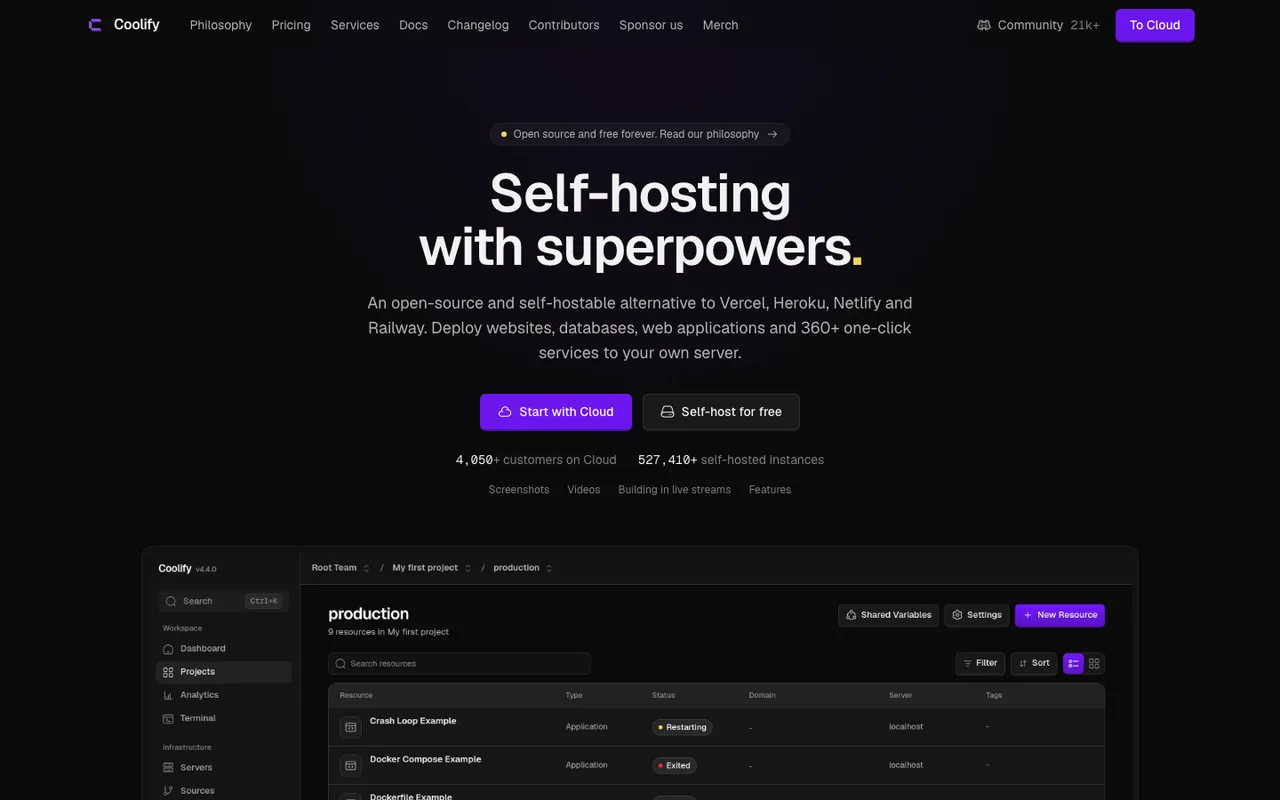
Coolify homepage (coolify.io), captured 04/11/2026. Screenshot: OPCAIOS.
Strengths: free when self-hosted; many pre-installed services; one dashboard for multiple servers.
Limitations: you're responsible for the server; need basic Docker understanding when troubleshooting.
Read more: What is Coolify?
5. Dokploy: best for those wanting lightweight self-hosting
Dokploy is an open-source self-hosted platform, self-described as an alternative to Vercel, Netlify and Heroku. According to GitHub (read 04/11/2026), the Dokploy/dokploy repo has around 38,200 stars, created April 2024. License file states most code uses Apache-2.0, except content in /proprietary folder (if any) under proprietary license; According to official installation docs, server needs at least 2 GB RAM and 30 GB disk; Dokploy uses Docker, Traefik for HTTP and HTTPS, Docker Swarm for orchestration, installed with one command. According to pricing page (read 04/11/2026), Cloud plan Hobby 4.50 USD/month per server, Startup from 15 USD/month for up to 3 servers, with 7-day free trial. Pricing excludes tax and may change. Pricing page doesn't clearly state if self-hosted version is free; source code is open on GitHub.
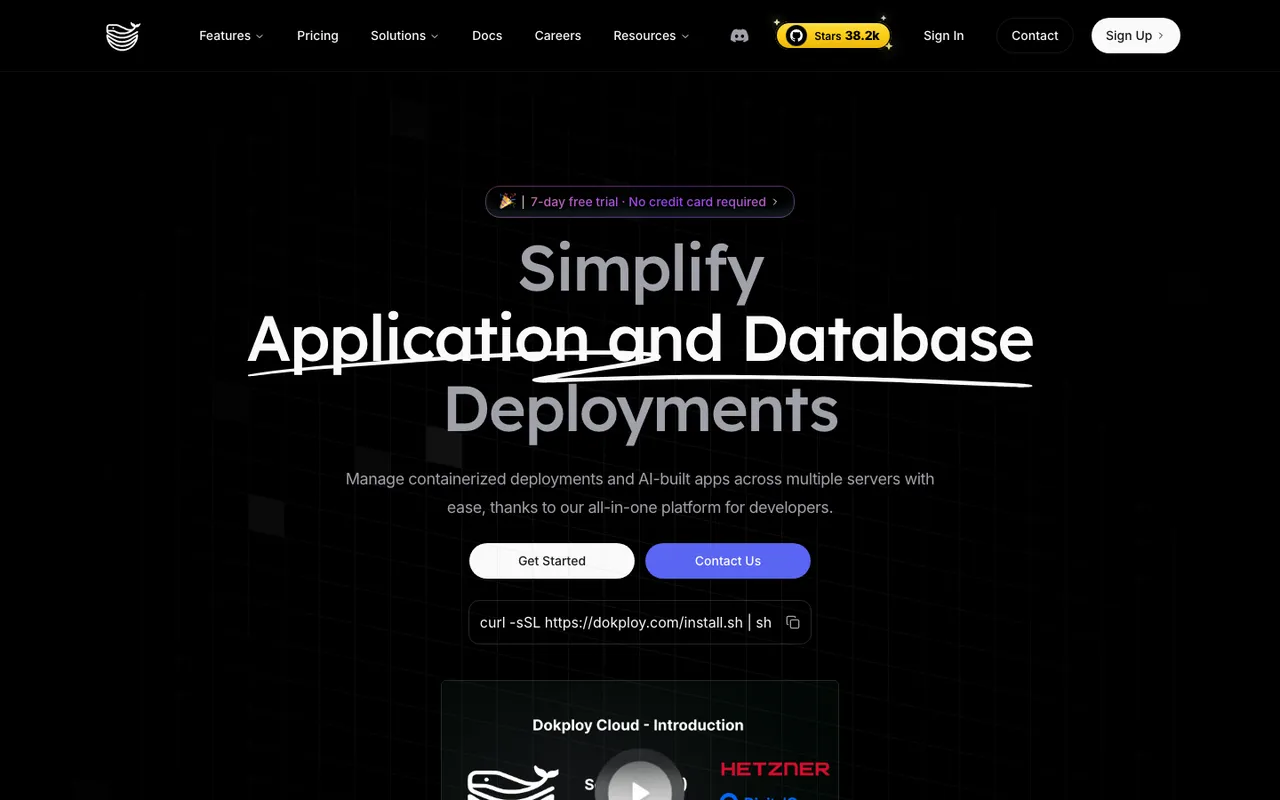
Dokploy homepage (dokploy.com), captured 04/11/2026. Screenshot: OPCAIOS.
Strengths: lightweight; Traefik and HTTPS certificates integrated; supports multiple servers via Docker Swarm.
Limitations: license has proprietary parts; needs 30 GB disk; self-hosted pricing page unclear.
Read more: What is Dokploy?
6. Self-managed VPS: best when needing full control and fixed costs
Self-managed VPS means renting a virtual server then installing everything yourself: operating system, Node.js or another runtime, process manager, web server and HTTPS certificate. VPS is sold by many providers, price varies by specs and location. This is how OPCAIOS runs opcaios.org: a self-managed VPS with Node.js, pm2 keeping the process running, nginx as web server, placed behind CDN. The benefit is cost usually fixed monthly, no worry about extra charges by bandwidth or deploy count, and not bound by Hobby terms. In return, you handle security, updates, backups, monitoring. For non-specialists, start when you have an AI agent supporting you or a guide, and always have a backup plan.
Strengths: full control; cost predictable; run many services on one machine.
Limitations: largest operational burden; misconfiguration is a security hole; no support team handling things for you.
Read more: What is VPS?
Which tool should you choose? Depending on your situation
Choose a website deployment platform based on what your website does and how much time you have. For a money-making site, go with Vercel Hobby. For a static site, use Cloudflare's free tier. For many services and you want full control, use a VPS with Coolify or Dokploy.
| Situation | Recommendation | Reason |
|---|---|---|
| Personal introduction page, portfolio | Cloudflare Pages | Free, fast, few limitations |
| Personal Next.js blog, not selling anything | Vercel Hobby | Easiest with Next.js, complies with non-commercial terms |
| Website selling courses or services using Next.js | Vercel Pro or self-managed VPS | Hobby doesn't allow commercial use |
| Running website with n8n, database on one machine | VPS with Coolify | One machine, many services pre-installed |
| Want a clean dashboard, multiple servers | Dokploy | Docker Swarm, integrated Traefik |
Example (hypothetical scenario): an online English teacher with a landing page selling courses. First, they rule out Vercel Hobby because the site takes payments. Next, they compare Vercel Pro with a small VPS running Coolify. Finally, they choose based on whether they have time to manage the server themselves.
Risks and general notes
The main risks when deploying a website include violating free tier terms, unexpected bill spikes, data loss, and security vulnerabilities. Most can be prevented with a few habits. The content below is for reference only, not legal advice.
- Free tier terms: read carefully what "commercial" means. Vercel Hobby prohibits both ads and receiving payments for a site.
- Hidden costs: usage-based platforms (Vercel Pro, Netlify credit) can spike when traffic suddenly increases.
- Self-hosting means self-responsibility: with Coolify, Dokploy, or VPS, you handle security updates, firewalls, and backups. See 3-2-1 backup for solo workers.
- Provider lock-in: using a platform's unique features makes moving harder. Keep code on Git, keep your domain under your control.
- Customer data: if your site stores customer information, you're responsible for protecting it wherever it runs.
OPCAIOS experience
OPCAIOS runs opcaios.org, a custom-built Next.js website, on a self-managed VPS with Node.js, pm2, and nginx, behind a CDN. We don't use Vercel or Netlify for opcaios.org, and haven't used Coolify or Dokploy for the main site yet.
Why we chose VPS: the website has a document store, training courses, custom CRM, and email sequences—meaning commercial use and many background processes. A self-managed server gives predictable costs. Daily operations happen with Claude Code, Antigravity, and Codex. The real lesson: self-managing means we audit security ourselves, handle backups ourselves, and every config mistake is our mistake. See also security audit of a solo-built website in 15 tasks one afternoon.
Read more: What is pm2?, What is Nginx?, What is CDN?, What is Docker?
Frequently Asked Questions
What's the best platform to deploy a website for beginners?
For beginners building static sites or landing pages, Cloudflare Pages is the easy and generous choice: the free plan allows 500 builds per month according to official documentation (read on 04/11/2026), with no server management needed. If your website uses Next.js and doesn't generate revenue, Vercel Hobby is the fastest way. Once your website starts selling, you need to upgrade to Vercel Pro or switch to another platform that fits the terms.
Is there a free platform for e-commerce websites?
Vercel Hobby is not: Vercel's documentation states that any commercial use requires the Pro or Enterprise plan. Cloudflare Pages and Netlify have free plans, but we haven't read through their commercial terms fully, so you need to check the official terms page yourself. Coolify self-hosted is free according to its pricing page, Dokploy is open source, but you still pay for server rental.
How are Coolify and Dokploy different?
Coolify and Dokploy are both self-hosted PaaS, installed on your Linux server. Coolify uses the Apache-2.0 license and has over 360 services available with one-click installation according to its GitHub description, requiring at minimum 2 CPU cores, 2 GB RAM, and 10 GB disk space. Dokploy uses Docker Swarm and Traefik, requiring at least 2 GB RAM and 30 GB disk space, with Apache-2.0 license except for the proprietary directory. We haven't tested both yet so we can't compare speed or stability.
Do you need to know how to code to deploy a website?
With Vercel, Cloudflare Pages, and Netlify, you need to know Git at a basic level: push your code to GitHub then connect it to the platform. With Coolify and Dokploy, you need to rent a VPS, run one installation command, and understand Docker when errors happen. Self-managed VPS requires understanding Linux, web servers, and HTTPS. AI agents like Claude Code help a lot, but you still need enough knowledge to verify what the AI does.
Where can you safely learn how to put a website online?
The effective way to learn is to do it with a small real project: first, deploy a static site to Cloudflare Pages; next, attach a custom domain and HTTPS; finally, try a Next.js website on Vercel or a VPS. If you want someone to guide you through the entire process, from choosing a platform to operating it with an AI agent, you can check out OPCAIOS's AI application training course.
Sources: vercel.com/pricing and vercel.com/docs/limits/fair-use-guidelines; developers.cloudflare.com/pages, /pages/platform/limits and /workers/platform/pricing; netlify.com/pricing; coolify.io/pricing, coolify.io/docs and GitHub coollabsio/coolify; dokploy.com/pricing, docs.dokploy.com and GitHub Dokploy/dokploy (read on 04/11/2026); not read/not verified: commercial use terms on free plans from Netlify and Cloudflare, whether Dokploy self-hosted is fully free, what proprietary features Dokploy includes; prices and stars may change. Experience is from OPCAIOS.
Translated from Vietnamese with AI. Read the original.
Want to apply this in your business?
Book a free 30-minute call (Vietnam time, in English or Vietnamese).