


Which Speech-to-Text Tool Should You Choose?
Short answer: want free and run on your own machine, pick Whisper (or faster-whisper). New to this, just need to dictate into any app, pick Wispr Flow. Use Mac and want voice never to leave your machine, pick FluidVoice. According to GitHub (checked 04/11/2026), the openai/whisper repo has 111,911 stars, MIT license; Google Cloud Speech-to-Text lists Vietnamese (vi-VN) on the official language page. There is no absolute "best" tool. This post compares 6 tools across five criteria: price, Vietnamese support, self-hosting ability, difficulty level, and update frequency. We have not measured accuracy in numbers for any tool, so all performance figures are clearly sourced.
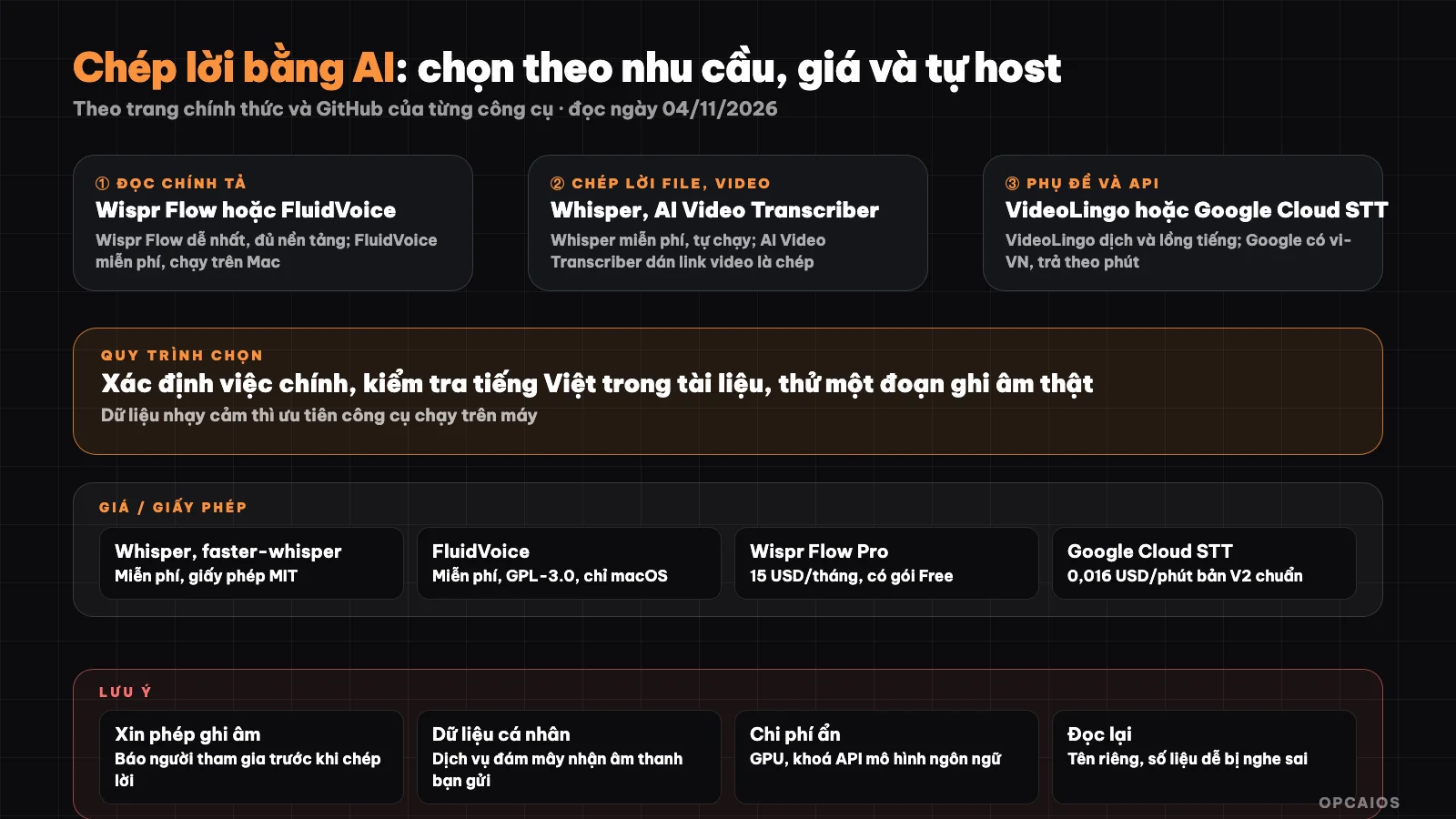
Map for choosing a transcription tool by need, price, and self-hosting level. Diagram: OPCAIOS.
Quick Comparison Table of 6 Speech-to-Text Tools
Six tools divided into three groups: dictation (Wispr Flow, FluidVoice), file transcription (Whisper, AI Video Transcriber), subtitling or API integration (VideoLingo, Google Cloud Speech-to-Text). Four tools are open source, self-hostable; two tools are paid services with limited free tiers.
Logo of the tools in this post, taken from each project's official page.
| Tool | Best for | Starting Price (checked 04/11/2026) | Self-host | Vietnamese | Difficulty |
|---|---|---|---|---|---|
| Whisper | Free transcription, self-hosted | Free (MIT) | Yes | Yes (multilingual) | Medium |
| Wispr Flow | Beginner dictation users | Free; Pro 15 USD/month | No | Yes in recognition list | Easy |
| FluidVoice | Dictation offline on Mac | Free (GPL-3.0) | Run on machine | Via Whisper, Cohere Transcribe | Easy |
| AI Video Transcriber | Transcribe video from link | Free, need API key for summary | Yes | Transcription yes; summary no | Medium |
| VideoLingo | Subtitles, translation, dubbing | Free, need API key | Yes | Not at input stage | Hard |
| Google Cloud Speech-to-Text | High-volume API | 0.016 USD/minute (V2) | No | Yes (vi-VN) |
Medium |
What Criteria Do We Use?
We score across five criteria, mostly based on official documentation checked 04/11/2026. Only one part is real experience: OPCAIOS runs faster-whisper in our internal video editing tool. We have not installed and tested the other tools, so we do not give them numerical scores.
- Price and license: from pricing page or license file; price does not include tax, may change.
- Vietnamese: marked "yes" only when official documentation lists it.
- Self-host: whether audio leaves your machine or not.
- Difficulty: need command line, GPU, API key, or just download an app.
- Update level: date of most recent code push via GitHub API, archived or not.
Detailed evaluation of each tool
Each section notes who made it, the license, sourced data and reading date, then strengths and limitations. GitHub stars only show interest level, not quality.
1. Whisper: best free and self-hosted option
Whisper is a versatile speech recognition model released as open source by OpenAI, MIT license. Whisper recognizes speech in many languages, translates to English, and identifies languages. According to the GitHub API (read on 04/11/2026), the openai/whisper repository has 111,911 stars, with the latest code push on 31/08/2026, not archived. The README lists six model sizes, from tiny (around 1 GB VRAM) to large (around 10 GB VRAM); the turbo version requires around 6 GB and is about 8 times faster than large, according to OpenAI's announcement in English, not yet verified. OpenAI notes that quality varies significantly by language. Install with pip install -U openai-whisper. For machines without a GPU, faster-whisper by SYSTRAN (MIT, 26,462 stars on 04/11/2026) is a common way to run on CPU.
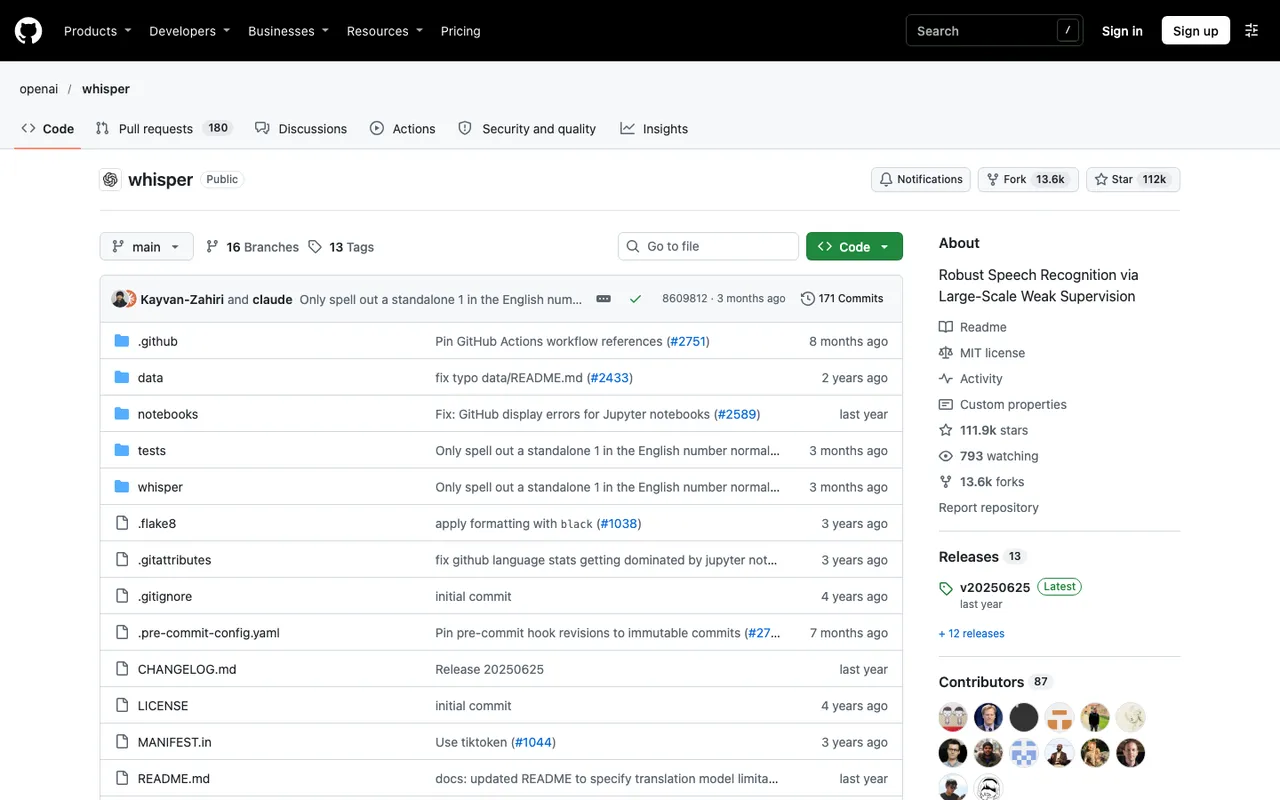
The openai/whisper GitHub page, screenshot taken 04/11/2026. Screenshot: OPCAIOS.
Strengths: free, MIT license, audio doesn't leave your machine. Many other tools use Whisper internally.
Limitations: no graphical interface. Large models need GPU. We haven't measured Vietnamese quality yet.
Read more: What is Whisper?
2. Wispr Flow: best for beginners who need dictation
Wispr Flow is a dictation app that lets you speak and type into any application, closed source. According to the pricing page at wisprflow.ai (read on 04/11/2026), the Free plan limits words per week but doesn't state the number. The Pro plan costs 15 USD/month if paid monthly, or 12 USD/month if paid yearly, with unlimited words; price doesn't include tax and may change. The pricing page notes that dictation runs on Mac, Windows, iOS, and Android, supporting "over 100 languages". Wispr Flow's support documentation lists Vietnamese among 23 languages that the app auto-detects from speech, and notes that each dictation session recognizes only one language. The pricing page also mentions SOC 2 Type II and ISO 27001 certifications, claimed by the company but not yet verified.
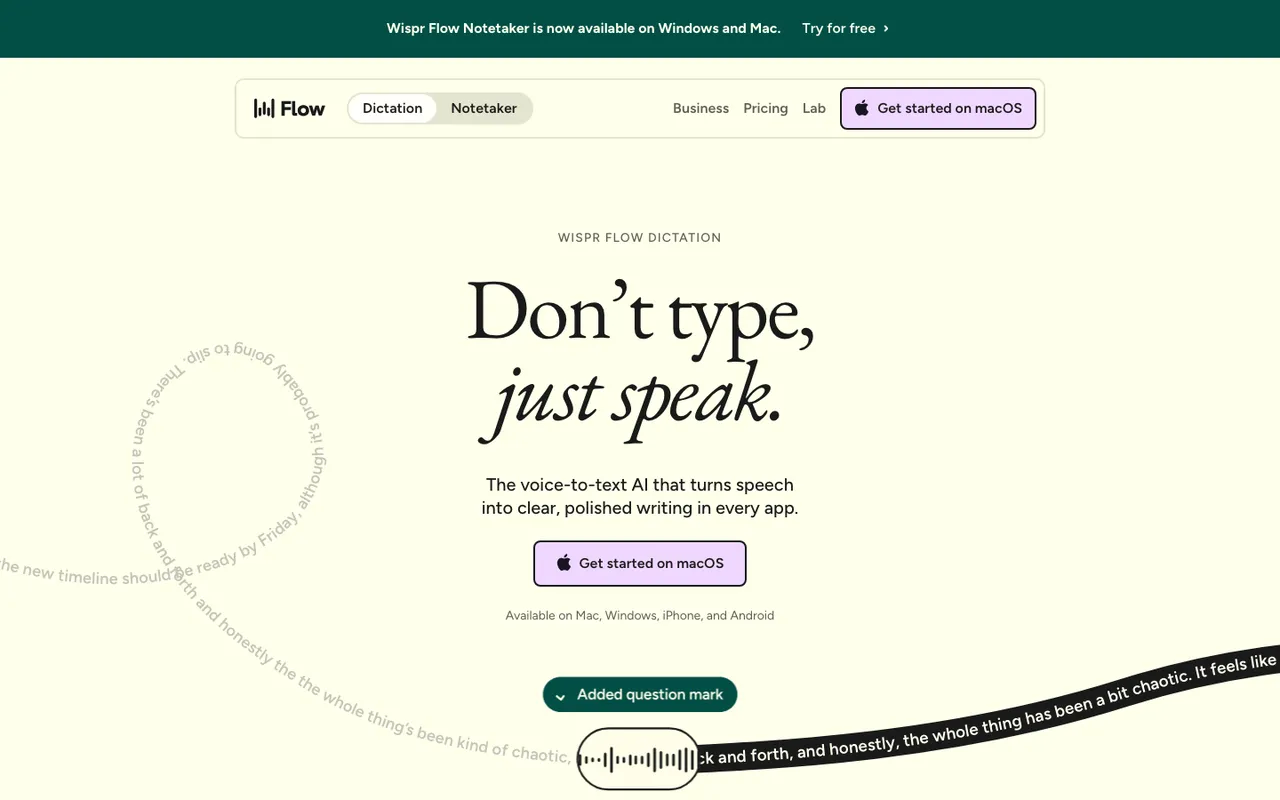
Wispr Flow homepage (wisprflow.ai), screenshot taken 04/11/2026. Screenshot: OPCAIOS.
Strengths: install and use, four platforms, Vietnamese is in the recognition language list.
Limitations: can't self-host. Free plan limits words. Sentences mixing English tend to be recognized incorrectly.
Read more: What is Wispr Flow?
3. FluidVoice: best for local dictation on Mac
FluidVoice is an open source dictation app for macOS by altic-dev, GPL-3.0 license, processing speech right on your machine. According to the GitHub API (read on 04/11/2026), the altic-dev/FluidVoice repository has 12,760 stars, with the latest code push on 02/11/2026. The README requires macOS 15 or later; iOS and Windows versions are on the waitlist. The app lets you choose from several models: Parakeet, Nemotron Speech 3.5, Cohere Transcribe, Apple Speech, and Whisper. The README lists Vietnamese among 14 languages for Cohere Transcribe, while Whisper supports 99 languages. The sentence polishing feature using AI can call OpenAI, Groq, or the locally-running Fluid Intelligence layer; only Fluid Intelligence is kept closed by the development team. The README warns that fluidvoice.org is not the official page.
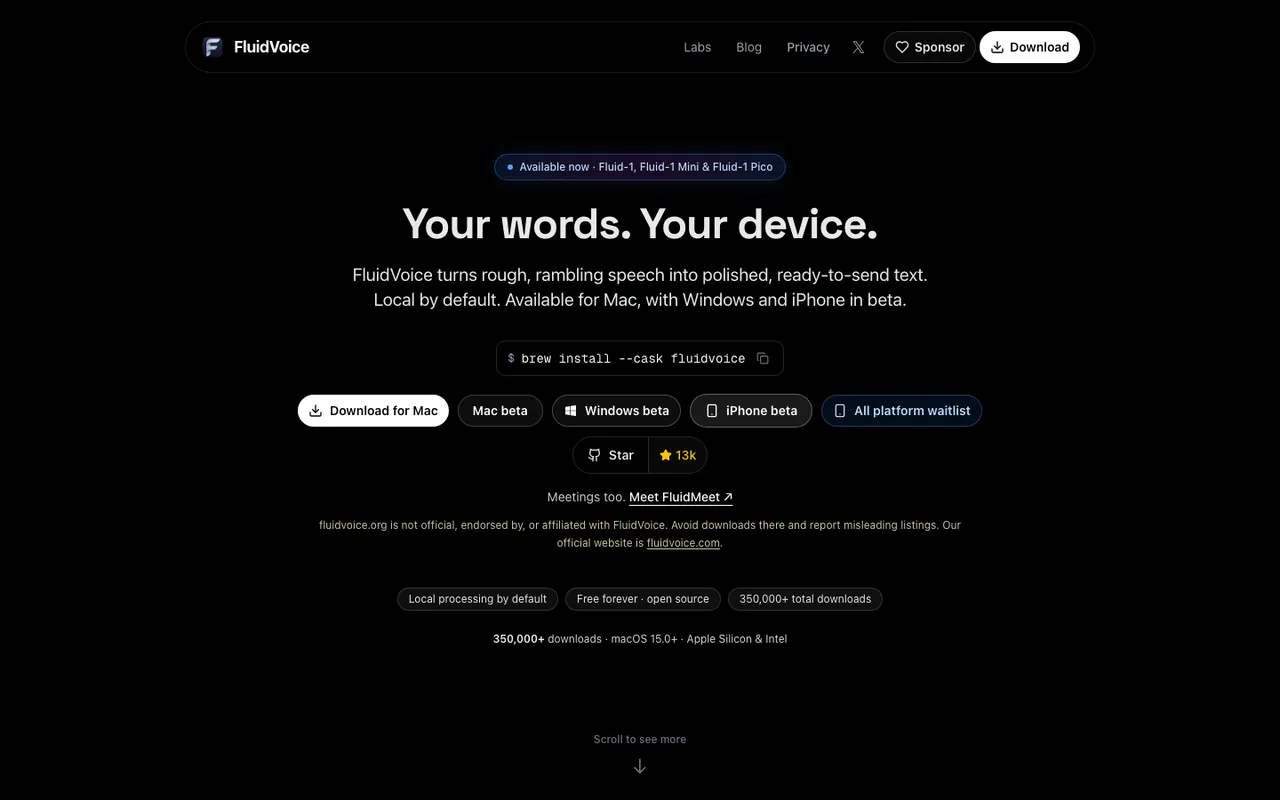
FluidVoice homepage (altic.dev), screenshot taken 04/11/2026. Screenshot: OPCAIOS.
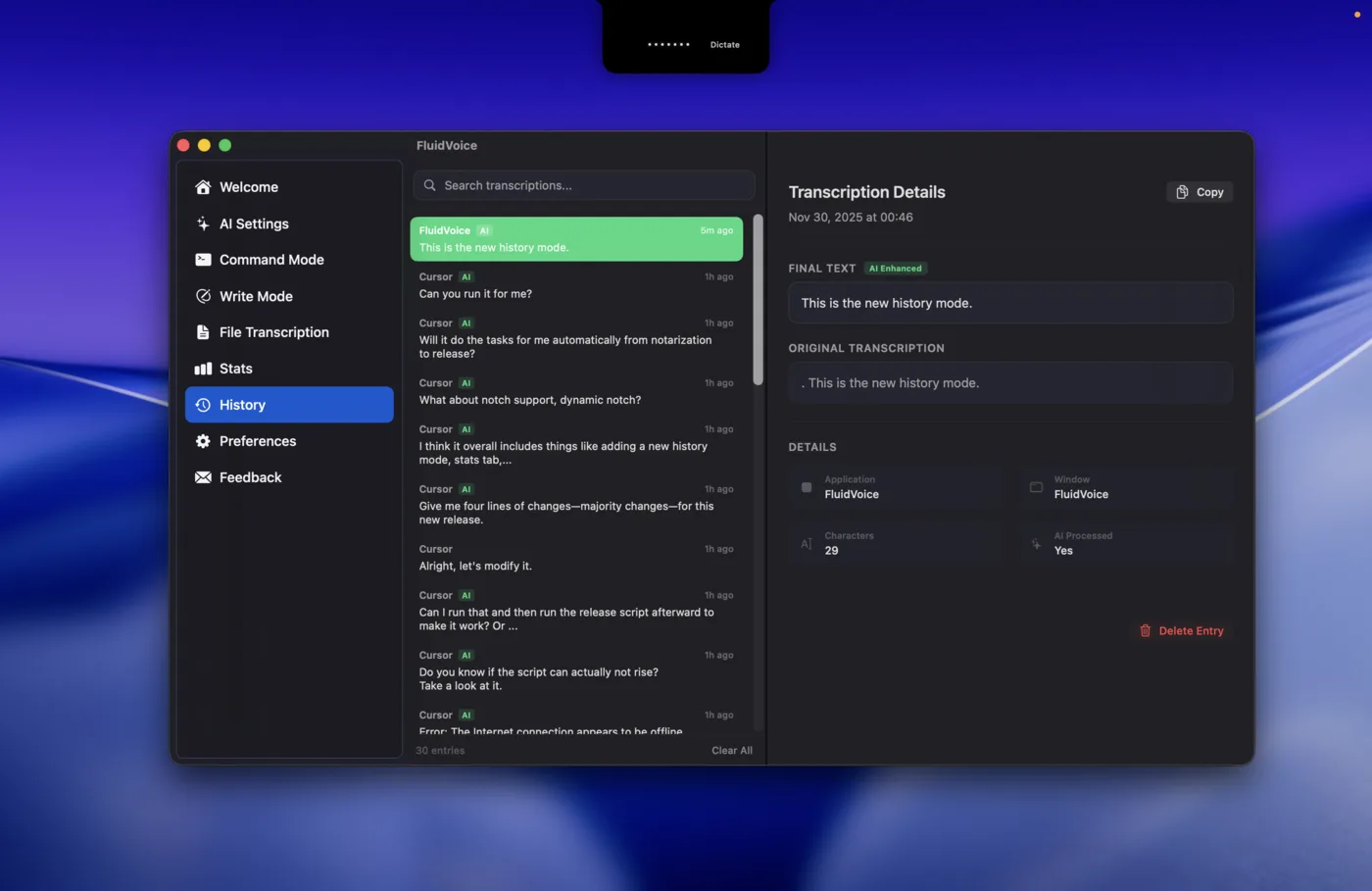
FluidVoice interface. Image: README from altic-dev/FluidVoice GitHub.
Strengths: free, speech doesn't leave your machine if you don't enable cloud providers, updates regularly.
Limitations: only on macOS 15+. Parakeet, the fastest model, doesn't have Vietnamese. Part of the AI is closed source.
Read more: What is FluidVoice?
4. AI Video Transcriber: best for transcribing videos from links
AI Video Transcriber is an open source web tool, Apache-2.0 license, that transcribes and summarizes videos or podcasts when you paste a link or upload a file. According to the GitHub API (read on 04/11/2026), the wendy7756/AI-Video-Transcriber repository has 3,389 stars, with the latest code push on 11/10/2026. The tool accepts links from YouTube, TikTok, Bilibili, and over 30 platforms. If the platform has built-in subtitles, the tool grabs them right away; only when there are none does it transcribe using Faster-Whisper. Requires Python 3.8+, FFmpeg, and an OpenAI-compatible API key for the correction, segmentation, and summarization steps. The README notes that transcription supports over 100 languages via Whisper, but summarization and translation only support 11 languages, not including Vietnamese. The project is the open source part of a paid product sipsip.ai.
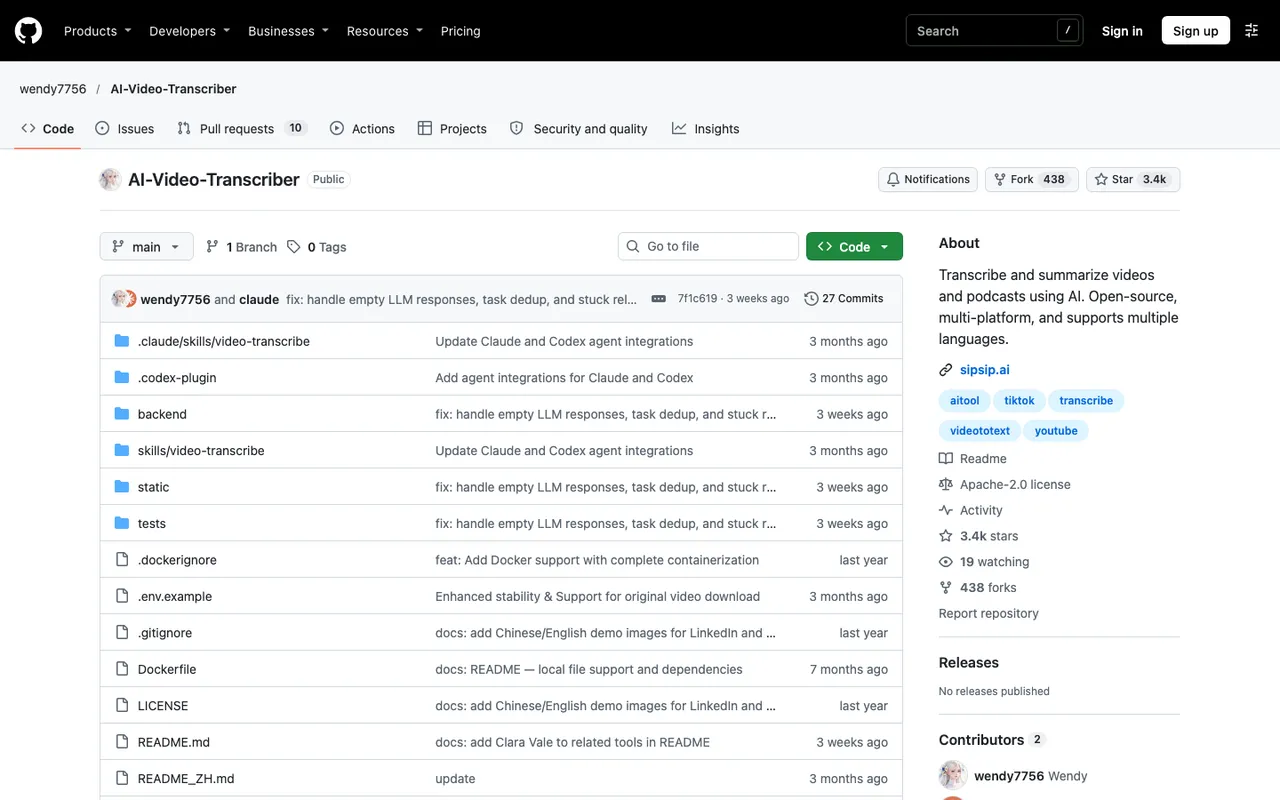
The wendy7756/AI-Video-Transcriber GitHub page, screenshot taken 04/11/2026. Screenshot: OPCAIOS.
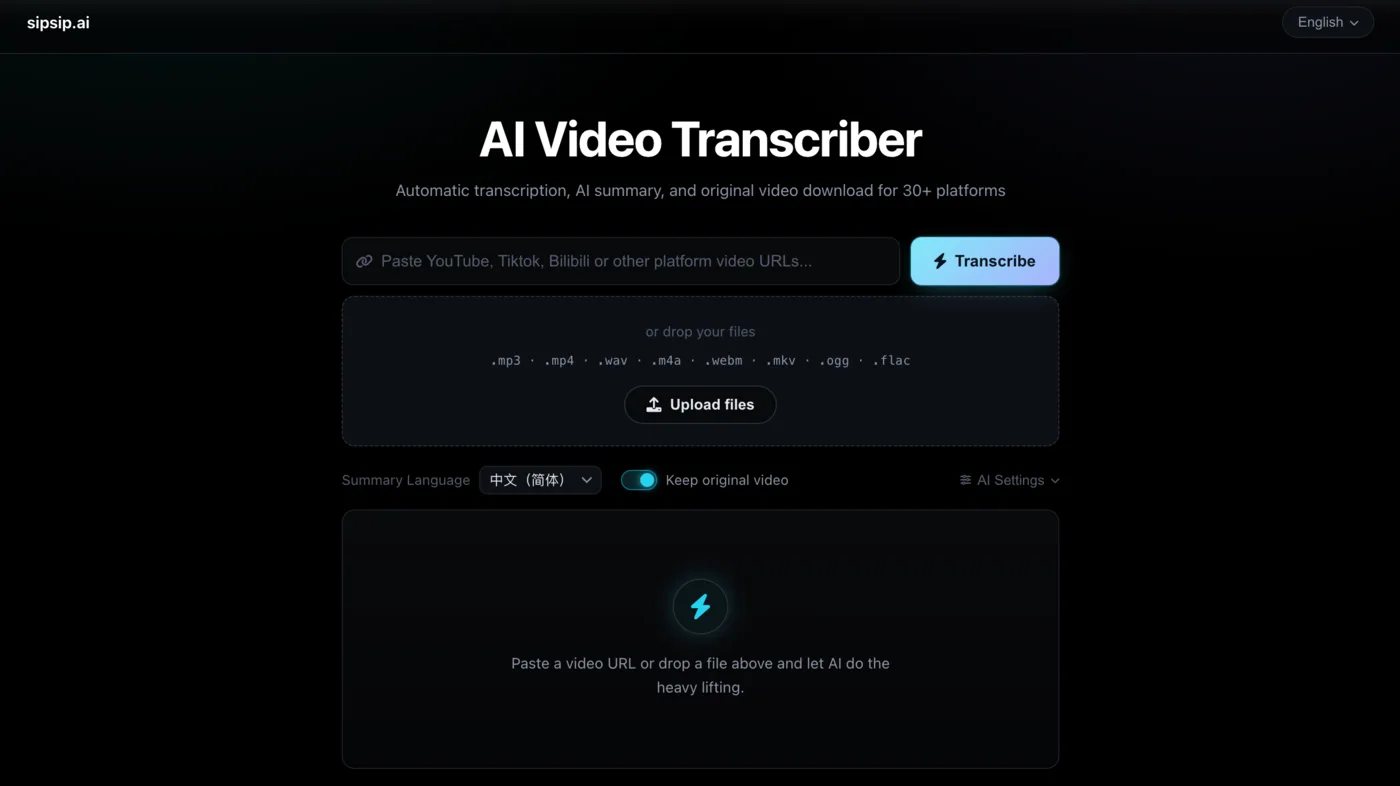
AI Video Transcriber interface. Image: README from wendy7756/AI-Video-Transcriber GitHub.
Strengths: paste link and run, leverages existing subtitles so it's fast, has Docker.
Limitations: summarization doesn't support Vietnamese. Downloading videos from other platforms may run into platform terms.
Read more: What is AI Video Transcriber?
5. VideoLingo: best for creating subtitles, translation, and dubbing
VideoLingo is an open source toolkit, Apache-2.0 license, combining speech recognition, subtitle cutting, translation, and dubbing in a single Streamlit interface. According to the GitHub API (read on 04/11/2026), the Huanshere/VideoLingo repository has 19,058 stars, with the latest code push on 30/09/2026. The README notes that the recognition step by default runs locally using Qwen3-ASR and Qwen3-ForcedAligner to get timestamps for each word; if you switch to ElevenLabs or MAI-Transcribe-2, audio is sent to the provider and may incur fees. The translation step needs a language model API key. Dubbing supports GPT-SoVITS, Edge TTS, F5-TTS, and some other services. Important to note: the input language list in the README only has eight languages (English, Russian, French, German, Italian, Spanish, Japanese, Chinese), not Vietnamese. VideoLingo is ideal when translating foreign-language videos into Vietnamese.
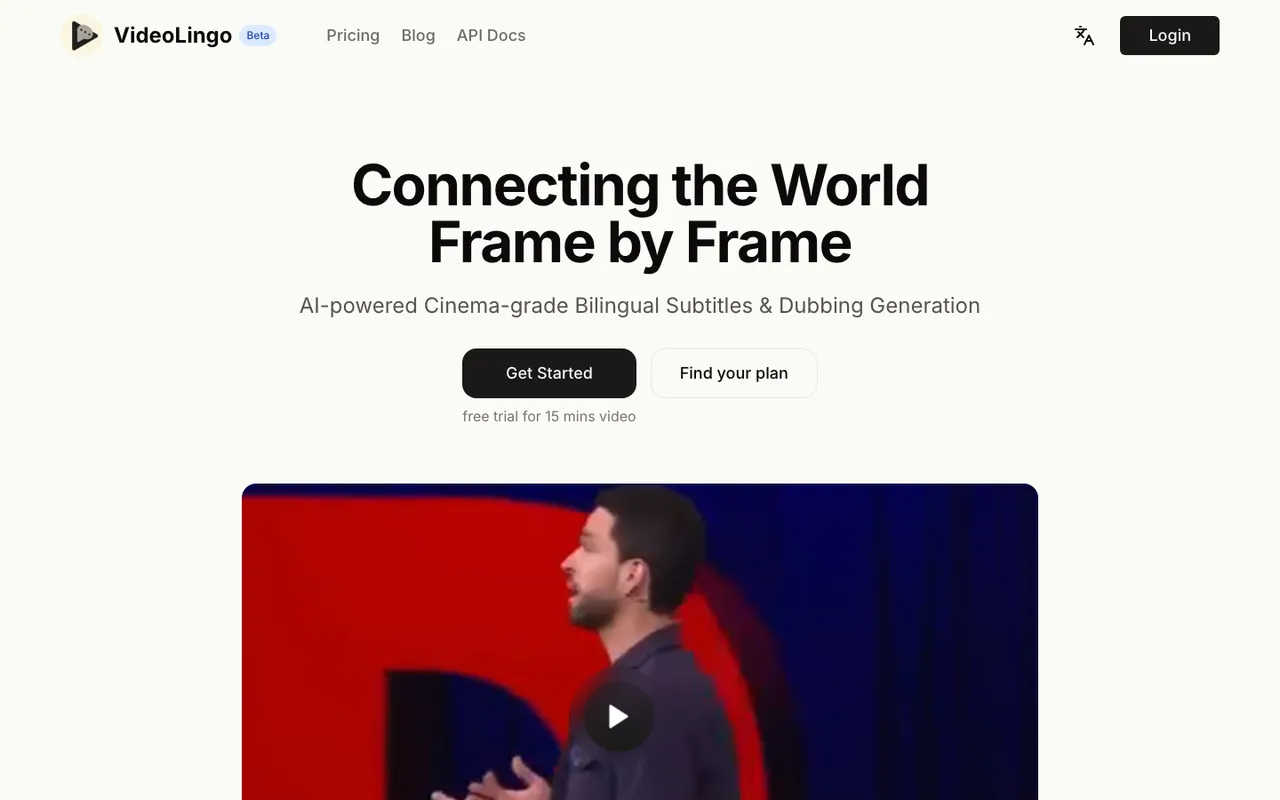
VideoLingo homepage (videolingo.io), screenshot taken 04/11/2026. Screenshot: OPCAIOS.
Strengths: complete workflow from original video to bilingual subtitles and dubbed version, has local API for AI agents to call.
Limitations: Vietnamese is not in the input languages. Heavy install, needs API keys, dubbing doesn't auto-separate voices by speaker.
Read more: What is VideoLingo?
6. Google Cloud Speech-to-Text: best when you need an API for large volumes
Google Cloud Speech-to-Text is a speech-to-text service via Google Cloud API, charged per minute of audio. According to the official language page (read on 04/11/2026), Vietnamese (vi-VN) is available in the chirp, chirp_2, chirp_3, long, and short models, with different features depending on the server region. According to the official pricing page (read on 04/11/2026), V2 standard tier costs 0.016 USD/minute for the first 500,000 minutes each month, decreasing as you use more; dynamic batch recognition costs 0.003 USD/minute. The V1 pricing table lists the first 60 minutes each month as free. Price doesn't include tax, may change, and may vary by region. You don't have to operate your own GPU server.
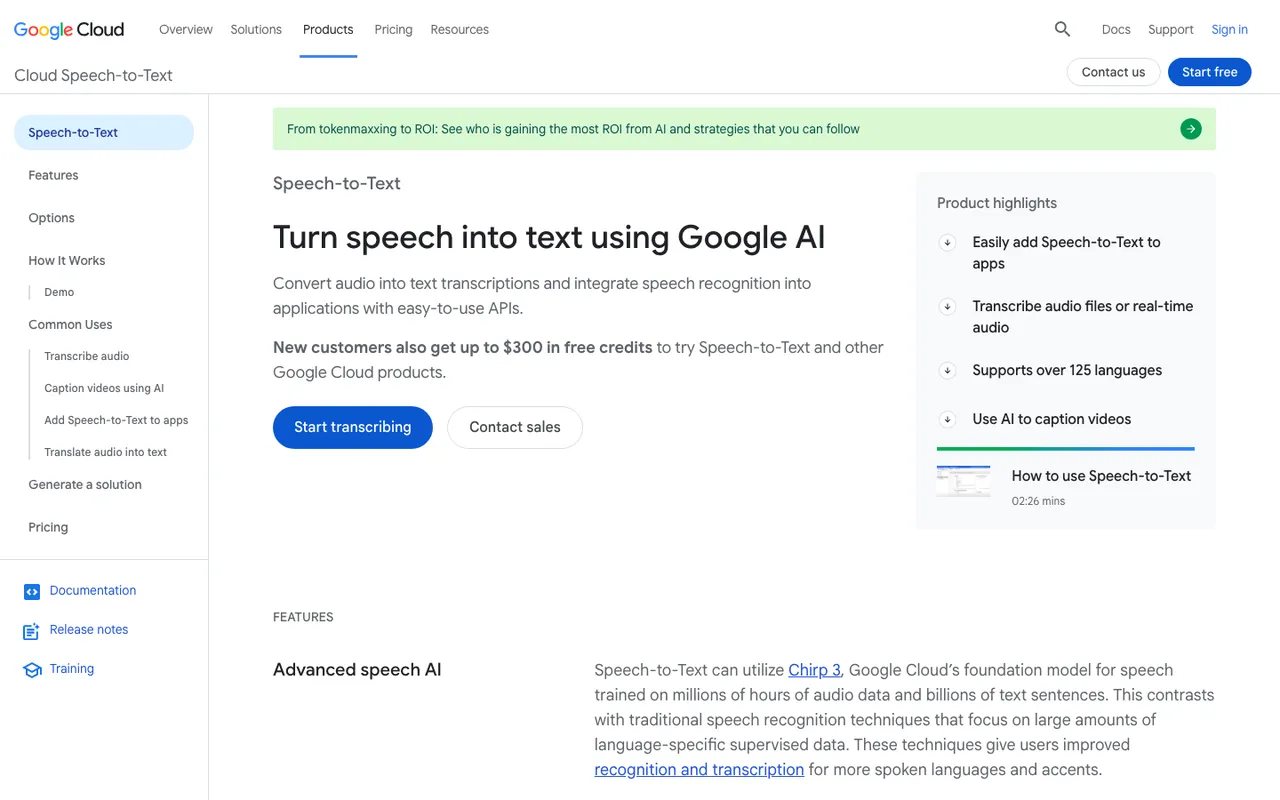
Google Cloud Speech-to-Text homepage (cloud.google.com), screenshot taken 04/11/2026. Screenshot: OPCAIOS.
Strengths: Vietnamese is in the official documentation, price is public per-minute, no server management needed.
Limitations: requires a Google Cloud account and credit card. Audio sent to the cloud. Tiered pricing table is complex, easy to confuse.
Which tool should you choose? By situation
Choose a speech-to-text tool based on what you do every day, not by star rating. The table below suggests a primary choice for each common situation of a solo worker, with brief reasons from official documentation.
| Situation | Suggestion | Reason |
|---|---|---|
| Reading aloud emails, messages, not tech-savvy | Wispr Flow | Install and use, supports Vietnamese |
| Using Mac, don't want voice leaving the machine | FluidVoice | Open source, local model |
| Transcribing recorded meeting, don't want to pay | Whisper or faster-whisper | Free, runs on CPU |
| Transcribing and summarizing YouTube video | AI Video Transcriber | Takes existing subtitles, only transcribes when needed |
| Translating foreign video to Vietnamese subtitles | VideoLingo | Combines transcription, translation, subtitles, voiceover |
| Building an app that needs transcription via API | Google Cloud Speech-to-Text | Has vi-VN, priced per minute |
Example (hypothetical): a course seller records a 40-minute consultation session. First, run faster-whisper on the machine to get a transcript. Next, feed the transcript to a language model to extract key points. Finally, read through proper nouns and numbers yourself before sending to the client.
Risks and general notes
The biggest risk when transcribing with AI lies in data, not just accuracy. Recordings of meetings, customer calls often contain personal information. Before using a cloud service, know where the audio goes and how long it is kept.
- Ask permission before recording: inform participants. This is for reference only, not legal advice.
- Personal data: Wispr Flow, Google Cloud, and language model providers receive the content you send. Read the terms before uploading customer recordings.
- Copyright: downloading videos from YouTube, TikTok to transcribe, translate, then repost may violate platform terms and copyright.
- Hidden costs: free software may still require GPU, API keys, or paid voiceover services.
- Always review: models can mishear proper nouns, numbers.
Read more: 5 data security rules for business when using AI.
OPCAIOS experience
OPCAIOS uses faster-whisper, which is the Whisper model running on CPU, in the video builder on the opcaios.org admin page. faster-whisper extracts text with timestamps for each word, then Remotion uses that data to build video with subtitles. We haven't measured accuracy by numbers.
We learned three things. First, when making subtitles, word-level timestamps matter as much as text correctness. Next, CPU is slower than GPU but sufficient. Finally, you still need someone to review before posting. The other five tools we haven't used for real work; the evaluation is based on official documentation.
Read more: What is Remotion?, Turn YouTube video into 10 articles, Best AI voice cloning tool, Free AI tech stack for OPC
Frequently Asked Questions
The five questions below are what readers often ask when choosing a Vietnamese speech-to-text tool. The answers are based on official documentation read on 04/11/2026 and real experience of OPCAIOS with faster-whisper; we have not measured accuracy.
Which speech-to-text tool is completely free?
OpenAI's Whisper (MIT) and SYSTRAN's faster-whisper (MIT) are completely free and run on your machine. FluidVoice (GPL-3.0) is free for Mac. AI Video Transcriber and VideoLingo (Apache-2.0) are free software but require an API key for summarization or translation. Wispr Flow has a limited Free plan. Google Cloud Speech-to-Text charges per minute; the V1 pricing table includes 60 minutes free per month (read on 04/11/2026).
Which tool transcribes Vietnamese best?
We have not measured Vietnamese accuracy numerically, so we don't rank them. Based on documentation: Whisper is a multilingual model; Google Cloud Speech-to-Text lists vi-VN; Wispr Flow lists Vietnamese among 23 auto-detected languages; FluidVoice has Vietnamese via Cohere Transcribe and Whisper. VideoLingo does not have Vietnamese on input. The surest way is to test the same audio clip of yours on two or three tools.
Do I need a GPU to run Whisper?
Not required. According to OpenAI's README, the tiny and base models need around 1 GB VRAM, large needs around 10 GB, turbo around 6 GB. Without a GPU, SYSTRAN's faster-whisper is the common way to run on CPU. OPCAIOS is running faster-whisper on CPU in an internal video editing tool, enough for one person's workload.
If I use Wispr Flow or FluidVoice, does my voice get sent away?
FluidVoice runs the model right on Mac; the README states voice and text do not leave the machine unless you enable a cloud AI provider like OpenAI or Groq. Wispr Flow is a closed-source service; the pricing page states you can turn off data use for training and choose what stays on device. We have not read the technical documentation about where Wispr Flow processes audio; with sensitive data, read the company's policy first.
Where should beginners start transcribing with AI?
First, choose a specific task, for example transcribing your weekly meeting. Next, try an easy tool like Wispr Flow or FluidVoice to get used to reading transcripts. When you need to transcribe long files for free, switch to Whisper or faster-whisper. Finally, connect the transcript with a language model to summarize, write, or make subtitles. If you want a structured learning path, you can check out OPCAIOS's AI application training course.
Source: github.com/openai/whisper, github.com/SYSTRAN/faster-whisper, wisprflow.ai/pricing, docs.wisprflow.ai, github.com/altic-dev/FluidVoice, github.com/wendy7756/AI-Video-Transcriber, github.com/Huanshere/VideoLingo, cloud.google.com/speech-to-text/pricing and Speech-to-Text language page (read on 04/11/2026); not yet read/verified: Vietnamese accuracy of all tools, where Wispr Flow processes audio, Free plan word limit and Wispr Flow Growth plan pricing; prices and ratings may change. Experience is from OPCAIOS.
Translated from Vietnamese with AI. Read the original.
Want to apply this in your business?
Book a free 30-minute call (Vietnam time, in English or Vietnamese).